Oscars & Award Show Bingo: Free Printable Cards
Oscars and award show bingo is a 5x5 grid filled with moments that always happen during a live ceremony, like "an acceptance speech runs long," "someone thanks their mom," and "a surprise upset winner." You watch the broadcast, mark each square as it plays out, and the first to complete a line shouts "Bingo!" The fastest way to hand every guest a different card is to use a free bingo card generator that shuffles your moment list into unique cards you can print before the red carpet starts.
Throwing a watch party tonight? Open the free generator, paste in an award-show word list (there's a ready-made one below), and print one card per guest. No sign-up, no software, no scrambling during the opening monologue.
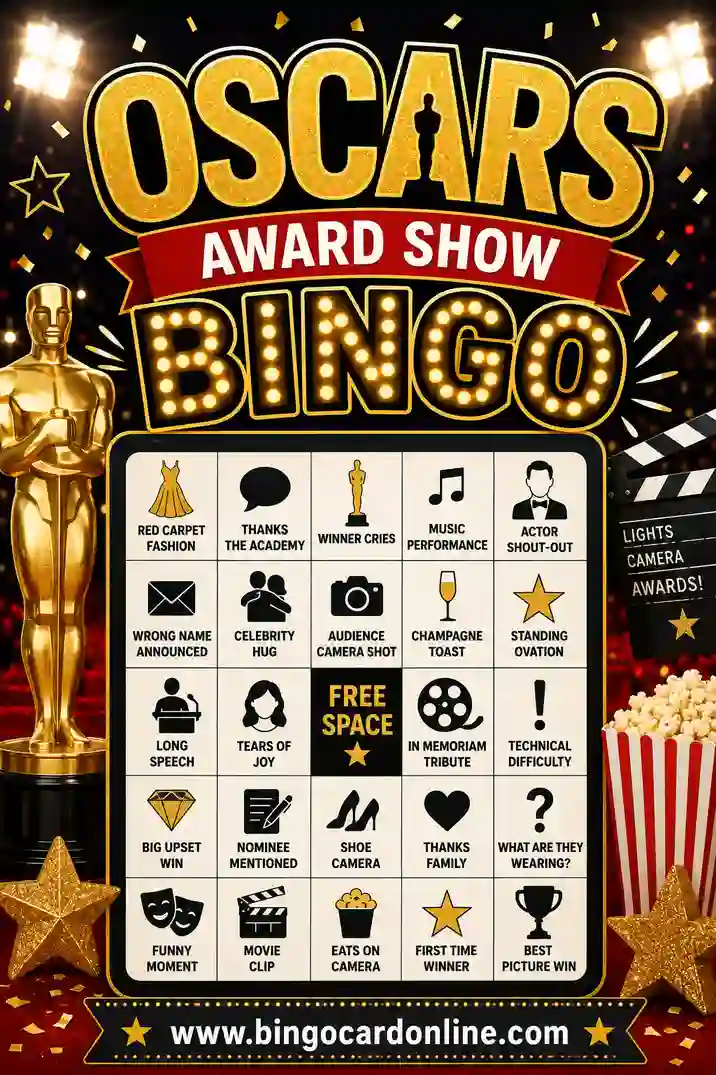
Award show bingo turns a three-hour ceremony into a game everyone wants to watch. Each square holds a moment you can count on: a teary speech, a wardrobe malfunction, a host's roast that lands a little too hard, the orchestra playing someone off. As the show airs, players watch for these beats and mark them off.
This is "spot-it" bingo, so there's no caller. The live broadcast does the calling for you. The fun is in the room reacting together when the camera cuts to a stunned loser trying to smile, and three people across the couch quietly mark the same square.
Common grid sizes:
- 3x3 for a casual crowd or a shorter ceremony.
- 4x4 for a solid game that lasts most of the broadcast.
- 5x5 with a free center square for the full Oscars marathon, red carpet included.
Why Award Show Bingo Makes the Ceremony Better
A long awards telecast can drag. Bingo fixes that.
- It keeps people watching the slow parts. Even the technical-award segments matter when a square is riding on them.
- It turns predictable moments into payoffs. The long, weepy speech you'd normally tune out becomes a win.
- It's free and reusable. Print a set once and use it for the Oscars, the Grammys, the Emmys, and every show in between.
It also makes a quiet living room loud in the best way. The first "someone forgets to thank their spouse" gets a laugh, and now the whole party is locked in.
Free Award Show Bingo Word List (Copy & Paste)
Here's a ready-to-use list of 30 ceremony moments. Pick any 24 for a 5x5 card (the 25th square is your free space), or grab 9 for a quick 3x3. Copy the column you like straight into the generator.
| On Stage | The Speeches | Red Carpet & Crowd |
|---|---|---|
| Surprise upset winner | Speech runs long | Wardrobe malfunction |
| Played off by the music | Thanks their mom | Standing ovation |
| Host roasts a celebrity | Cries during speech | Camera on a stunned loser |
| A tie or double win | Forgets someone | Bold fashion choice |
| Technical glitch | Political statement | Couple caught kissing |
| Trips on the way up | Reads from a paper | Awkward seat filler shot |
| In memoriam segment | Thanks the fans | Celebrity on their phone |
| Host costume change | Holds up the trophy | Reaction shot of a nominee |
| First-time winner | "I never thought" line | Drink in hand on camera |
| Repeat winner | Speech gets emotional | Big musical number |
Mix moments across columns so each card plays differently. For a casual party, lean on the obvious squares like a long speech, a standing ovation, and a bold fashion choice.
Theme variations to try
- Grammys bingo. Swap in performance-heavy squares: a surprise duet, an over-the-top stage set, an artist plays an instrument, a genre upset.
- Red carpet bingo. Play just the pre-show with squares like a stuck zipper, a host fumbles a name, two stars hug, a designer name-drop.
- Snark bingo. For the cynics: a forced applause moment, an obviously scripted "ad-lib," a winner no one predicted, a category nobody understands.
How to Make Award Show Bingo Cards in 4 Steps
No design skills needed. Here's the whole thing.
- Pick your grid size. 5x5 for the full ceremony, 4x4 for a casual game, 3x3 for a quick round or kids in the room.
- Add your moments. Paste at least 24 squares for a 5x5. More moments mean more variety so no two guests share a card.
- Choose how many cards. One per guest, plus a few spares for latecomers. The generator makes each card unique.
- Print before the broadcast. Print at home, hand out cards, and clip a pen to each.
That's it. Print on cardstock or use clear sleeves with dry-erase markers so you can replay at the next ceremony.
Who Award Show Bingo Is Great For
This game fits any kind of watch party.
Friend watch parties
The classic use. Everyone gets a card, the snacks come out, and a three-hour show becomes a shared event with a champion at the end.
Couples and small gatherings
Even two people make it fun. Race each other, and the loser of the night handles the popcorn refills.
Office and remote watch parties
Streaming the broadcast with coworkers over a call? Everyone prints their own card and competes from home. It's a low-effort way to host a virtual party.
Film and music fan groups
Serious fans love a card that rewards them for knowing the patterns of these shows. Add insider squares and it gets even better.
Printing Tips for Crisp, Reusable Cards
A few small choices keep the party smooth.
- Use cardstock if you can. It holds up to a long night of snacks and drinks.
- Print in black and white to save ink. The cards read clearly without color.
- Use sleeves or laminate for reuse. Players mark with dry-erase markers and you wipe them clean for the next show.
- Print a test card first. Check that no squares get cut off before you run a full stack.
- Use a clear, large font. People mark fast during a live moment, so make squares easy to scan.
What to use as markers
No fancy supplies needed:
- A pen or dry-erase marker
- Snack pieces like pretzels or candies
- Small stickers
- A simple checkmark
Fun Ways to Change Up the Game
When a straight line gets stale, try these twists.
- Blackout ceremony. First to fill the whole card by the final award wins. Saves the big prize for the close.
- Four corners. First to mark all four corners wins. Great for the red-carpet pre-show.
- Sip or snack. When you mark a square, take a sip or grab a bite. Keeps casual watchers engaged through the slow stretches.
- Team bingo. Couches compete. Split the room into two teams sharing cards for a louder game.
You can tie prizes to the night: best-dressed guest picks the next snack, or the winner gets out of cleanup.
How to Run an Award Show Bingo Party
You barely have to do anything besides hit play. Here's a smooth setup.
- Hand out cards and markers before the show. Settle this during the red carpet, not mid-speech.
- Agree on the win. A single line, four corners, or a full blackout. Say it out loud so there's no argument later.
- Set a judgment rule. Pick one person to settle close calls, like whether a speech really "ran long."
- Let the broadcast call the shots. Players mark squares as moments happen on screen. No caller needed.
- Check the winner. When someone yells "Bingo!", have them name the moments they marked. If the line holds, they win.
A good tip: print the cards the morning of the show so you can add a few squares tailored to that year's nominees.
Common mistakes to avoid
- Moments too specific. A square tied to one exact nominee might never happen. Mix in reliable beats like a long speech.
- Identical cards. If two guests share a layout, they win together and the moment fizzles. Use a generator so every card is different.
- No referee for close calls. Without someone to rule, "did that count?" debates stall the party. Pick a judge up front.
- Forgetting markers. Hand out a pen with each card so nobody's hunting for one during a fast moment.
Award Show Bingo for Different Groups
The same broadcast works for any crowd with a few tweaks.
| Group | Grid size | Tips |
|---|---|---|
| Casual party | 4x4 | Stick to obvious moments everyone will catch. |
| Hardcore fans | 5x5 | Add insider squares about specific categories. |
| Couples | 3x3 | Quick rounds, race each other. |
| Office / remote | 4x4 | Universal moments so everyone can play from home. |
| Snark crowd | 5x5 | Load up on the over-the-top, cynical squares. |
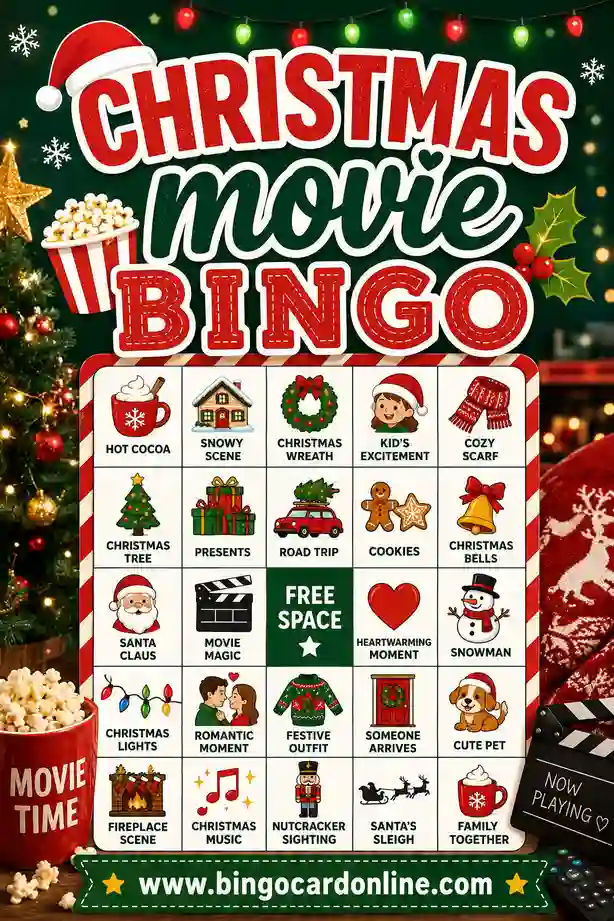
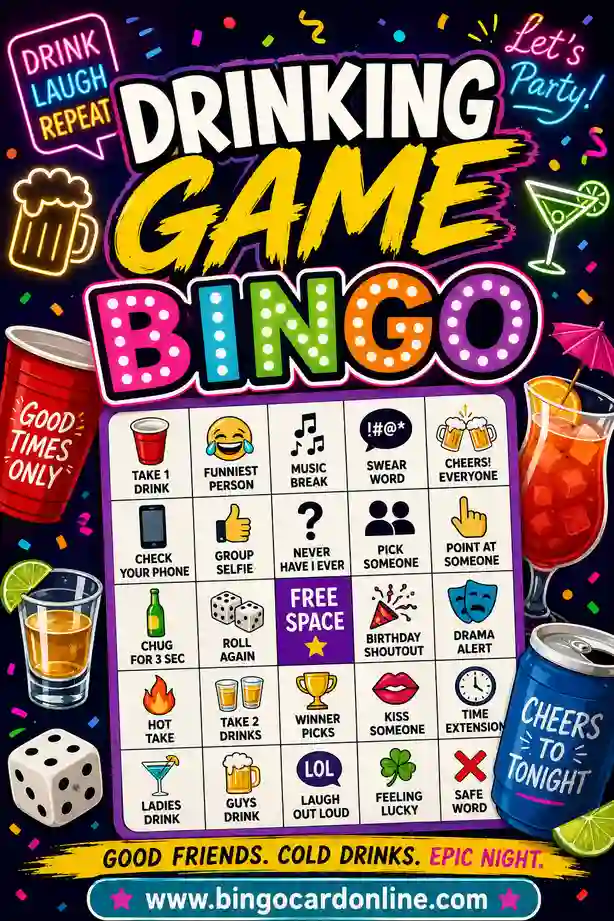
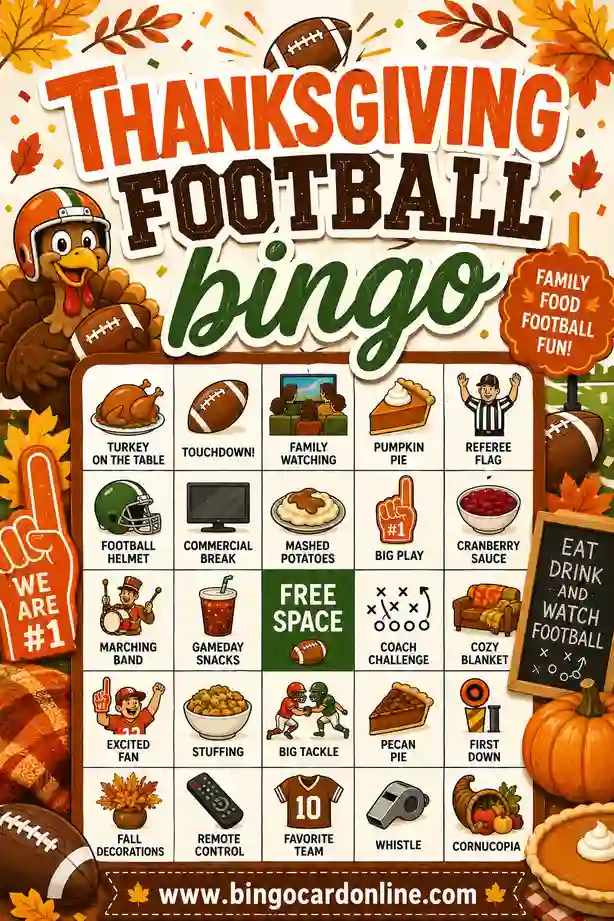
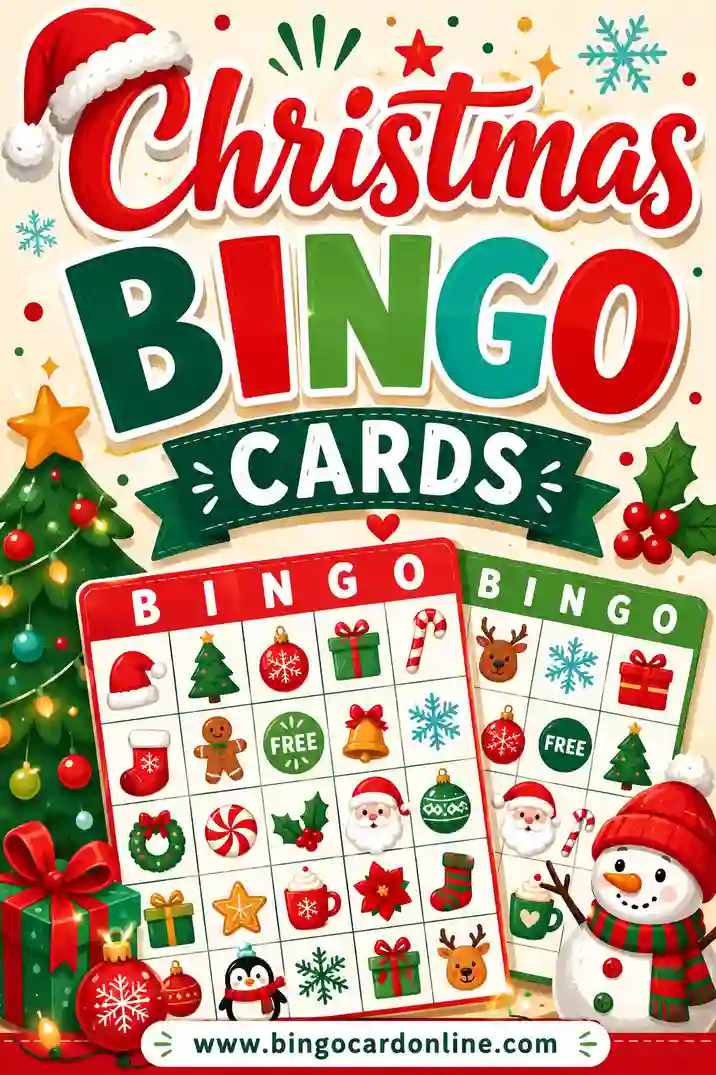
Love a good watch-party game? You can build the same kind of fun with our Christmas movie bingo, add a grown-up twist with drinking game bingo, or switch to game day with Thanksgiving football bingo.
Frequently Asked Questions
How many award show bingo cards do I need?
One card per guest, plus a few spares for people who show up late. For a party of eight, print ten. The generator makes as many unique cards as you want in one pass.
What should go on an Oscars bingo card?
Moments that reliably happen: a long acceptance speech, a standing ovation, a surprise upset, a wardrobe malfunction, someone thanking their mom. The word list above gives you 30 ready to copy. Aim for at least 24 so a 5x5 fills up.
Is award show bingo really free to print?
Yes. You make and print the cards yourself at no cost. There's no sign-up and no watermark, so you can host a whole watch party on a single free word list.
Can I use the same cards for the Grammys or Emmys?
Absolutely. Most ceremony moments overlap across shows. Swap a few squares for music or TV specifics and the same set works all awards season.
How do I make every card different?
Use a generator that shuffles your moment list. It rearranges the same squares into a new layout for each card, so no two guests have matching grids or win at the same second.
Can I reuse the cards next year?
Yes. Print on cardstock and laminate them or use clear sleeves, then players mark with dry-erase markers. Wipe them clean and they're ready for next year's ceremony.
Ready to Print Your Award Show Bingo Cards?
Grab the moment list above, open the free bingo card generator, and you'll have a unique card for every guest in minutes. It's free, there's no sign-up, and every card comes out different, so your whole watch party can play through every speech and surprise. Roll out the red carpet, and may the first "Bingo!" go to you.