Make custom bingo cards in three steps
This free bingo card generator turns any list of words — or a range of numbers — into a stack of ready-to-print cards. It works great for classroom games, holiday parties, baby showers, road trips, team meetings and game nights. There is nothing to install and nothing to sign up for — everything happens right here in your browser.
- Choose your card type. Use your own words, switch to numbers for classic 1–75 or 1–90 bingo, or pick an emoji pack for picture bingo. You can also load a ready-made theme.
- Pick a size and a count. Choose a 3×3, 4×4 or 5×5 grid (with an optional free center space on 5×5), then set how many unique cards you need for your group.
- Generate, then print, export or play. Hit Generate cards, then Print / Save as PDF, Download PNG, or Play caller to run the game right on screen.
New: number bingo, emoji cards, a caller and more
- Number bingo (1–75 & 1–90). Classic B-I-N-G-O columns or UK-style 1–90, filled by column, unique every time.
- Emoji / picture bingo. Animals, food, holidays and more — perfect for non-readers, toddlers and ESL learners.
- PNG export. Download the previewed card as an image to drop into Slides, Docs or social posts.
- 1 / 2 / 4 cards per page & ink-saver mode. Save paper and printer ink for big groups.
- Free bingo caller with voice & auto-call. Draw items one at a time on screen — no repeats — have each call spoken out loud, or let the auto-call timer run the game every 5, 10 or 15 seconds. A printable master call sheet is included.
- Photo bingo. Upload up to 30 of your own pictures and print picture-matching cards — everything stays on your device.
- Card color themes. Classic, Party, Pastel, Red & Green or Ocean palettes on both the preview and the printed cards.
- Auto-save & shareable links. Your setup is remembered in your browser, and you can copy a link that recreates it for co-organizers.
How many words do you need?
Each square holds one word, so the number of words you need depends on the grid you choose. Here is a quick reference:
| Grid size | Squares | Words needed | Best for |
|---|---|---|---|
| 3 × 3 | 9 | 9 words | Toddlers, quick rounds, sight words |
| 4 × 4 | 16 | 16 words | Kids' parties, classrooms |
| 5 × 5 | 25 (24 with free space) | 24–25 words | Classic bingo, big groups, events |
Want longer odds and more variety between cards? Add a few extra words beyond the minimum. With more words to draw from, every card looks more different from the next.
Popular bingo themes
Pick a ready-made word list to get going fast, then customize it however you like:
Why people love this generator
- Genuinely unique cards. Every card is shuffled and checked so no two in a batch match.
- Print-ready. A clean print stylesheet hides all the website chrome and paginates neatly.
- Free and private. No accounts, no watermarks, and your words never leave your device.
- Works anywhere. Phones, tablets, laptops — anything with a web browser.
Virtual bingo cards you can play online
You don't need paper to play. The same generator that makes printable cards also works for remote groups on Zoom, Google Meet, Microsoft Teams or any video call. The host runs the built-in caller on a shared screen, and players mark their cards wherever they are.
- Set up your game. Pick words, numbers, emoji or a theme, choose a grid size, and add a card title such as “Friday Team Bingo.”
- Get a card to every player. Generate one unique card per person, then use Print / Save as PDF to save the batch and send each player their own page. For a quick casual game, you can instead use Copy shareable link so players open the same setup and generate a card on their own device.
- Share your screen and open the caller. Click Play caller, share that window, and draw calls one at a time. Turn on Voice so remote players hear each call, or use Auto-call to keep a steady pace.
- Let players mark their cards. Players can print their card and use a pen or chips, or open the PDF or PNG and mark squares with a phone or tablet markup tool.
- Verify winners. When someone calls “Bingo!” in the chat, have them read back their line and check it against the caller history or your printed master call sheet.
Tip: cards that players generate separately from a shared link are each shuffled at random, but they are not checked against each other the way a single batch is. If you need guaranteed unique cards (for prizes, for example), generate the whole batch yourself and hand them out. For more remote-game ideas, see our guide to bingo for virtual & Zoom parties.
Human bingo and icebreaker cards
Human bingo (also called “find someone who” bingo) swaps called numbers for people. Each square describes a trait or experience, and players mingle to find someone who matches. When they find a match, that person signs or initials the square. The first player to complete a line — or the whole card — wins. It's a classic icebreaker for first days of school, staff meetings, conferences, youth groups and parties.
To make human bingo cards here, keep the card type on Words and type one prompt per line. A 4×4 grid works well for short events, while a 5×5 grid with a free center space suits longer mixers. Generate a unique card for each guest so people go looking for different matches. You won't need the caller for this game.
Find-someone-who prompts to get you started
Copy any of these into the word box, one per line, and mix in a few that fit your group:
- Has been to another country
- Speaks more than one language
- Has a pet that isn't a cat or dog
- Was born in another state
- Plays a musical instrument
- Has run a race
- Prefers tea over coffee
- Has the same birthday month as you
- Can whistle a tune
- Has met a celebrity
- Is the oldest sibling
- Is an only child
- Has been camping in the last year
- Likes pineapple on pizza
- Has read a book this month
- Can name all the Great Lakes
- Has broken a bone
- Grows their own vegetables or herbs
- Has been on a cruise
- Can cook a family recipe from memory
- Has seen a movie in a theater this month
- Knows how to knit or sew
- Has ridden a horse
- Has the same favorite color as you
- Has a hidden talent
- Wakes up before 6 a.m.
- Has tried a new food this year
- Has volunteered in the community
- Can do a cartwheel
- Has lived in more than three homes
For full printable sets and more prompts, see human bingo, find someone who bingo, get-to-know-you bingo and conversation bingo. Running it at work? Try bingo for team building.
Bingo card ideas by theme and occasion
Not sure what to put on your cards? Start with one of these ideas, load a ready-made word list from the theme menu or one of our guides, then edit the words to fit your crowd.
Holidays and seasons
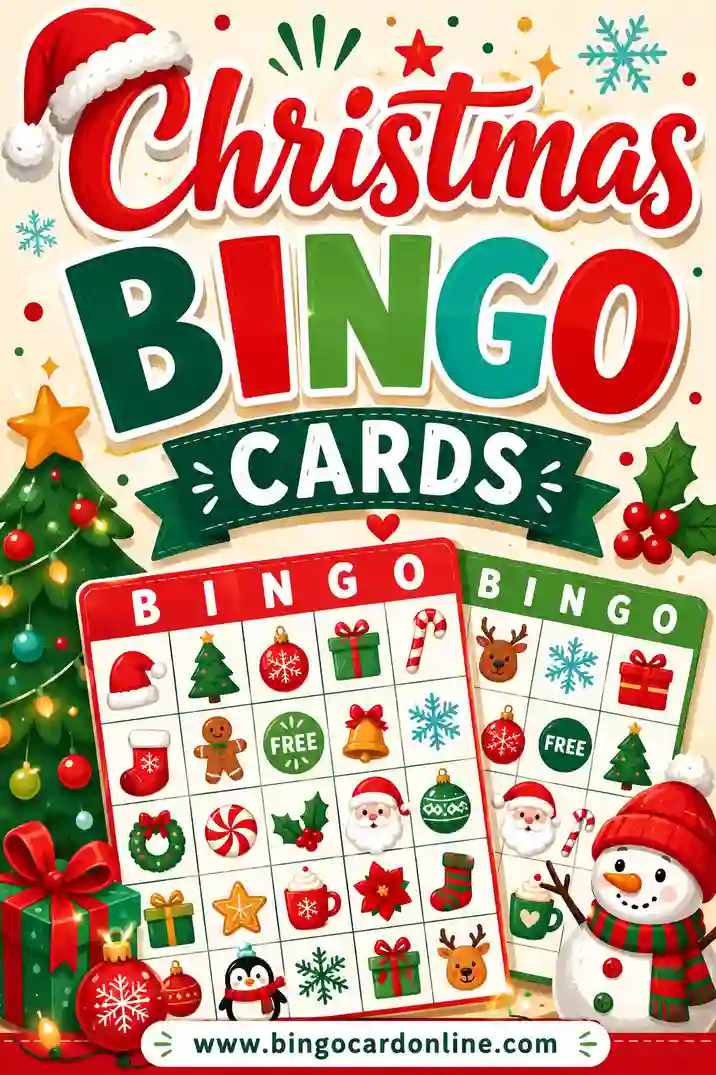
- Christmas bingo — Santa, stockings and snowmen for class parties and family gatherings. Movie fans can try Christmas movie bingo.
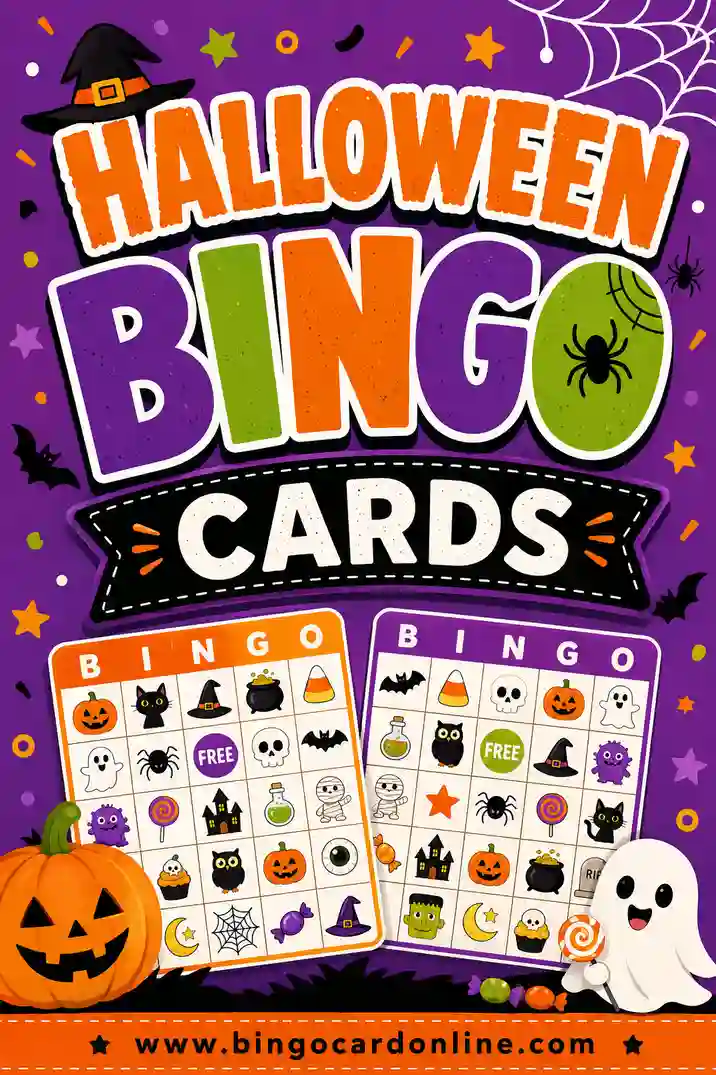
- Halloween bingo — pumpkins, ghosts and costumes. Hosting a full class? See Halloween bingo for 30 players.
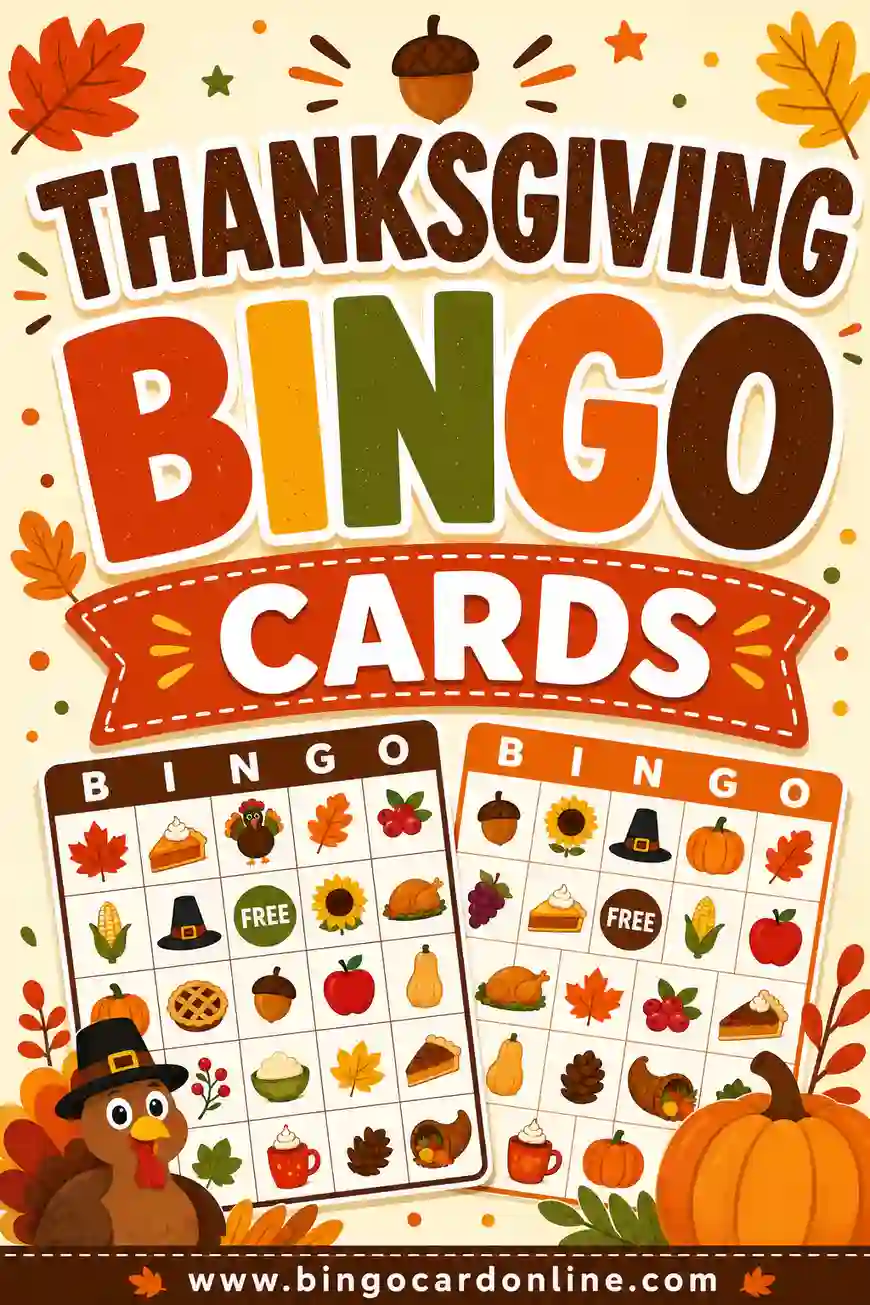
- Thanksgiving bingo — a calm game for the kids' table, or Thanksgiving football bingo for the big game.
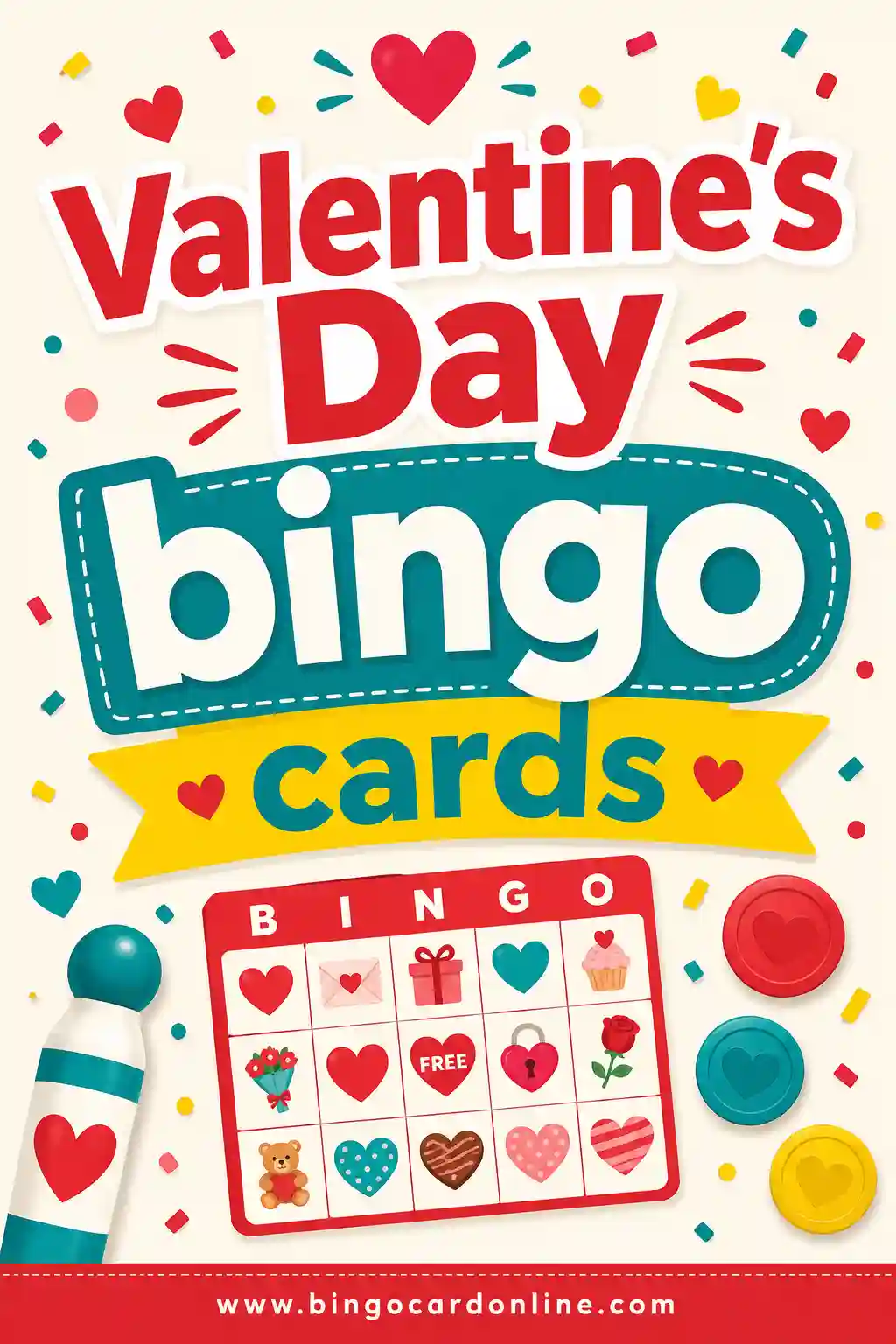
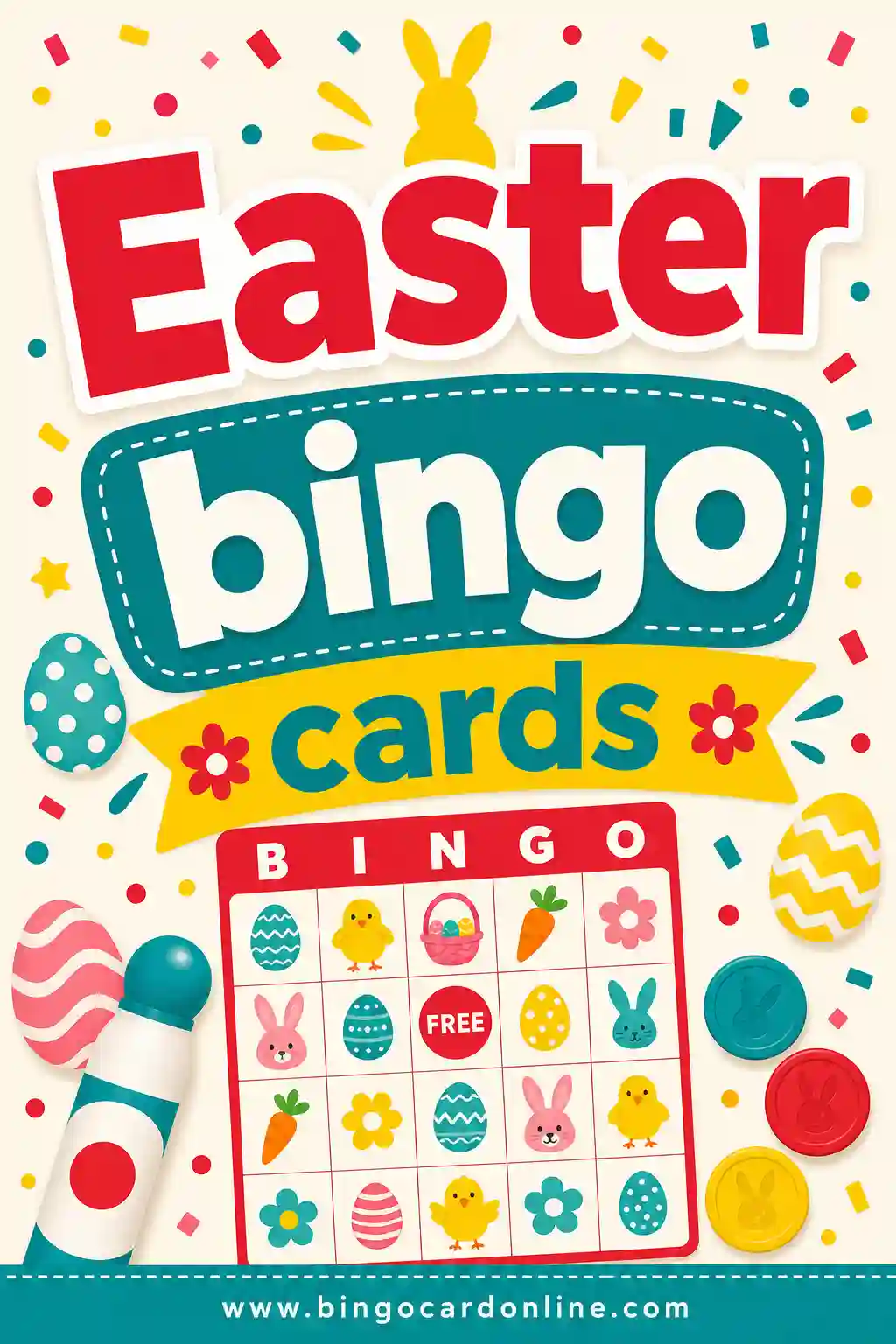
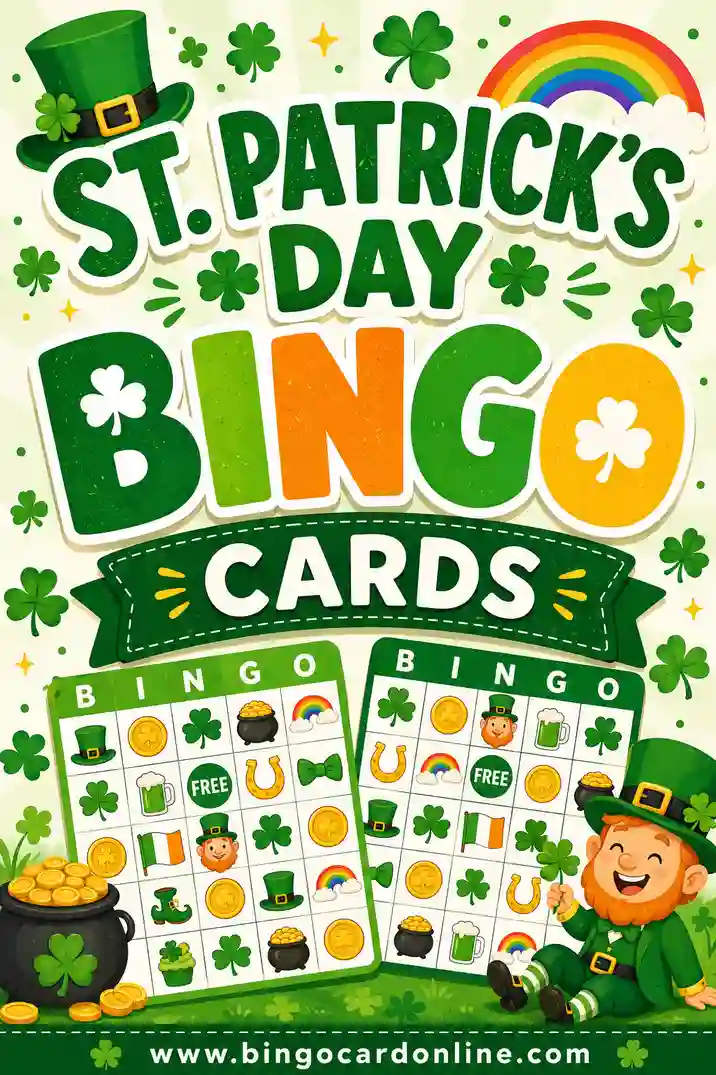
- Valentine's Day bingo, St. Patrick's Day bingo and Easter bingo — easy spring classroom activities.
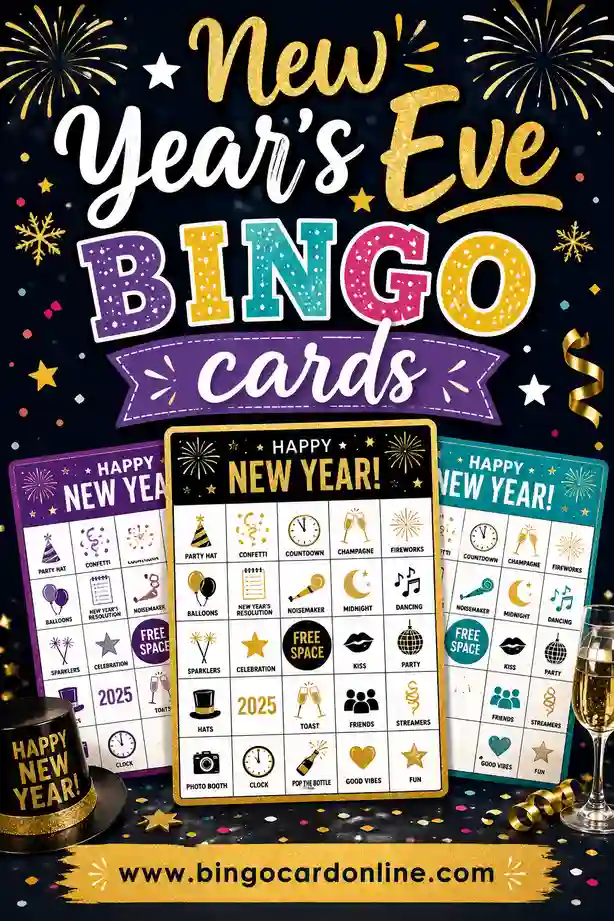
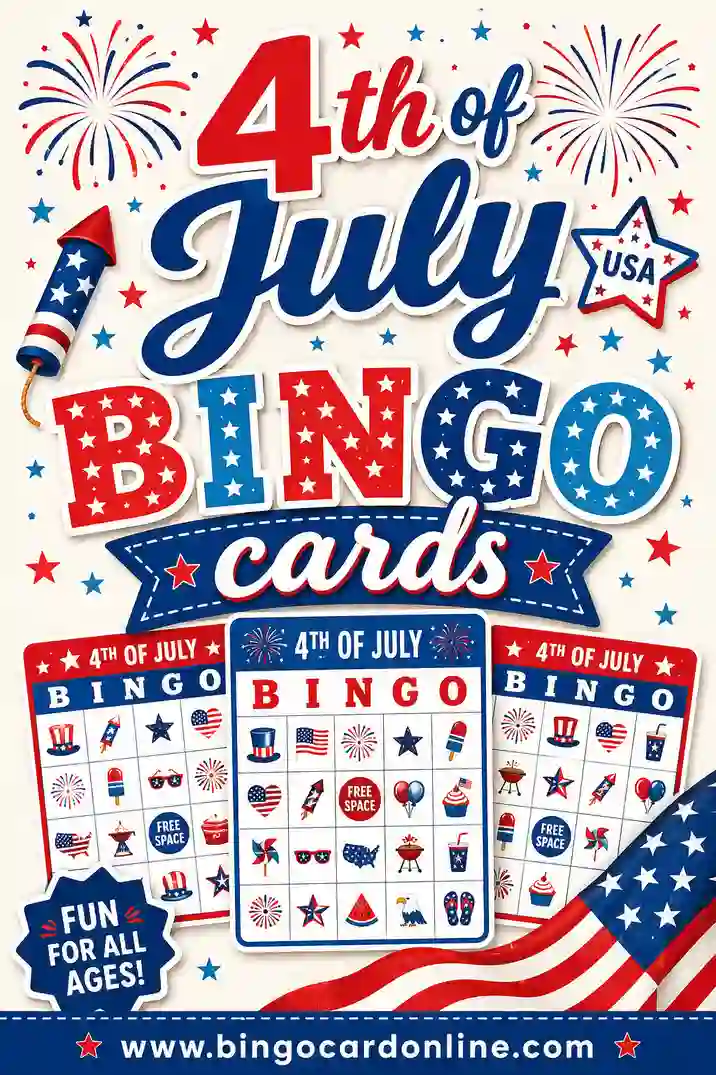
- 4th of July bingo and New Year's Eve bingo — something to do while you wait for the fireworks.
- Fall bingo and summer bingo — seasonal words for scavenger walks and camp days.
Parties and celebrations
- Baby shower bingo — guests mark gifts as they're opened. Also try gender reveal bingo.
- Bridal shower bingo and wedding bingo — keep guests busy between toasts.
- Birthday party bingo, graduation bingo and retirement party bingo — personalize the squares with the guest of honor's favorite things.
- Family reunion bingo — helps cousins and in-laws get to know each other.
- Super Bowl bingo and sports watch party bingo — mark plays, penalties and commercials as they happen.
Classroom and learning
- Sight word bingo, phonics bingo and CVC bingo — reading practice that feels like a game.
- Math bingo and multiplication bingo — call a problem, players mark the answer.
- Vocabulary bingo and Spanish vocabulary bingo — read a definition aloud and students find the word.
- Alphabet bingo and picture bingo for non-readers — use emoji or photo mode for little learners.
- Back to school bingo and end of year bingo — bookend the school year.
Work, groups and community
- Work bingo and buzzword bingo — lighthearted cards for meetings and office parties.
- Corporate event bingo and office holiday party bingo — add your company name in the card title.
- Fundraiser bingo and bingo for large groups — number cards, a caller and a master sheet for big rooms.
- Church bingo, Bible bingo and Sunday school bingo — for fellowship nights and classes.
- Senior and nursing home bingo — use a 3×3 or 4×4 grid and one card per page for big, easy-to-read squares.
Kids, family and travel
- Animal bingo, emoji bingo and nature bingo — picture-friendly games for young kids.
- Family game night bingo and movie night bingo — low-prep fun for all ages.
- Road trip bingo, car bingo and license plate bingo — spot things out the window to pass the miles.
- Music bingo and trivia bingo — play a clip or ask a question instead of calling a word.
Match your card colors to the occasion
The Card colors menu changes both the on-screen preview and the printed cards. Here are a few easy pairings:
| Card colors | Great for |
|---|---|
| Classic | Number bingo, bingo nights, fundraisers |
| Party | Birthdays, bridal showers, girls' night |
| Pastel | Baby showers, Easter, spring classrooms |
| Red & Green | Christmas and winter holiday parties |
| Ocean | Summer camps, beach parties, travel themes |
| Spooky | Halloween parties and fall festivals |
| Autumn | Thanksgiving and fall harvest events |
Printing in black and white? Turn on Ink-saver under Print & sharing options and any palette prints cleanly in grayscale. Need empty grids to fill in by hand instead? Switch the card type to Blank, or grab our printable blank bingo cards.
Tips for running a smooth bingo game
- Print a few extra cards. Late arrivals and spilled drinks happen — a couple of spares saves a scramble.
- Announce the winning pattern first. A single line, four corners or a full card (blackout) all change how long a round lasts. See bingo patterns explained and 4 corners bingo.
- Keep the master call sheet handy. Checking a winning card takes seconds when every item is listed in one place.
- Pace the calls for your crowd. Young kids and seniors may need a slower auto-call setting; experienced players enjoy a quicker game. Our guide on how to call a bingo game has more tips.
- Have markers ready. Print chips with the Print bingo markers / chips button, or use coins, buttons or dry cereal. Ideas are in our bingo markers guide.
- Plan the whole event. For prizes, snacks and timing, read how to host a bingo night and how to play bingo.