Best Bingo Generators for Teachers (Free Picks)
The best bingo generators for teachers are free, let you type your own vocabulary or math problems, and print a class set of unique cards in minutes. The right tool should handle any subject, offer grid sizes that fit your grade level, and skip the sign-ups and watermarks that waste your prep time. For most classrooms, a free bingo card generator covers all of that, so you can turn any word list into a ready-to-play game before the bell rings.
Short on time? Open the free generator, paste your spelling words, vocab, or math facts, and print one unique card per student. No cost, no account. Below, we'll compare what to look for and which features matter most for teaching.
Why Bingo Works So Well in the Classroom
Bingo isn't just a time-filler. Done right, it's sneaky-good for learning. Students stay engaged because they want to win, and along the way they're practicing whatever you put on the cards, sight words, vocabulary, multiplication facts, vocabulary in a second language, you name it.
It's also low-prep and self-running once you start calling. That makes it perfect for the last fifteen minutes of class, a review day before a test, or a substitute-friendly activity. The key is a generator that lets you swap in your own content fast.
What Teachers Should Look For in a Generator
Not every bingo tool is built for a classroom. Here's what actually matters when you're standing in front of 25 kids.
- Custom content. You need to type your own words, problems, or terms, not print a fixed set.
- Unique cards per student. If cards repeat, multiple kids win at once and the lesson stalls.
- Grid sizes that match the grade. 3x3 for little ones, 4x4 and 5x5 as they get older.
- Free, with no sign-up. Prep time is precious, and school filters often block account walls.
- Clean printing. Cards that fit the page with squares big enough for young hands.
- A picture or word option. Early readers benefit from images alongside or instead of words.
A tool that checks these boxes will serve you across every subject and grade.
Quick Comparison of Generator Options for Teachers
Here's how the common tool types compare for classroom use.
| Tool type | Custom content? | Unique cards? | Cost |
|---|---|---|---|
| Free online bingo generator | Yes | Yes | Free |
| Teacher-marketplace templates | Limited | Sometimes | Free–paid |
| Spreadsheet/word processor | Yes (manual) | No | Owned software |
| Printable PDF packs | No | Often no | Free–paid |
| Subscription education suites | Yes | Yes | Subscription |
For most teachers, the free online generator is the sweet spot: full custom content, unique cards, and zero cost. Subscription suites add features but charge for them, and many districts won't fund a single-game tool.
Free Online Bingo Generators (Our Top Pick)
A free generator is the best all-around fit for classrooms. You type your word list or paste your math facts, choose a grid size, set how many cards you need, and print a stack where every card is different. The whole thing takes a couple of minutes, even on a busy morning.
Why it works so well for teaching:
- Any subject. Spelling, vocab, math, science terms, foreign-language words, it all goes in the same way.
- Unique cards keep the game fair and the energy up.
- No cost or sign-up means it sails through most school content filters.
- Reusable for every unit, all year long.
Our generator does exactly this, with 3x3, 4x4, and 5x5 grids and a free center space, so it scales from kindergarten to high school.
Subject Ideas by Grade Level
One generator covers your whole year if you change the word list. Here are starting points by grade band.
| Grade band | Grid size | Bingo content ideas |
|---|---|---|
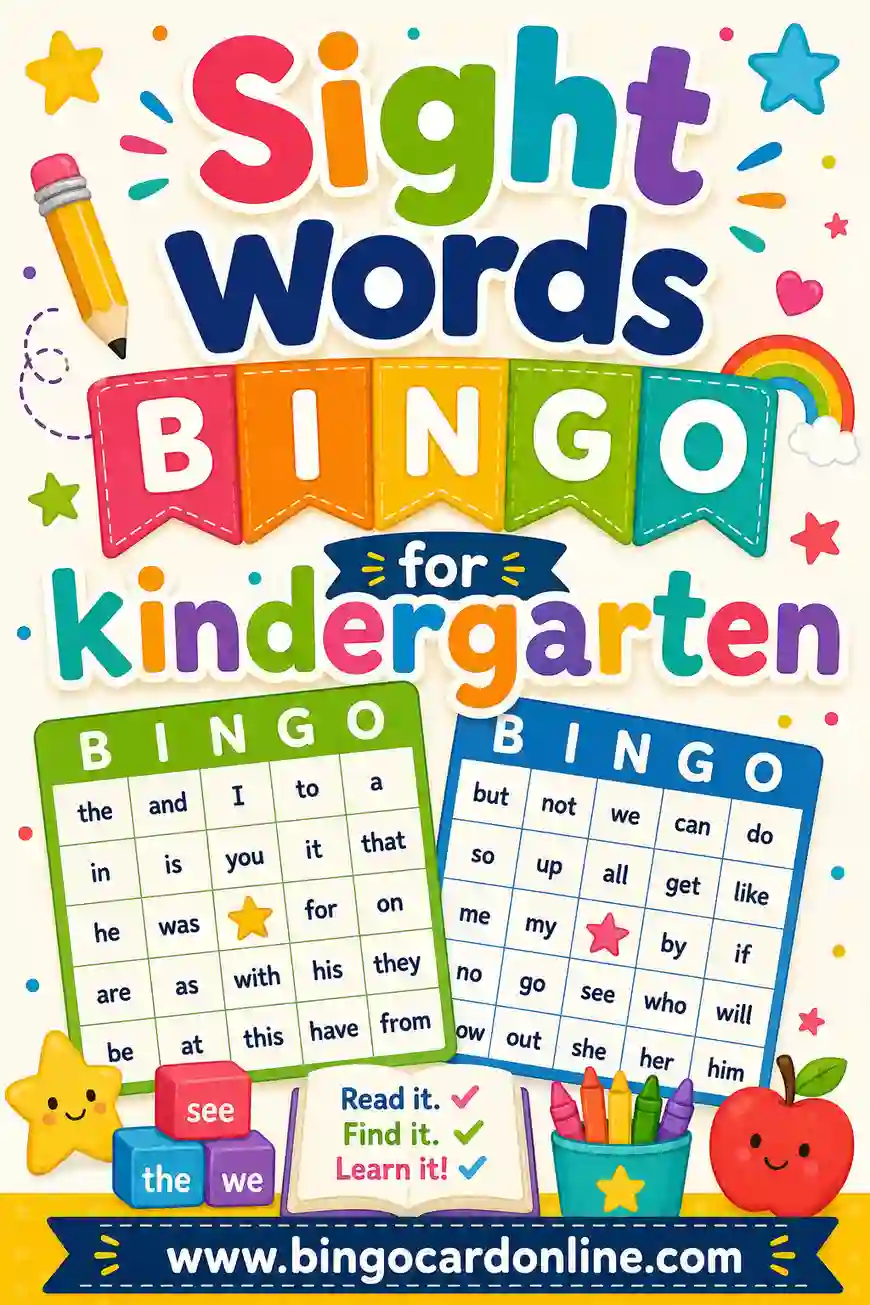
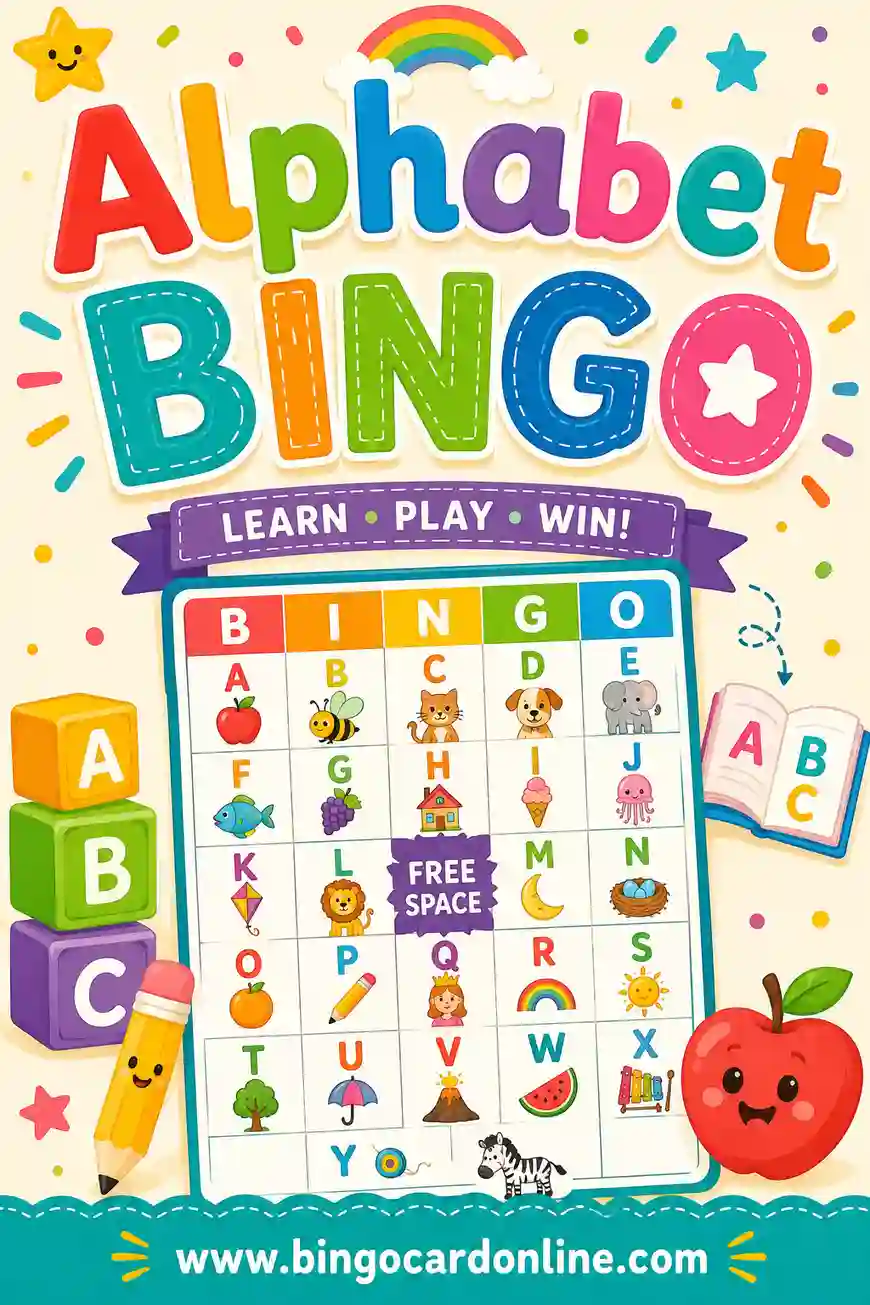
| Pre-K & Kindergarten | 3x3 | Letters, shapes, colors, sight words |
| Grades 1–2 | 3x3 / 4x4 | Spelling words, simple sums, word families |
| Grades 3–5 | 4x4 / 5x5 | Vocabulary, multiplication facts, states |
| Middle school | 5x5 | Science terms, history dates, Spanish/French vocab |
| High school | 5x5 | SAT words, chemistry symbols, literary terms |
Match the grid to the age, smaller grids for little ones so the game doesn't overwhelm them, and you've got an activity for any lesson.
A Ready-to-Use Classroom Word List
Here's a "back to school" themed set of 30 squares you can use right away, great for the first week or a fun review day. Copy any 24 into the generator for a 5x5 card, or 9 for a kindergarten 3x3.
| Classroom Items | School Day | Learning Words |
|---|---|---|
| Pencil | Morning bell | Read |
| Backpack | Recess | Write |
| Notebook | Lunchtime | Count |
| Eraser | Line up | Spell |
| Glue stick | Raise hand | Listen |
| Scissors | Story time | Share |
| Crayons | Library day | Draw |
| Ruler | Show and tell | Solve |
| Whiteboard | Bus ride | Question |
| Sticky notes | Quiet time | Learn |
For early readers, pair each word with a simple picture so non-readers can play too. The generator shuffles whatever you paste, so every student's card is unique.
How to Run Classroom Bingo Smoothly
A little structure keeps 25 kids on track.
Setup
- Print one unique card per student, plus a few spares.
- Hand out markers, dried beans, paper squares, or counters work great.
- Decide the win condition (a line, four corners, or blackout) and say it out loud.
Calling
- Call items one at a time, clearly, and write each on the board so absent-minded students can catch up.
- Tie the call to learning: for a math game, read "7 x 8" and have students find "56."
- Go slow for young grades and speed up for older ones.
Verifying and rewarding
- When a student calls "Bingo!", have them read back their marked squares against the board.
- Keep prizes simple: a sticker, line leader for the day, or first pick at the reading corner.
Making Cards Reusable Year After Year
You don't want to reprint every time. A couple of tricks make a class set last.
- Print on cardstock so cards survive sweaty hands and backpacks.
- Laminate or slide into sleeves, then students mark with dry-erase markers and you wipe them clean.
- Store by unit in labeled folders so next year's review is print-free.
Do this once and you've built a reusable game library for your whole curriculum.
Differentiating Bingo for Mixed-Ability Classrooms
Every class has a spread of readers and skill levels, and bingo can stretch to fit all of them at once. The trick is to print different cards from the same word list so the game stays shared even when the support level isn't.
Here's how that works in practice. Say you're reviewing spelling words. Your strongest readers get a 5x5 card with words only. Your developing readers get a 4x4 with the same words plus a small picture cue beside each. Your earliest readers get a 3x3 with pictures and just the first letter. Everyone hears the same call, "spell because," but each child meets it at their level.
A few ways to differentiate without making three separate games:
- Vary the grid, not the content. Smaller grids mean fewer squares to track, which lowers the load for students who need it.
- Add picture cues on some cards and not others, so non-readers and readers play side by side.
- Pair students up. Buddy a confident reader with one who's still building, and let them share a single card.
- Offer a word bank on the board for anyone who wants to check spelling as they hunt.
Because the generator pulls from one list, you can run all these versions in the same round. Nobody feels singled out, and every student gets a fair shot at "Bingo!"
Bingo Ideas for a Substitute Teacher
Bingo is a sub's best friend. It needs almost no explanation, it runs itself once the calling starts, and a class set you printed in advance keeps a room calm on a day when the regular plan falls apart.
If you keep a sub folder, drop a pre-printed bingo set in it. Pair it with a simple word list and these notes, and any substitute can run a productive twenty minutes:
- Pick a clear win condition before starting, one line is simplest, and write it on the board.
- Call from a printed list so there's no guessing what's been said.
- Keep a master copy to check the winner's card against.
- Have a small reward ready, a sticker or "line leader tomorrow," so the prize doesn't depend on knowing the class.
Because the cards are unique, the game stays fair even if the sub doesn't know the students. And because it's self-running, it buys the kind of breathing room a substitute almost never gets.
Picking the Right Tool for Your Classroom
Match the tool to your situation.
| Your need | Best tool |
|---|---|
| Any-subject custom game, free | Free online generator |
| Polished themed design | Teacher marketplace |
| Tiny one-off batch | Spreadsheet (manual) |
| Plain number bingo | Free PDF pack |
| District-funded all-in-one | Subscription suite |
For the widest coverage at zero cost, the free online generator wins nearly every row. It themes to any lesson and gives you the unique cards that keep the game fair.
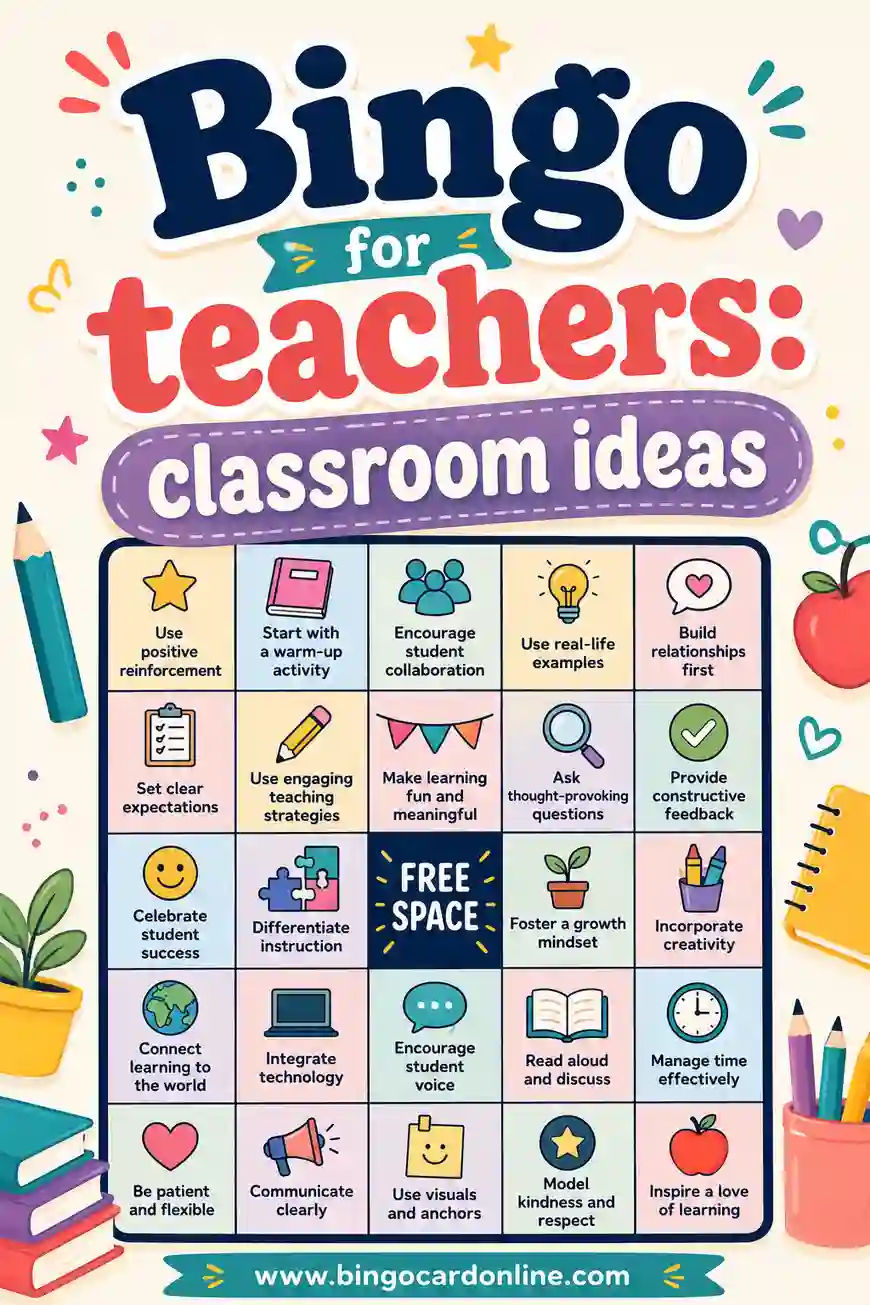
For more classroom-ready ideas, see our classroom bingo ideas, sight words bingo for kindergarten, and alphabet bingo guides, each with ready word lists.
Frequently Asked Questions
What's the best free bingo generator for teachers?
The best fit for most teachers is a free online generator, because it lets you type any subject's content, gives every student a unique card, and prints with no sign-up or cost. That combination handles spelling, vocab, math, and more from a single tool.
Can I make bingo cards with my own vocabulary words?
Yes. A bingo card generator lets you paste any word list, so you can build games for spelling, science terms, foreign-language vocab, or math facts. Just type your list, pick a grid, and print one unique card per student.
What grid size is best for young students?
Use 3x3 for pre-K and kindergarten so the game stays simple and the squares are big enough for little hands. Move to 4x4 in early elementary and 5x5 by upper grades, matching the grid to how much your students can track at once.
How do I make picture bingo for non-readers?
Pair each word with a simple image, or use a generator that supports pictures, so early readers can recognize squares without reading. Stick to concrete, easy-to-picture items like a pencil, an apple, or a star.
Are free bingo generators safe to use on school computers?
The best ones run in your browser with no sign-up, which usually clears school content filters and avoids account walls. Always check your district's policy, but a no-login, no-cost generator is typically the easiest to access from a classroom.
How can I reuse classroom bingo cards?
Print on cardstock and laminate them (or use clear sleeves), then have students mark squares with dry-erase markers. Wipe them clean and store them by unit, so you build a reusable game set for the whole year.
How do I use bingo to review for a test?
Fill the squares with the exact terms or facts on the test, then call clues instead of the answers. For a vocab quiz, call the definition and have students find the word. For math, call the problem and have them find the answer. They review the whole unit without it feeling like cramming.
Can bingo work for a whole class at once?
Yes, and that's its strength. Print one unique card per student, call to the whole room, and everyone plays the same round together. Because no two cards match, students win at different moments, which keeps the energy up instead of ending the game on the first call.
Ready to Make Cards for Your Class?
Turn any lesson into a game in minutes. Open the free bingo card generator, paste your spelling words, vocab, or math facts, choose a grid, and print one unique card per student. It's free, there's no sign-up, and every card comes out different, so your classroom game is fair and ready to play. Have fun, and watch your students learn without even noticing.