Printable Blank Bingo Cards: Free Templates to Fill In
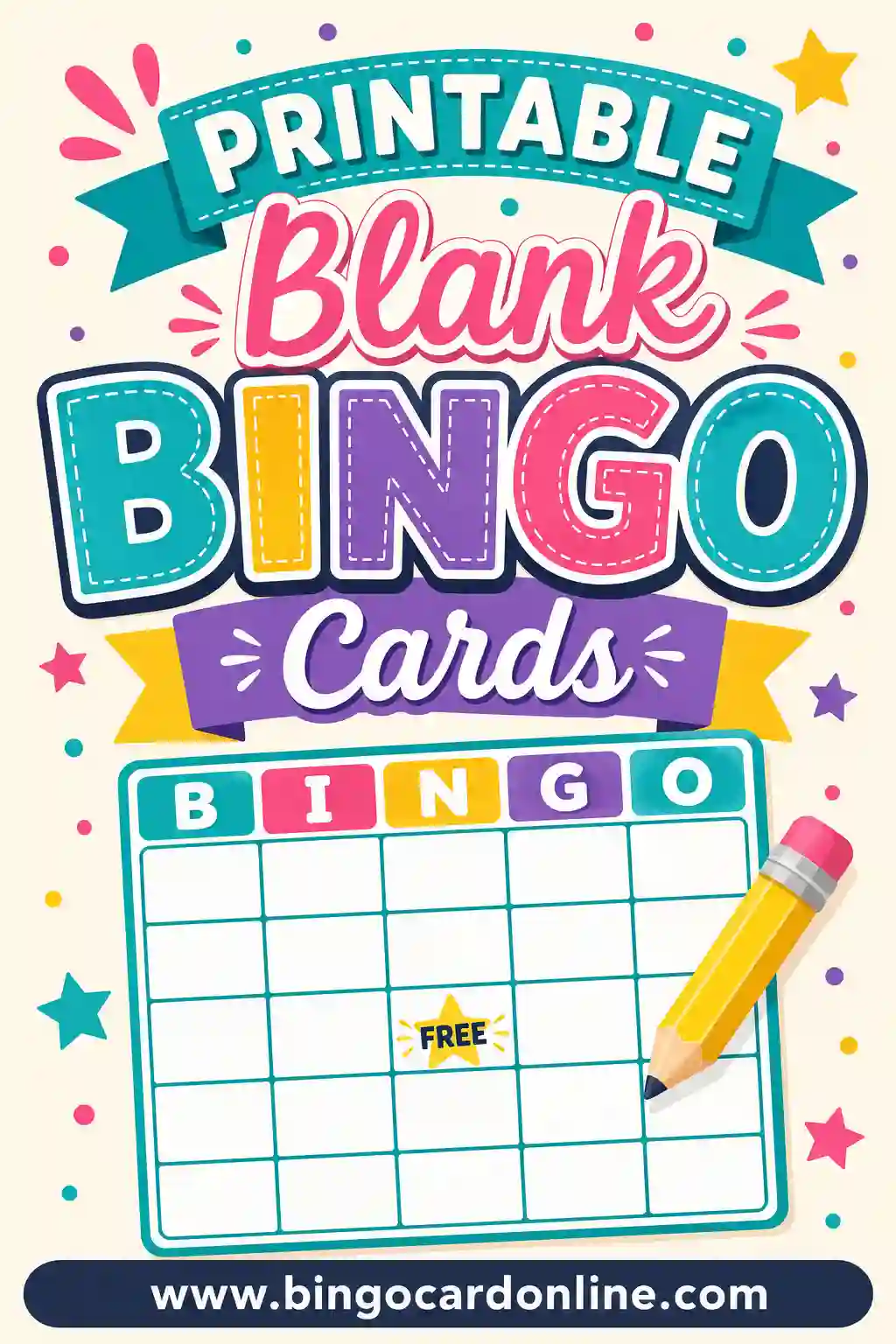
Printable blank bingo cards are empty grids — 3x3, 4x4, or the classic 5x5 — that you print out and fill in by hand with whatever words, numbers, or doodles you want. They're the DIY version of bingo: the structure is done for you, and the squares are yours. The fastest way to get them is the free bingo card generator, which has a dedicated Blank card type that prints clean, empty grids in any size and any quantity.
In a hurry? Open the free generator, switch the card type to Blank, pick your grid size and how many cards you need, and hit Print. No sign-up, no cost, no watermark.
What Are Blank Bingo Cards?
A blank bingo card is exactly what it sounds like: the grid, the lines, and the free space are printed for you, and every other square is empty. You (or your players) write in the content by hand. Some people call it a blank bingo board or a blank bingo template — same thing, same printout. The three standard sizes are 3x3 for young kids and quick games, 4x4 for a middle ground, and the classic 5x5 with a free space in the center.
Blank cards flip the usual bingo workflow. Instead of a generator shuffling a word list into finished cards, the humans do the filling. That sounds like more work — and sometimes it is — but for certain activities, the filling-in is the point. Students writing their own sight words, wedding guests listing predictions, or kids drawing pictures in each square all get something out of the process that a finished card can't deliver.
Why Print Blank Cards Instead of Finished Ones?
There are a handful of situations where empty beats filled.
- The writing is the activity. Teachers use blank grids as worksheets: students fill squares with spelling words, math answers, or vocabulary, and the game doubles as practice.
- Players know things you don't. For get-to-know-you games, each player fills their card with their own guesses or facts before the game starts.
- You're offline or improvising. A stack of printable blank bingo cards in a drawer means you can spin up a game anywhere — a cabin, a classroom, a waiting room — with nothing but a pen.
- Drawing beats writing. Little kids can doodle a picture in each square, which makes the card itself a craft project.
And here's the honest trade-off: if you just want a themed game ready to play, filling 25 squares by hand for every player gets old fast. In that case, type the words once into the generator and let it shuffle unique cards for everyone. Blank cards for activities, generated cards for speed.
Blank Bingo Card Sizes: Which Grid Should You Print?
| Grid size | Squares to fill | Best for |
|---|---|---|
| 3x3 | 9 (8 with a free space) | Toddlers, preschool, quick rounds |
| 4x4 | 16 | Elementary kids, shorter class periods |
| 5x5 | 25 (24 with a free space) | Classic bingo, teens, adults |
The 5x5 is the version everyone pictures, but don't default to it with young kids — writing or drawing 24 things is a marathon for a six-year-old. A 3x3 blank grid gets filled in five minutes and the game starts while everyone's still excited.
If you're printing a blank bingo card printable for adults, 5x5 is the safe pick. It gives the game enough runway that a round doesn't end on the third call.
25+ Ideas for Filling In the Squares
Stuck on what to write? Here are ready-made themes, grouped by who's holding the pen.
| Classroom | Parties & Family | Just for Fun |
|---|---|---|
| Sight words | Guests' names | Songs on the radio |
| Spelling list | Baby shower gifts | Things in the fridge |
| Math answers | Wedding predictions | Neighborhood sights |
| Vocabulary terms | Family inside jokes | Movie clichés |
| States & capitals | Holiday traditions | Restaurant menu items |
| Science terms | Pet names | Sports plays |
| Books of the Bible | Vacation memories | Weather events |
| Historical figures | Birthday wishes | Grocery items |
| Shapes & colors | Recipes grandma makes | Things that are blue |
A few favorites in more detail:
- Student-made sight word bingo. Write 30 words on the board; each student picks any 24 and writes them wherever they like. Every card comes out different automatically.
- Guest bingo. At a shower or reunion, players fill squares with predictions ("baby arrives early," "someone cries during toasts") and mark them as they come true.
- Draw-your-own picture bingo. Kids draw an animal, a food, a toy in each square, then swap cards with a friend before playing.
How to Print Blank Bingo Cards in 4 Steps
The whole process takes about two minutes.
- Open the free generator and switch the card type to Blank.
- Pick your grid size. 3x3, 4x4, or 5x5, with or without a free center space.
- Set how many cards. One per player, plus spares for mistakes — pencils get eraser-happy.
- Hit Print. Choose your printer, or select Save as PDF to keep a reusable file. You can fit 1, 2, or 4 cards per page.
That's it. No cutting templates out of a Word document, no fiddling with table borders. If you'd rather have the squares filled for you, switch the card type back to Words, paste in a list, and the same tool shuffles unique finished cards instead.
The photocopier shortcut
Teachers, this one's for you: print a single blank bingo template, and the school copier turns it into a class set in one pass. Keep one crisp master in a folder (or the saved PDF on your desktop) and you'll never rebuild the grid again — the same blank bingo board serves spelling in September and multiplication in March.
The Faster Path: Let the Generator Do the Writing
Worth repeating, because it saves people an hour of hand-cramping: if every player's card should contain the same set of words in different spots — which is how classic bingo works — filling blank cards by hand is the slow road. You'd have to shuffle the layout yourself for every single card, and it's shockingly easy to end up with two identical cards and a tie nobody can break.
The generator does that shuffling automatically. Type your word list once, tell it how many players you have, and every card comes out unique. Print the master call sheet too, and you're the caller with zero prep. Save the blank grids for the activities where handwriting is the feature, not the chore.
Who Printable Blank Bingo Cards Are Great For
Teachers
Blank grids are a classroom workhorse. Vocabulary review, mental math, phonics, foreign-language practice — any subject where students benefit from writing the material themselves. Print a class set of free printable blank bingo cards at the start of the term and reuse the file all year.
Party hosts
Baby showers, bridal showers, and family reunions all have famous fill-in-yourself bingo variants. Hand out blank cards with a prompt ("write 24 gifts you think she'll open") and the game builds itself.
Parents
Rainy afternoon? A blank 3x3 grid, some crayons, and a "draw nine animals" prompt buys you a craft session and a game in one sheet of paper.
Youth groups and camps
No Wi-Fi, no problem. Blank cards plus a marker work anywhere, and campers filling their own squares ("things to spot on the hike") turns bingo into a scavenger hunt.
Printing Tips for Clean, Sturdy Blank Cards
- Print on cardstock if the cards will travel. Regular paper is fine for a one-time class activity, but cardstock survives backpacks and picnic tables.
- Leave the ink-heavy themes off. Blank cards are naturally ink-friendly — mostly white space — so even a big batch barely dents a cartridge.
- Print a test page first. Check that the grid isn't cut off at the margins before you run 30 copies.
- Pencil first, pen second. If players are filling cards themselves, pencils let them fix spelling before the game locks in.
- Laminate for a reusable set. A laminated blank bingo board plus dry-erase markers is an infinite bingo machine: write, play, wipe, repeat. One blank bingo template can carry spelling on Monday, math on Wednesday, and party games on Saturday.
Common Mistakes to Avoid
- Filling every card with the same layout. If you copy the same words into the same squares on every card, everyone wins simultaneously. Either shuffle by hand or let the generator randomize it for you.
- Too few options for the caller. Give players more words to choose from than the card holds (30 words for 24 squares) so cards naturally differ.
- Squares too small for little writers. Kids write big. Give them a 3x3 blank bingo card printable, not a cramped 5x5.
- No spare cards. Someone will misspell, tear, or spill. Print 10–20% extra.
- Forgetting the call list. If players invented their own squares, agree on the master list of callable items before the game starts, or use spot-it rules where players mark things as they happen.
Blank Bingo Card Template (Save as PDF)
If you searched for a blank bingo card template or a blank bingo sheet, here is the quickest way to end up with a reusable file instead of a one-time printout. Open the free bingo card generator, set the card type to Blank, choose your grid, and in the print dialog pick Save as PDF. That PDF is your template: open it whenever you need a fresh stack, print as many copies as you like, and never rebuild the grid again.
Most people keep a small set of templates on hand rather than just one. Here is a starter kit worth saving:
| Template to save | Grid | Good for |
|---|---|---|
| Blank 3x3 with free space | 3x3 | Preschool, picture bingo, five-minute games |
| Blank 3x3 without free space | 3x3 | Drawing activities where every square gets a picture |
| Blank 4x4 | 4x4 | Elementary word work, short class periods |
| Blank 5x5 with free space | 5x5 | Classic bingo, showers, reunions, adult games |
| Blank 5x5 without free space | 5x5 | Review games where you want all 25 squares in play |
| Blank 5x5 with a card title | 5x5 | Themed events, class names, party branding |
Name each file clearly (for example, "blank-5x5-free-space.pdf") and keep them in one folder. When a teacher friend or another parent asks for a blank bingo sheet, you can email the file in seconds.
Want the B-I-N-G-O letters across the top?
A classic number card has the letters B, I, N, G, O over its five columns. If your blank template doesn't include them, the simplest fix is to type "B I N G O" as the card title so it prints across the top, or write the letters above each column on your master before you copy it. For a number game, the standard ranges are B 1–15, I 16–30, N 31–45, G 46–60, and O 61–75; see number bingo 1–75 if you'd rather print cards with the numbers already filled in.
Blank Bingo Card Design Ideas
A plain grid works for almost everything, but a few small tweaks make blank cards easier to use for specific groups. None of these need special software — a pen, a ruler, or a few minutes before you photocopy the master will do.
- Large-print cards. For seniors or early readers, use a 3x3 or 4x4 grid printed one card per page so every square is big. Our guide to senior and nursing home bingo has more tips on readability.
- Ink-saver cards. Skip colored themes and print in grayscale or draft mode. Blank cards are mostly white space already, so a class set costs very little ink.
- Decorated borders for parties. Print the blank grid, then let kids decorate the margins with stickers or stamps before the game. Setup time becomes part of the fun.
- Color-coded cards. Print the same blank grid on different colored paper — blue for one team, yellow for another — so teams are easy to tell apart at a glance.
- Cute themed cards. If you want something prettier than plain lines, see the cute bingo template ideas for decorated layouts.
- Half-sheet cards. Print two cards per page and cut them apart. Half-sheets are easier to hold on a lap and use half the paper.
- Dry-erase cards. Laminate one card per player or slide it into a clear sheet protector, and the same blank grid works for game after game.
Blank Bingo Card Templates in Word, Google Docs, and Excel
Some people prefer to build a blank bingo card template in a program they already know. That works, and it has one real advantage: you can type directly into the squares on screen before printing. The downside is setup time — you have to insert a table, set equal row heights, center the text, and fix the borders, and then shuffle every card yourself.
- Microsoft Word: insert a 5x5 table, set every row to the same height, and center the text. Step-by-step instructions are in how to make bingo cards in Word.
- Google Docs: the same table approach works — Insert, Table, 5x5 — then adjust row heights and borders. Download it as a PDF to keep a clean copy.
- Excel or Google Sheets: resize columns and rows into squares and add borders. Spreadsheets are handy if you also want to keep your word lists in the same file; see how to make bingo cards in Excel.
If all you need is an empty grid, the generator's Blank mode is faster than any of these, because the table is already built and sized. Save the document route for when you want to type on the card before it prints. For the anatomy of the grid itself, see our bingo grid guide.
40 More Things to Write in Blank Bingo Squares
Need more inspiration than the list above? Here are extra prompts you can hand to players along with a blank card, grouped by setting.
Classroom prompts
- Multiplication facts you're still practicing
- Words that rhyme with "cat"
- Characters from the class read-aloud
- Parts of a plant
- Countries on one continent
- Past-tense verbs
- Planets and moons
- Coins and their values
- Synonyms for "happy"
- Words in the language you're learning
Party and event prompts
- Songs you think the DJ will play
- Words the speaker will say in a toast
- Gifts the guest of honor will open
- Foods on the buffet
- Guests who will wear a certain color
- Things the birthday kid will say
- Moments from the big game
- Lines from a holiday movie
- Costumes you expect to spot at the party
- Advice for the graduate
Family and home prompts
- Chores you finished this week
- Things to spot on a family walk
- Books to read this summer
- Foods to try for the first time
- Things that make you laugh
- Places you've been on vacation
- Kind things to do for a neighbor
- Board games in the closet
- Sounds you can hear right now
- Animals at the zoo
Road trip and outdoor prompts
- License plates from other states
- Road signs
- Types of trucks
- Birds at the feeder
- Leaves of different shapes
- Things at the beach
- Clouds that look like animals
- Campfire foods
- Bugs in the backyard
- Car colors in the parking lot
For ready-made versions of some of these, try road trip bingo, nature bingo, or sight word bingo.
Frequently Asked Questions
Are these blank bingo cards really free to print?
Yes. The generator makes blank printable bingo cards free of charge — no sign-up, no watermark, no limit on copies. Print ten or a hundred.
What sizes do blank bingo cards come in?
Three grid sizes: 3x3, 4x4, and 5x5, each with an optional free center space. The 5x5 is the classic; the smaller grids suit young kids and faster games.
How do I make every card different if they're blank?
Two ways. Give players more words than squares (say, 30 words for 24 spots) and let each person choose and place their own — the cards differ naturally. Or skip the handwriting: type the list into the generator and it prints unique, pre-filled cards instantly.
Can I save a blank bingo card as a PDF?
Yes. In the print dialog, choose Save as PDF as the destination. You'll get a reusable file you can reprint any time or email to other parents or teachers.
What should I use to fill in the squares?
Pencil for anything kids write themselves (spelling fixes!), pen or marker for adult games, and crayons if the squares are drawings. For laminated cards, dry-erase markers wipe clean between rounds.
Can I get a blank card with a title on it?
Yes. Add an optional card title — "Mrs. Lee's Word Work Bingo," "Baby Shower Predictions" — and it prints at the top of every card.
Where can I get a blank bingo sheet?
Right here. Open the free generator, switch the card type to Blank, choose 3x3, 4x4, or 5x5, and print. A "blank bingo sheet" and a blank bingo card are the same thing — an empty grid ready to fill in. You can also read more about bingo sheets and how they're used.
Is there a blank bingo card template for Word or Google Docs?
You can build one in either program with a 5x5 table, equal row heights, and centered text. Our Word bingo card guide walks through it. If you only need an empty grid, the generator's Blank mode is quicker, and you can save the result as a PDF template.
Can I print blank bingo cards without a free space?
Yes. The free center space is optional, so you can print a grid where every square is open. That's handy for drawing activities or review games where you want all the squares in play. Learn more about how the bingo free space works.
How many blank bingo cards fit on one page?
You can print 1, 2, or 4 cards per page. One card per page is best for young kids and large print, two per page gives a comfortable half-sheet, and four per page saves the most paper for adult games.
What size should a blank bingo card be?
A full letter-size sheet (8.5 x 11 inches) per card is easiest for kids to write on, while half-sheets work well for adults. For a deeper comparison, see what size a bingo card should be and 3x3 vs 4x4 vs 5x5 bingo cards.
Can I reuse blank bingo cards?
Yes. Laminate the cards or slip them into clear sheet protectors and use dry-erase markers. Players can write in new content, play, wipe the card clean, and start over with a different theme.
Ready to Print Your Blank Bingo Cards?
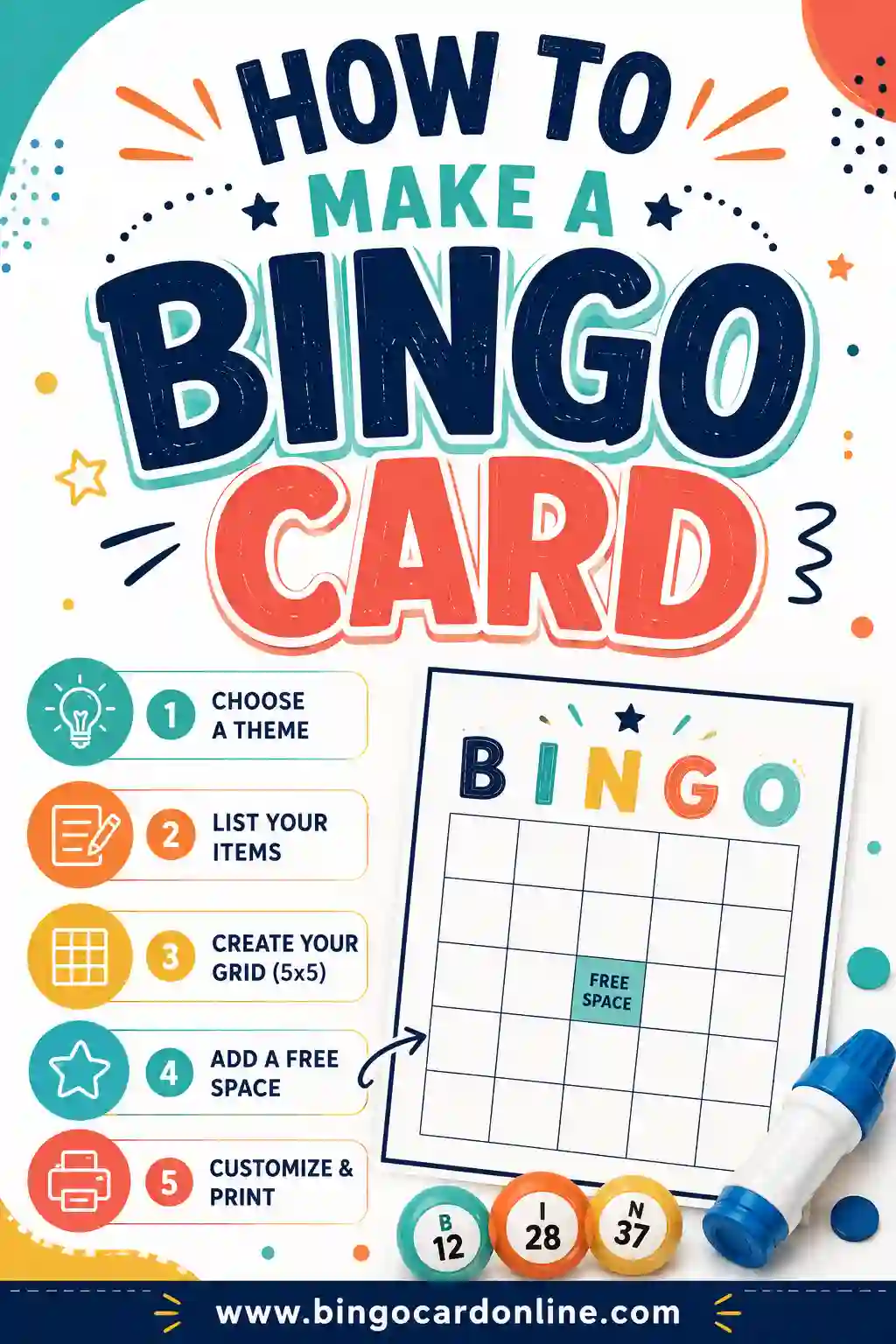
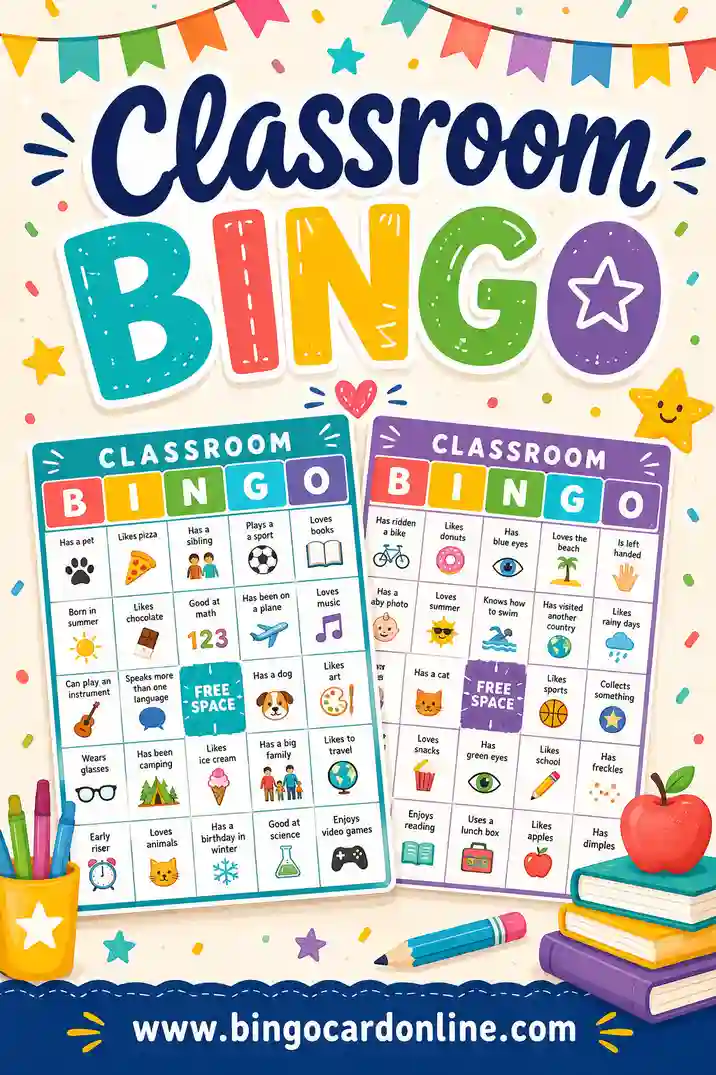
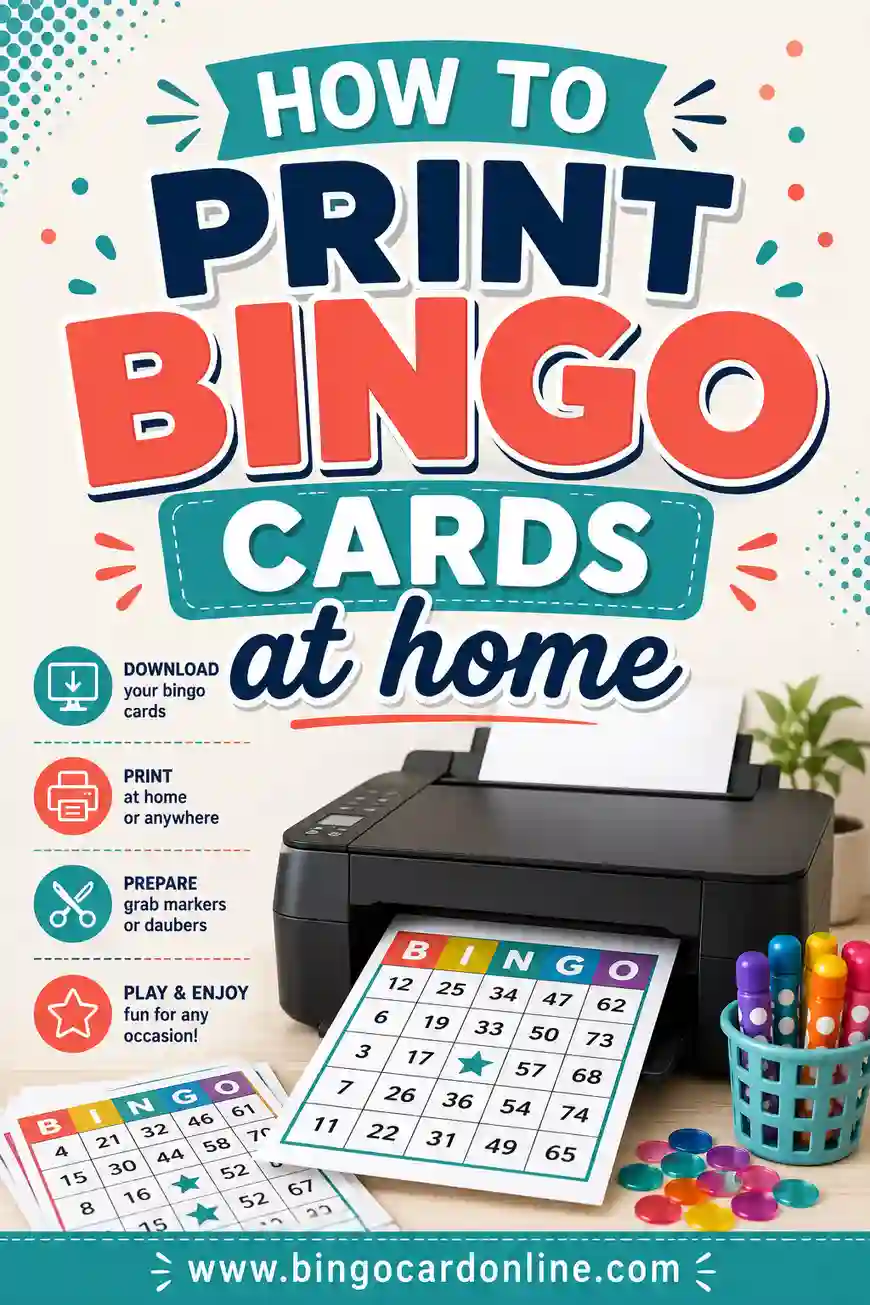
Open the free bingo card generator, click the Blank card type, pick a grid size, and print as many empty cards as you need — or paste in a word list and let the tool fill them for you. Want more help? See the full walkthrough on how to make a bingo card, classroom ideas in classroom bingo, and printer settings in how to print bingo cards at home. Grab your pencils — the grid is waiting.