What Size Should a Bingo Card Be?
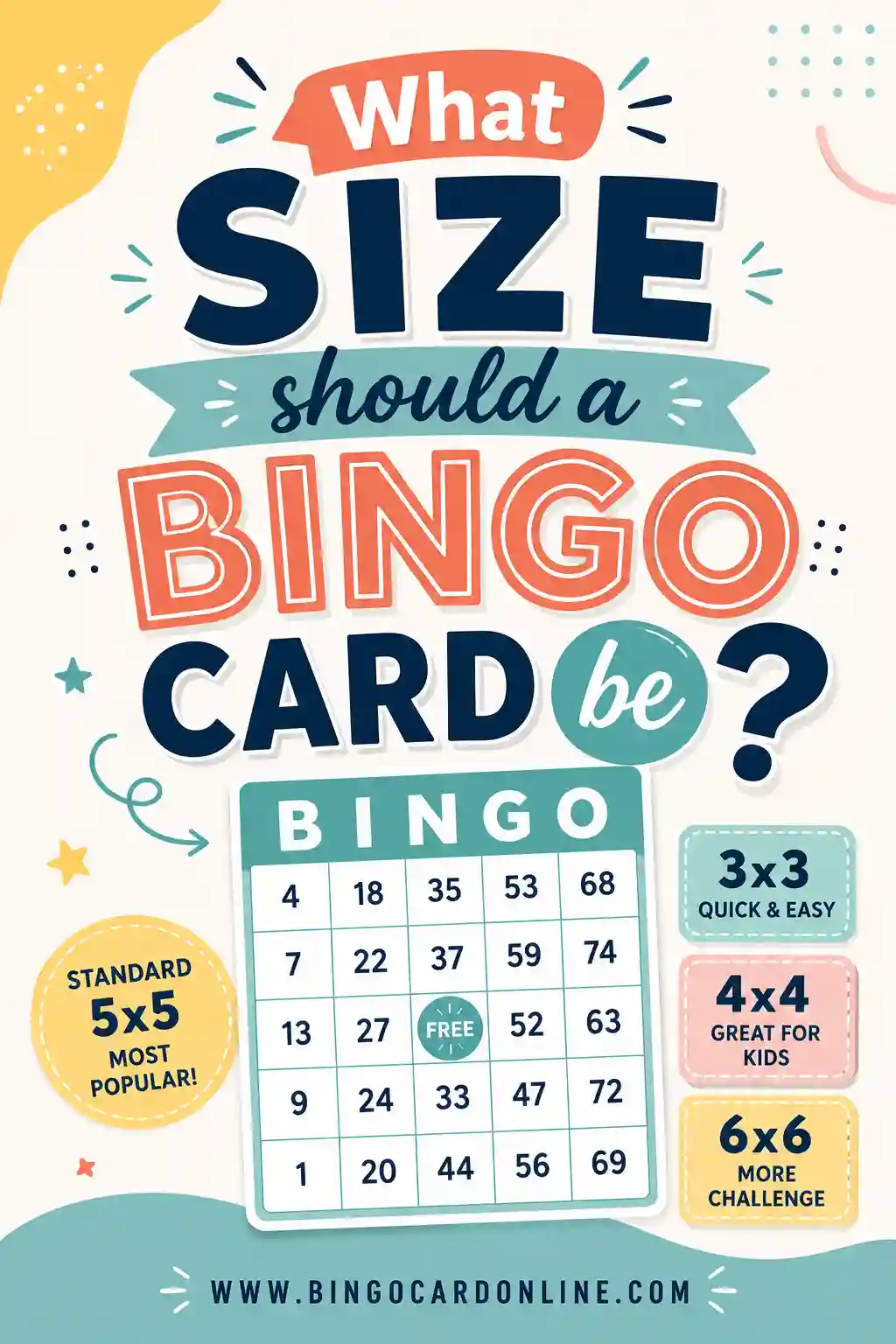
A standard bingo card is a 5x5 grid printed on letter-size paper (8.5 x 11 inches), with each square about 1 to 1.5 inches across. That's the sweet spot for adults and older kids. For younger players, drop to a 3x3 or 4x4 grid so the squares are bigger and easier to mark. The fastest way to get the size right is to use a free bingo card generator that handles the grid and spacing for you.
Want to skip the math? Open the free generator, pick your grid size, and it lays out clean, evenly-spaced squares that print perfectly on standard paper. No rulers, no guesswork.
The Short Answer on Bingo Card Size
There isn't one "official" bingo card size, but there's a clear default that most people use. Here's what works:
- Paper: Letter size, 8.5 x 11 inches (A4 works fine outside the US).
- Grid: 5x5 for the classic game.
- Square size: Around 1.25 inches per square.
- Margins: Leave at least half an inch around the edge so nothing gets cut off.
If you stick with those numbers, you'll get a card that reads clearly from across a table and still fits comfortably on one page. Everything else is a tweak on top of that base.
Standard Bingo Card Dimensions
The traditional bingo card people picture is a 5x5 grid. That's 25 squares total, with the center square usually marked "FREE." When you print one of those on letter paper, each square ends up roughly 1.25 inches wide and tall. That size is big enough to write a word or drop a marker without crowding.
You don't have to fill the whole page with one card, though. A lot of people print two smaller cards per sheet to save paper. When you do that, the squares shrink to about 0.75 inches, which is still readable for adults but a little tight for kids.
Here's the rule of thumb: the more squares you cram onto a page, the smaller each one gets. So pick your grid first, then let the paper size decide how big each square can be.
Grid Sizes and Who They Suit
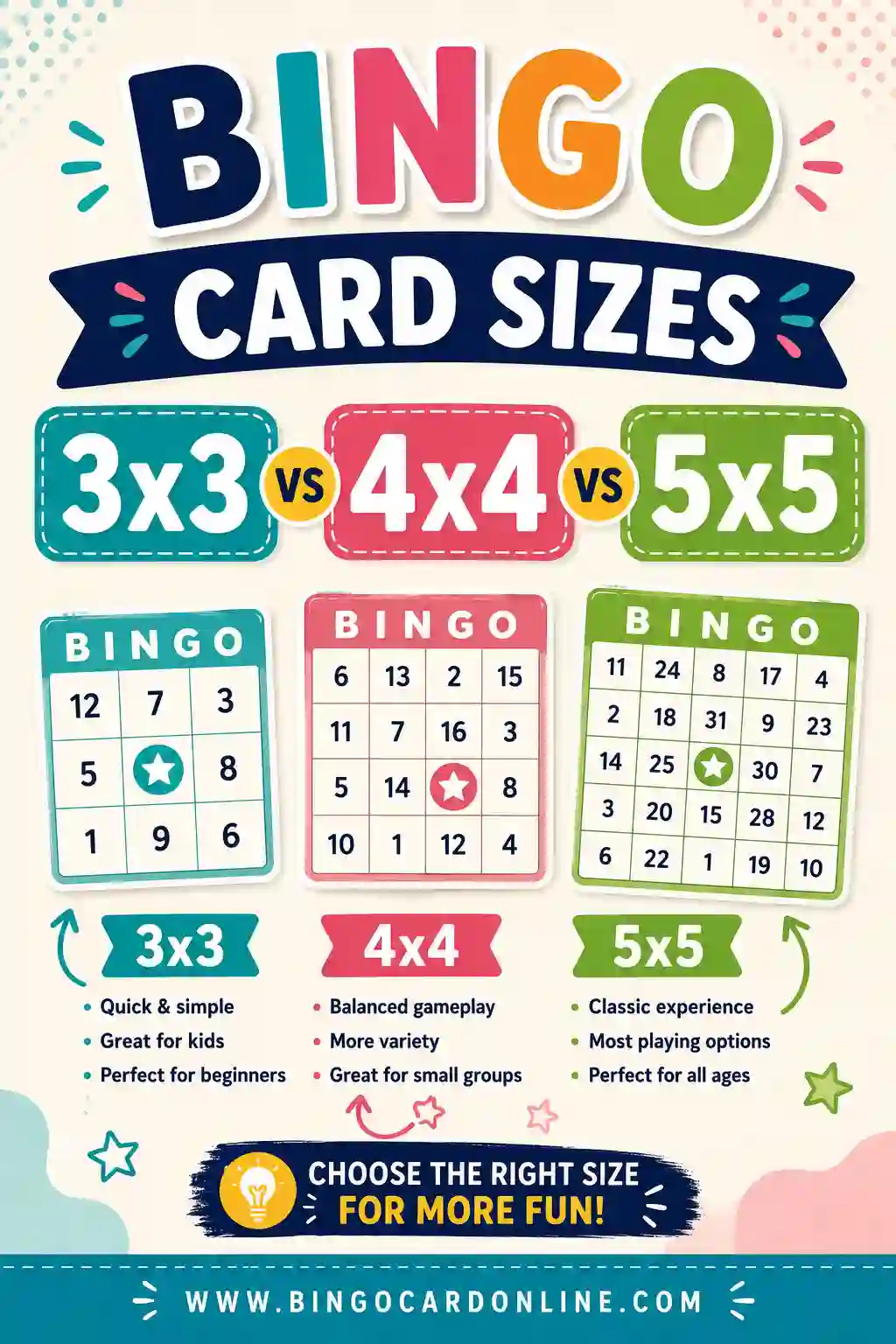
The number of squares matters more than the paper. A 3x3 card and a 5x5 card can both print on the same letter sheet, but they play completely differently. Smaller grids mean fewer squares, bigger squares, and shorter games.
3x3 (nine squares)
This is the toddler and preschool size. Nine big squares, easy to scan, quick to win. Games wrap up in a couple of minutes, which is exactly what you want for little kids with short attention spans. The squares are huge, so even a clumsy marker lands cleanly.
4x4 (sixteen squares)
A nice middle ground. Sixteen squares give you a real game without dragging on. This size suits early-elementary kids, classroom groups, and anyone who wants a faster round than the classic 5x5. There's usually no free space on a 4x4 since the grid is even.
5x5 (twenty-five squares)
The classic. Twenty-five squares with a free space in the middle. This is what most adults expect when you say "bingo." It gives the longest, most strategic game and works for teens, adults, and big mixed groups.
If you're still deciding, our breakdown of 3x3 vs 4x4 vs 5x5 bingo card sizes walks through each one in detail.
Square Size: How Big Should Each Box Be?
The squares are where size really counts. Too small and players squint; too big and your grid spills off the page. Here's a quick reference for letter-size paper:
| Grid | Squares | Approx. square size | Best for |
|---|---|---|---|
| 3x3 | 9 | 2.5 in | Toddlers, preschool |
| 4x4 | 16 | 1.75 in | Young kids, quick games |
| 5x5 | 25 | 1.25 in | Adults, classic play |
| 5x5 (two per page) | 25 | 0.75 in | Saving paper, adults |
A good minimum is about 0.75 inches per square. Go smaller than that and short words get cramped, markers cover the text, and older eyes struggle. If you're printing for seniors or anyone with low vision, lean toward the larger end and use fewer squares.
Paper Size Options
Most of the time you'll reach for standard letter paper, and that's the right call. But you've got a few options depending on what you're after.
- Letter (8.5 x 11 in). The default in the US. Fits one comfortable 5x5 card or two smaller ones.
- A4 (8.3 x 11.7 in). The standard nearly everywhere outside the US. Almost identical to letter, so the same layouts work.
- Half-letter (5.5 x 8.5 in). Great for handing out a stack of small cards. Squares get tight, so stick to 3x3 or 4x4.
- Cardstock. Same dimensions, heavier weight. Worth it if you want cards that survive more than one game night.
Whichever you choose, set your generator or printer to "actual size" or 100% scale. If you let it "fit to page," the squares can shift and your careful sizing goes out the window.
Word Length Changes Everything
Here's something people miss: the size of your card depends partly on the words you put in it. A square that says "Cat" needs way less room than one that says "Last-minute birthday surprise." If your word list runs long, you need bigger squares or fewer of them.
Before you commit to a grid, glance at your longest entry. If it won't fit on two short lines inside a square, either shorten the wording or bump up the square size. A generator helps here because it auto-sizes the text to fit, but you still want words that scan in a half-second during a fast game.
Free Bingo Square Word List (Copy & Paste)
Here's a flexible, all-purpose list of 30 short squares that fit comfortably at any size. The words are deliberately concise, so they read clearly even on smaller grids. Pick 9 for a 3x3, 16 for a 4x4, or 24 for a 5x5 (plus a free space).
| Easy & Short | Everyday | Fun Extras |
|---|---|---|
| Star | Apple | Rocket |
| Moon | Chair | Robot |
| Sun | Spoon | Castle |
| Tree | Clock | Dragon |
| Fish | Shoe | Pirate |
| Bird | Book | Wizard |
| Frog | Cup | Comet |
| Bear | Hat | Anchor |
| Boat | Key | Crown |
| Cake | Lamp | Ghost |
Keep words to one or two short ones per square. The shorter the words, the smaller you can print without losing readability. Drop this list into the generator and it'll size the text automatically.
How to Get the Size Right When You Print
Sizing the card on screen is only half the job. Printing is where good cards go wrong. A few habits keep yours crisp.
- Print at 100% scale. Turn off "fit to page" or "shrink to fit." These quietly resize your squares.
- Print one test card first. Check that the squares are square and nothing's cut off before you run the whole stack.
- Mind your margins. Most printers can't print to the very edge. Keep half an inch of breathing room.
- Match paper to grid. Don't force a 5x5 onto half-letter paper. The squares get too tight to use.
- Use cardstock for reusable cards. It holds up to markers and repeated games far better than copy paper.
That test print is the single most valuable step. It costs one sheet of paper and saves you from printing thirty cards with cut-off bottom rows.
Matching Card Size to Your Players
The "right" size really comes down to who's playing. Use this quick guide to land on the best grid and square size for your group.
| Players | Grid | Square size | Why |
|---|---|---|---|
| Toddlers (2–4) | 3x3 | 2.5 in | Big squares, fast wins |
| Kids (5–9) | 4x4 | 1.75 in | Roomy and quick |
| Tweens & teens | 5x5 | 1.25 in | Classic challenge |
| Adults | 5x5 | 1.25 in | Standard game |
| Seniors | 4x4 | 1.75 in | Larger print, easier to read |
When in doubt, go bigger. Oversized squares never ruined a game, but tiny ones leave players squinting and frustrated. You can always print a separate small-grid version for the youngest players at the same table.
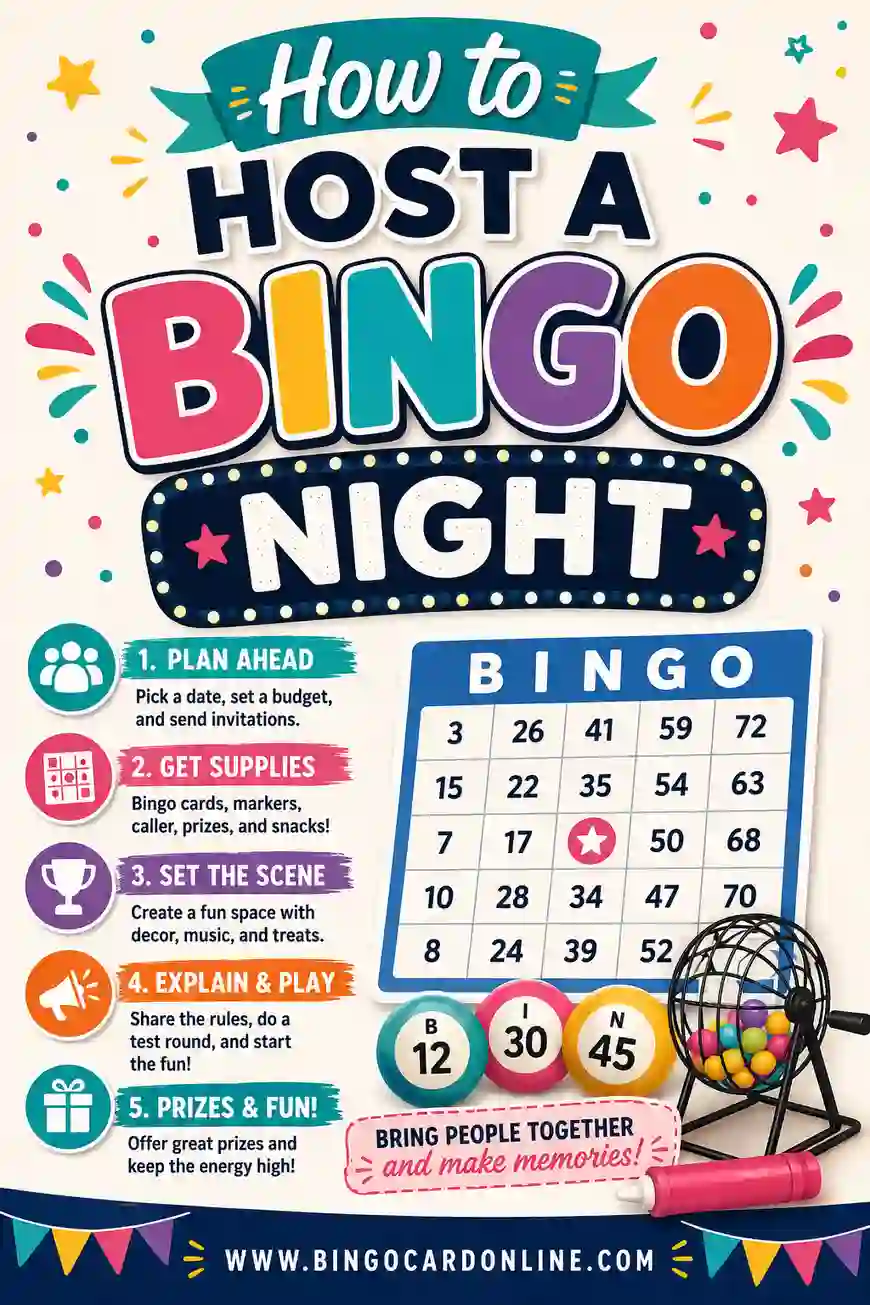
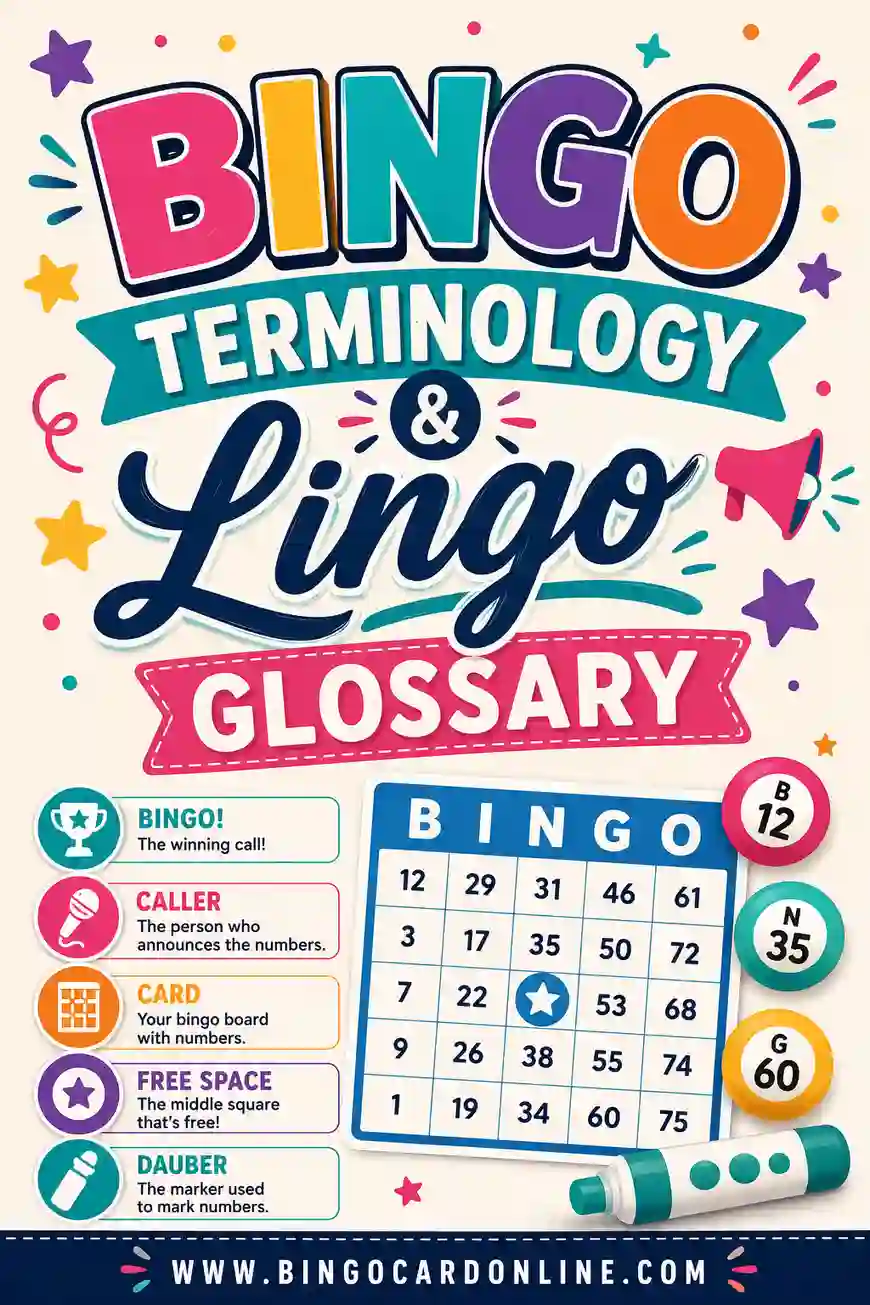
Planning a whole event around this? Our guide to hosting a bingo night covers everything from cards to calling, and the bingo lingo glossary helps you sound like a pro caller.
Frequently Asked Questions
What is the standard size of a bingo card?
The standard bingo card is a 5x5 grid printed on letter-size paper (8.5 x 11 inches), with each square about 1.25 inches across. That's the classic format adults expect, and it fits one card comfortably per page with room for a free space in the center.
How big should each bingo square be?
Aim for at least 0.75 inches per square, and ideally around 1.25 inches for a 5x5 card. Bigger squares are easier to read and mark. For kids or seniors, go larger by using a 3x3 or 4x4 grid, which gives you 1.75 to 2.5 inch squares.
Can I fit a bingo card on regular printer paper?
Yes. A 5x5 bingo card fits neatly on standard letter or A4 paper with room to spare. Just print at 100% scale and leave half an inch of margin so the printer doesn't clip the edges. The free generator sizes everything to fit standard paper automatically.
What size bingo card is best for kids?
For young kids, use a 3x3 or 4x4 grid so the squares are big and the games are short. A 3x3 gives you nine large squares that toddlers can mark easily, while a 4x4 suits early-elementary kids who can handle a slightly longer game.
Should bingo squares be the same size as each other?
Yes, keep every square the same size for a clean, fair, easy-to-read card. Uneven squares look messy and make it harder to scan during a fast game. A generator keeps them perfectly uniform, which is tough to do by hand.
Does paper size affect how many squares I can use?
It does. Smaller paper means smaller squares for the same grid, so a 5x5 on half-letter paper gets cramped fast. If you want lots of squares, stick with full letter or A4 paper, or drop to a smaller grid to keep each square readable.
Ready to Make Perfectly Sized Bingo Cards?
Stop measuring and start playing. Open the free bingo card generator, pick your grid size, and it'll lay out clean, evenly-spaced squares that print beautifully on standard paper. It's free, there's no sign-up, and every card comes out the right size the first time. Pick your grid, hit print, and you're set.