Best Bingo Generators for Large Events
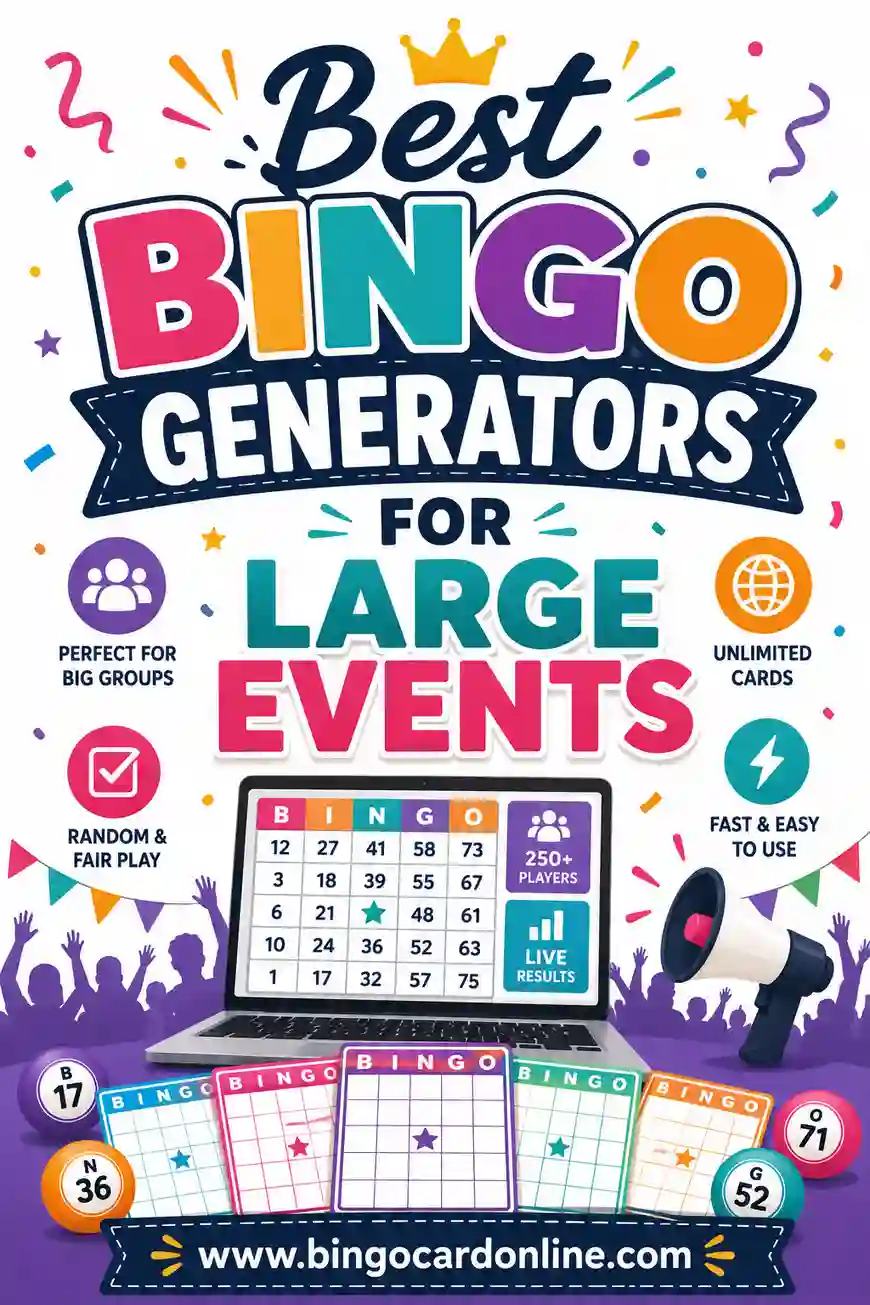
The best bingo generator for a large event is one that makes hundreds of genuinely unique cards in one click, prints cleanly two-to-a-page, and needs zero sign-up so volunteers can jump in fast. For most big crowds — fundraisers, conferences, school assemblies, company parties — a free browser-based generator beats both pricey software and store-bought packs. Our free bingo card generator was built for exactly this: paste a word list, set how many cards you need, and print.
Hosting bingo for 200 people is a different job than a game night for six. Open the free generator, drop in a word list (there's a ready-made one below), and you can have a stack of unique cards ready before the doors open. No fee, no app, no watermark.
What Makes a Bingo Generator "Good" for Big Crowds
Small-group tools and big-event tools look similar, but the things that matter change completely once you scale up. Here's what actually counts when you're printing for hundreds.
- True uniqueness at volume. With 200 cards, "mostly different" isn't good enough. Two identical cards means two winners at once and an awkward tie-break. You want a tool that guarantees every card is a distinct arrangement.
- Bulk printing that paginates well. Printing 200 cards one at a time is a nightmare. The right tool lays out 1–2 cards per page with clean page breaks and no website clutter.
- No sign-up or paywall. At an event, you often have volunteers helping. A tool that needs accounts or charges per card slows everyone down.
- Custom word lists. Big events have themes — a brand, a cause, a town. Being able to paste your own words makes the game feel personal.
- Works on any device. Volunteers might be on a school laptop, a phone, or a library computer. Browser-based tools just work.
If a generator nails those five, it'll handle a crowd of any size.
Free Large-Event Bingo Word List (Copy & Paste)
Here's a ready-to-use list of 30 squares that work for almost any big gathering — fundraisers, mixers, conferences, and community days. Copy a column straight into the generator, or mix and match.
| Crowd & Mingling | Event Moments | Prizes & Fun |
|---|---|---|
| Name tag | Opening speech | Raffle ticket |
| Handshake | Group photo | Door prize |
| Coffee station | Microphone check | Gift bag |
| Found a seat | Round of applause | Winner's bell |
| New friend | Slideshow | Goody table |
| Volunteer shirt | Welcome banner | Gold star |
| Long line | Schedule card | Grand prize |
| Selfie | Closing remarks | Confetti |
| Snack table | Live music | Trophy |
| Lanyard | Countdown | Balloon drop |
For a themed event, swap a few squares for your own: a company's product, a school mascot, the name of the cause you're raising money for. Personal squares always get the biggest laughs.
Generator vs. Other Ways to Make Event Bingo
People usually weigh three options for a big event. Here's how they stack up.
| Option | Cost | Unique cards? | Best for |
|---|---|---|---|
| Free online generator | Free | Yes, hundreds | Most large events |
| Store-bought card packs | $$ | Often repeats | Last-minute, small budgets |
| Design software (by hand) | $-$$ | Only if you redo each | Designers with time |
| Hiring an event company | $$$ | Yes | Galas with a big budget |
For the vast majority of organizers, the free generator wins on every axis that matters: it's free, it's fast, and it guarantees uniqueness. The only time it's worth paying is a high-end gala where someone else runs the whole show.
Why store-bought packs fall short at scale
Printed packs are fine for a family night, but at 200 players the repeats become obvious. Cheap packs often cycle through 25 or 50 layouts, so by the time you've handed out a hundred cards, multiple people share the same grid. That's the fastest way to end a round in confusion.
How to Print Hundreds of Cards Without Losing Your Mind
The printing is where big events go sideways. A little planning keeps it smooth.
- Add a big word list. For unique 5x5 cards, aim for 30 or more words. The more words, the more distinct cards the generator can build.
- Generate in batches. Make 50 at a time if your printer or browser struggles with huge jobs, then repeat.
- Print two-to-a-page. It halves your paper and time. The generator handles this layout automatically with a clean print stylesheet.
- Use a fast printer or a print shop. For 200+ cards, a local print shop is cheap and saves hours. Bring a PDF.
- Number your stacks. Keep cards in batches of 25 so you can hand them out and track them easily.
A quick tip: print 10% more cards than you think you need. Latecomers, damaged cards, and "can I have one too?" requests always happen.
Matching the Tool to Your Event Type
Different big events have slightly different needs. Here's how to tune your setup.
Fundraisers and galas
Charge a small amount per card and tie prizes to donations. Use branded squares — your cause, your sponsors, your mission. Bigger grids (5x5) stretch the game out so you can run several rounds and raise more.
Conferences and networking events
Use "mingle bingo," where squares are things people do or find ("someone from another state," "a speaker you follow"). It breaks the ice and gets strangers talking. A 4x4 grid keeps it quick between sessions.
School assemblies and pep rallies
Keep it simple and visual. Use a 3x3 or 4x4 grid with school spirit words. Print a class set per grade and let teachers run their own corner.
Company parties and town events
Lean into inside jokes and local landmarks. Office party squares ("the printer jams," "an awkward Secret Santa") always land. For town events, use local spots everyone recognizes.
If you run more than one of these, you can reuse the same generator and just swap the word list each time.
Common Mistakes at Large-Event Bingo
A few easy-to-avoid slip-ups trip up first-time organizers.
- Too few words. A short list means near-identical cards. Always aim for 30+ words for a 5x5.
- Forgetting markers. Buy bulk dried beans, daubers, or chips, or print cards players can cross off with a pen.
- No master call list. Track every word you call so you can verify a winner instantly. With a big crowd, disputes happen.
- One giant round. A single blackout game for 200 people drags. Run several short rounds (one line, four corners, blackout) with small prizes.
- Printing one card per page. Doubles your paper, your cost, and your prep time.
Dodge those five and your event runs like clockwork.
Running the Game for a Big Room
Calling bingo for a packed hall takes a little stagecraft. Here's a clean flow.
- Use a microphone. In a big room, people in the back need to hear every call.
- Show the called word. Project it on a screen or write it on a board so nobody misses one.
- Pace your calls. One every 12–15 seconds gives players time to scan. Slow down for older crowds.
- Have helpers verify. When someone shouts "Bingo!", a volunteer checks their card against your master list while you keep the energy up.
- Keep prizes flowing. Several small prizes across short rounds beats one big prize at the end — more winners, more cheering.
Keep it upbeat, keep it moving, and the room stays with you.
A Realistic Timeline for Big-Event Bingo
The organizers who run smooth events aren't faster, they just start earlier. Here's a sane timeline so the bingo isn't a panic the morning of.
Two weeks out. Lock your word list and any branded squares. If you're tying prizes to a cause or sponsors, get those names confirmed now, because they're the squares people will quote later. Decide your grid size and rough headcount.
One week out. Generate and print a single test card. Check the margins, the font size, and that the squares read clearly from arm's length. Fix anything now, while a reprint is cheap. If you're using a print shop, send them the PDF this week so you're not at the mercy of their queue.
Two days out. Run the full batch, or pick it up from the shop. Print 10% extra. Sort cards into labeled stacks of 25 so handout is fast and you can track them.
Day of. Lay out cards, markers, pens, and a small rules sign at each table or entry point. Test the microphone and the screen you'll project calls on. Have your master call list printed and a couple of volunteers briefed on how to verify a winner.
Front-loading the work like this means the only thing left on event day is the fun part: calling the game.
Staffing and Roles for a Smooth Game
A six-person game night needs no staff. A 200-person event needs a small crew, and knowing who does what prevents the awkward stall when someone yells "Bingo!" and nobody's sure how to check it.
Here are the roles worth assigning:
- The caller. One clear, energetic voice on the microphone. This person sets the pace and keeps the room's energy up. Pick your most comfortable public speaker.
- The verifier. When someone wins, a volunteer walks over, checks the card against the master call list, and gives a thumbs-up. This keeps the caller from having to stop and squint at a card across the room.
- The handout crew. One or two people who distribute cards and markers before each round and collect them after. At scale, this is a real job.
- The prize runner. Someone who hands winners their prize on the spot, so the energy doesn't dip while a winner waits.
For a mid-size event you can double up roles, but for anything over a hundred people, splitting them keeps the game crisp. Brief everyone for two minutes before the doors open so nobody's improvising.
Accessibility for a Big, Mixed Crowd
A large event means a wide range of guests: older players, kids, people who don't hear well in a loud hall, and folks who may not read the local language fluently. A few small choices make sure nobody's left out.
Make your print big. A larger font and a 4x4 grid instead of a 5x5 give more room per square, which helps anyone with low vision. For a multi-generational crowd, this single change does the most good.
Back up every call with a visual. Project the called word on a screen or write it on a large board. People in the back, hard-of-hearing guests, and anyone who missed a call all rely on that visual, and it cuts down on "wait, what did you say?" interruptions.
Slow your pace for older crowds. One call every 15 seconds instead of 12 gives everyone time to scan. And keep the words concrete and simple, because abstract or culture-specific squares can leave some guests guessing. If your crowd spans languages, pictures on the squares beat words every time.
Done right, these tweaks cost nothing and turn a game that works for most of the room into one that works for all of it.
Frequently Asked Questions
What's the best free bingo generator for a large event?
A browser-based generator that guarantees unique cards, prints two-to-a-page, and needs no sign-up is ideal. Our free generator does all three and handles hundreds of cards in one go.
How many unique bingo cards can I make for an event?
As many as your word list allows. With 30+ words on a 5x5 grid, the number of possible unique arrangements runs into the millions, so you can comfortably print hundreds of distinct cards.
How do I print a lot of bingo cards quickly?
Use a big word list, generate in batches, print two-to-a-page, and take a PDF to a local print shop for jobs over 200 cards. Always print about 10% extra.
What grid size is best for a big crowd?
A 5x5 grid makes the game last longer, which is great for fundraisers and galas. For quick rounds between sessions or for younger crowds, a 4x4 or 3x3 keeps things fast.
Can I brand the bingo cards for my event?
Yes. Paste your own word list with your cause, company, or town's words, and add a custom title like "Spring Gala Bingo." Personalized squares make the game feel made for your crowd.
Do I need an app or software?
No. A free online generator runs in any browser on any device, so volunteers can help from a phone, laptop, or library computer with nothing to install.
How early should I prepare bingo for a large event?
Lock your word list two weeks out, print a test card a week ahead, and run the full batch two days before. Sort cards into labeled stacks of 25 and print 10% extra. Front-loading the work means event day is just the fun part, calling the game.
How many people do I need to run bingo for a big crowd?
For 100-plus players, split the work into four roles: a caller on the microphone, a verifier who checks winning cards against the master list, a handout crew for cards and markers, and a prize runner. You can double up roles for mid-size events, but separating them keeps a large game crisp.
Ready to Run Bingo for Your Big Event?
Grab the word list above, open the free bingo card generator, and print as many unique, ready-to-play cards as your crowd needs. It's free, there's no sign-up, and every card comes out different — so whether you're hosting a fundraiser, a conference, or a company party, you're set to play. For more ideas, see our tips for classroom bingo, office party bingo, and family reunion bingo.