Bingo for Virtual & Zoom Parties: Play Together Online
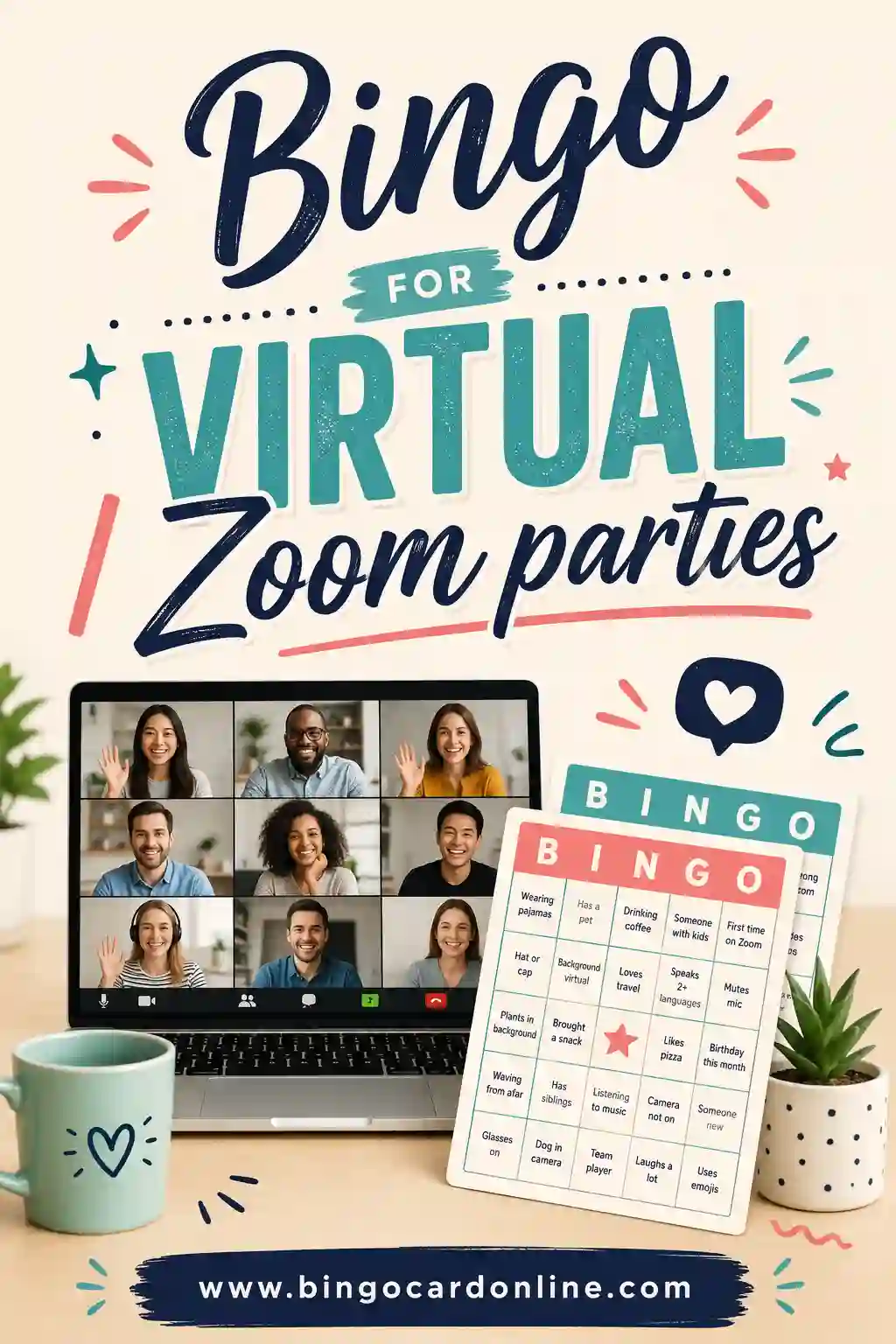
Bingo for virtual and Zoom parties works great with a little setup: each guest gets their own unique card ahead of time, you share your screen or call items aloud, and players mark along at home. It's one of the easiest games to run over video because everyone can join from their own couch. The simplest way to handle it is a free bingo card generator that makes a different printable card for each guest, which you email or print and mail before the party.
Hosting an online party soon? Open the free generator, paste in the word list below, and create a unique card for every guest in minutes. No sign-up, no cost, nothing to install.
Why Bingo Is Perfect for Video Calls
Some games fall apart over Zoom. Bingo doesn't. It's built for exactly this kind of split-up, everyone-in-their-own-home setup.
Here's why it works. Each player only needs their own card and something to mark with, no shared board, no passing pieces, no physical contact. The caller does all the talking, so there's no awkward "you go, no you go" crosstalk that ruins other online games. And the big payoff, yelling "Bingo!", translates perfectly to a video call, complete with everyone cheering on mute.
It also scales from a tiny family call to a company-wide event without changing much. Whether it's five cousins or fifty coworkers, the format holds up. That flexibility is why bingo became a go-to for remote get-togethers.
Getting Cards to Your Guests
The one thing virtual bingo needs that in-person doesn't: getting a unique card to each guest before the party. You've got three easy ways to do it.
Email a PDF (easiest)
Generate a unique card per guest, save each as a PDF or image, and email them out a day ahead. Tell guests to either print it or just keep it open on a phone or second screen to mark digitally.
Mark on screen
Guests who can't print can open their card image and use a drawing app, or simply keep a tally on paper. Some folks screenshot and mark in their photos app. Anything works as long as they can track squares.
Print and mail (special occasions)
For a milestone, like a virtual birthday or a far-flung family reunion, mailing real cards adds a nice touch. Drop in a few markers and it feels like a real party kit landed on their doorstep.
Whichever you pick, send cards out early. The one thing that derails virtual bingo is a guest scrambling for their card after the game's already started.
Free Virtual Party Bingo Word List (Copy & Paste)
Here's a ready-to-use list of 30 squares built for online get-togethers. These "video call moments" make a fun, self-marking game, no caller needed, since players mark squares as the moments actually happen on the call. Copy any column into the generator. Use 24 for a 5x5 or 9 for a quick 3x3.
| Tech Mishaps | On-Screen Moments | Party Vibes |
|---|---|---|
| "You're on mute" | A pet appears | Someone's late |
| Frozen screen | A kid interrupts | A toast is made |
| Echo or feedback | Funny background | Someone eats on cam |
| "Can you hear me?" | A virtual background | A drink refill |
| Dropped call | Someone's upside down | Music in the background |
| Wrong camera | A cameo doorbell | A group photo |
| Bad lighting | Someone waves | A round of cheers |
| "Let me share my screen" | A hat or costume | Someone leaves and returns |
| Lag delay | A coffee mug shows | A loud laugh |
| Talking over each other | A snack reveal | Everyone unmutes at once |
This spot-it style is perfect online because the game runs itself, players just watch the call and mark what happens. For a classic caller game, swap in numbers, holiday words, or your event theme instead.
How to Make Virtual Bingo Cards in 4 Steps
Setup takes just a few minutes.
- Pick your grid size. 5x5 for a full-length game, 3x3 for a quick warm-up round.
- Add your words. Paste at least 24 for a 5x5. More words means more variety between guests' cards.
- Make one card per guest. The generator keeps each one unique automatically.
- Send them out. Email each card as a PDF or image a day before the party.
Save your guest list and word list somewhere handy. If you host a regular virtual game night, you can spin up a fresh, scrambled set in seconds next time.
Two Ways to Run the Game Online
There are two main styles for virtual bingo. Pick based on your group and vibe.
| Style | How it works | Best for |
|---|---|---|
| Caller game | Host calls items aloud or shares a screen; guests mark matches | Classic feel, structured rounds, prizes |
| Spot-it game | Guests mark squares as the listed moments happen on the call | Casual hangouts, background fun, big groups |
| Hybrid | Spot-it running quietly while you also chat and catch up | Long calls, family reunions, mixers |
The spot-it style is the secret weapon of virtual parties. It plays in the background while everyone just talks and hangs out, then someone suddenly shouts "Bingo!" and the whole call lights up.
Running a Smooth Zoom Bingo Game
Here's how to host a clean online round without the tech getting in the way.
- Send cards early. A day ahead, so nobody's hunting for theirs mid-game.
- Open with a quick rules recap. Win condition, how to claim, whether it's caller or spot-it. Keep it to 30 seconds.
- Share your screen for calls. If you're calling, show each item on screen as you say it. That covers anyone with audio trouble.
- Use the chat to claim. Have winners type "BINGO" in the chat so you don't miss a shout under the cross-talk.
- Verify on camera. Ask the winner to hold their card to the camera or share their screen so everyone sees the win.
Keep the pace a touch slower than in-person, audio lag eats a second or two on every call. One item every 15 to 20 seconds keeps everyone together.
What guests can use to mark
Remind guests ahead of time so they're ready:
- A pen or marker on a printed card
- A drawing app on the card image
- Coins, beans, or buttons on a printed card
- A simple tally on scratch paper
Themes That Make Virtual Parties Pop
The right theme turns a plain video call into an event. A few favorites.
- Office team bingo. Squares are work-call classics: "someone's mic is muted," "a calendar invite mishap," "a surprise pet cameo." Perfect for a remote team social.
- Movie night bingo. Watching a film together online? Squares are scenes or tropes that always happen. Mark as you watch.
- Holiday family bingo. Seasonal squares plus "video call moments." Grandparents love this one, and it gives everyone something to do.
- Trivia bingo. Call trivia questions; squares hold the answers. Adds a brainy twist for competitive groups.
Match the theme to your crowd and the game does the social heavy lifting for you, which is exactly what you want when you're trying to host over a screen.
Keeping Remote Players Engaged
The tricky part of any virtual party is energy. People drift, multitask, or go quiet. Bingo helps, but a few moves keep everyone in it.
Hand out small prizes to keep the stakes fun, an e-gift card or "winner picks the next movie" works great over video. Run a few short rounds instead of one long one, so latecomers get fresh chances and nobody's stuck waiting.
Encourage guests to unmute and react. The cheers and groans are half the fun, and they make a video call feel like a real room. And keep yourself upbeat as host, your energy sets the tone for the whole call. A lively host turns a flat Zoom into a party people are glad they joined.
Frequently Asked Questions
How do I play bingo over Zoom or a video call?
Send each guest a unique card ahead of time, then either call items aloud while sharing your screen, or play a spot-it game where guests mark moments as they happen on the call. Winners claim in the chat and show their card on camera.
How do guests get their bingo cards for a virtual party?
Generate a unique card per guest and email each as a PDF or image a day before. Guests print it, or keep it open on a phone or second screen and mark digitally. For special events, you can print and mail real cards.
How do I make sure every guest's card is different?
Use a generator that shuffles your word list into a fresh layout for each card. Doing it by hand is slow and error-prone, which is why the tool exists. Every guest gets a one-of-a-kind grid.
Is this bingo card generator free for online parties?
Yes. You make and print or email the cards yourself at no cost. There's no sign-up and no watermark, so a whole virtual party or remote team can play on one free word list.
What's a good bingo theme for a work video call?
Office "video call moments" bingo is a hit, squares like "you're on mute," "a surprise pet cameo," and "frozen screen." It plays quietly in the background while you meet or socialize, then someone calls "Bingo!"
Can guests mark their cards without printing?
Yes. Guests can open the card image and mark it in any drawing or photos app, or just keep a tally on scratch paper. Printing is nice but never required, which makes virtual bingo easy for everyone to join.
Ready to Host Your Virtual Bingo Party?
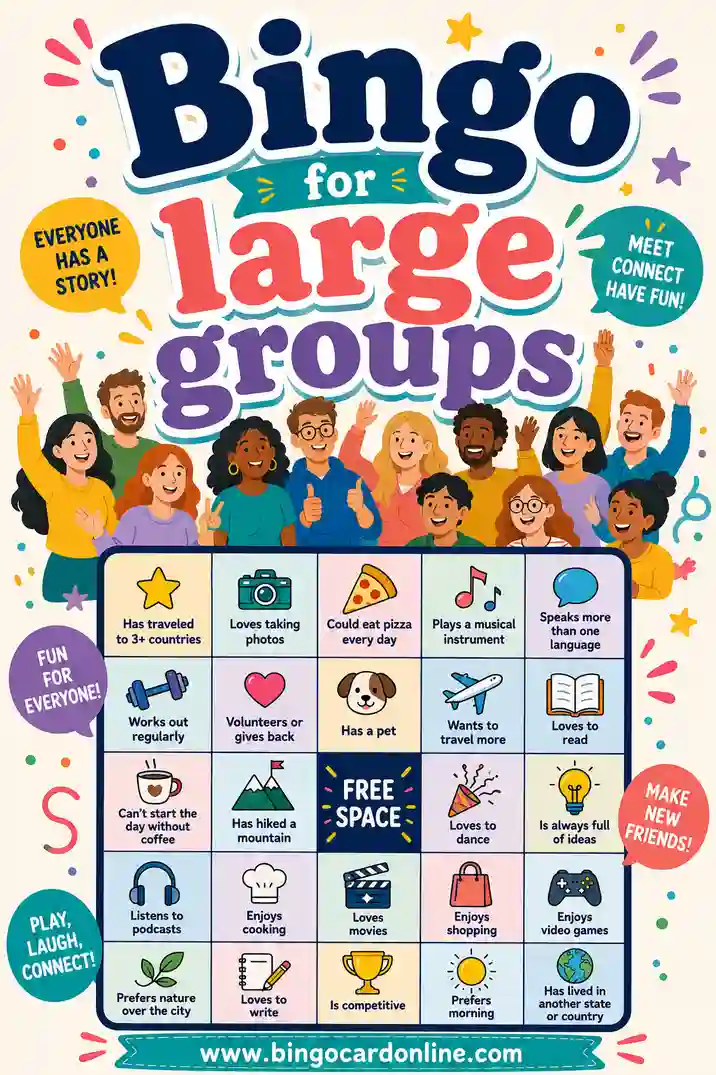
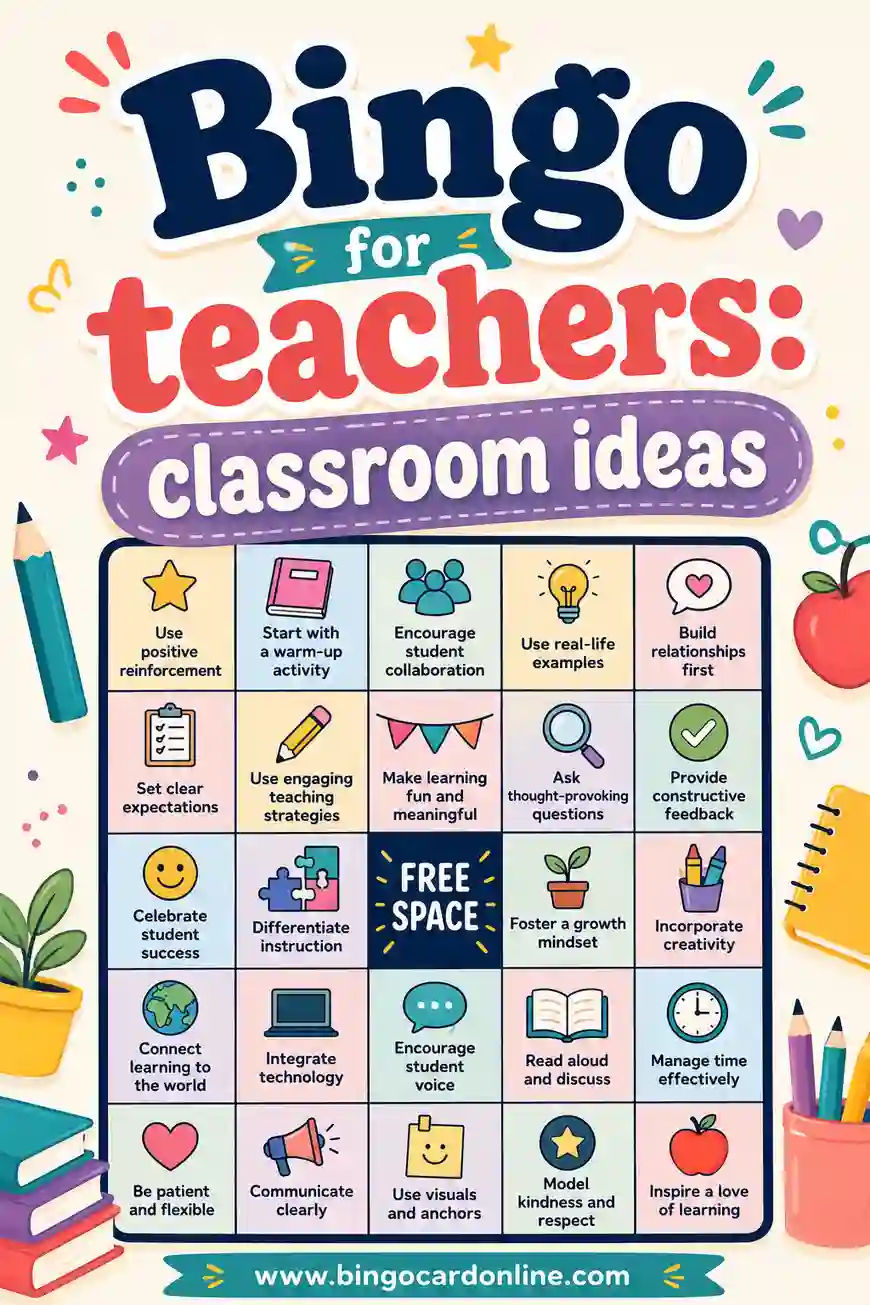
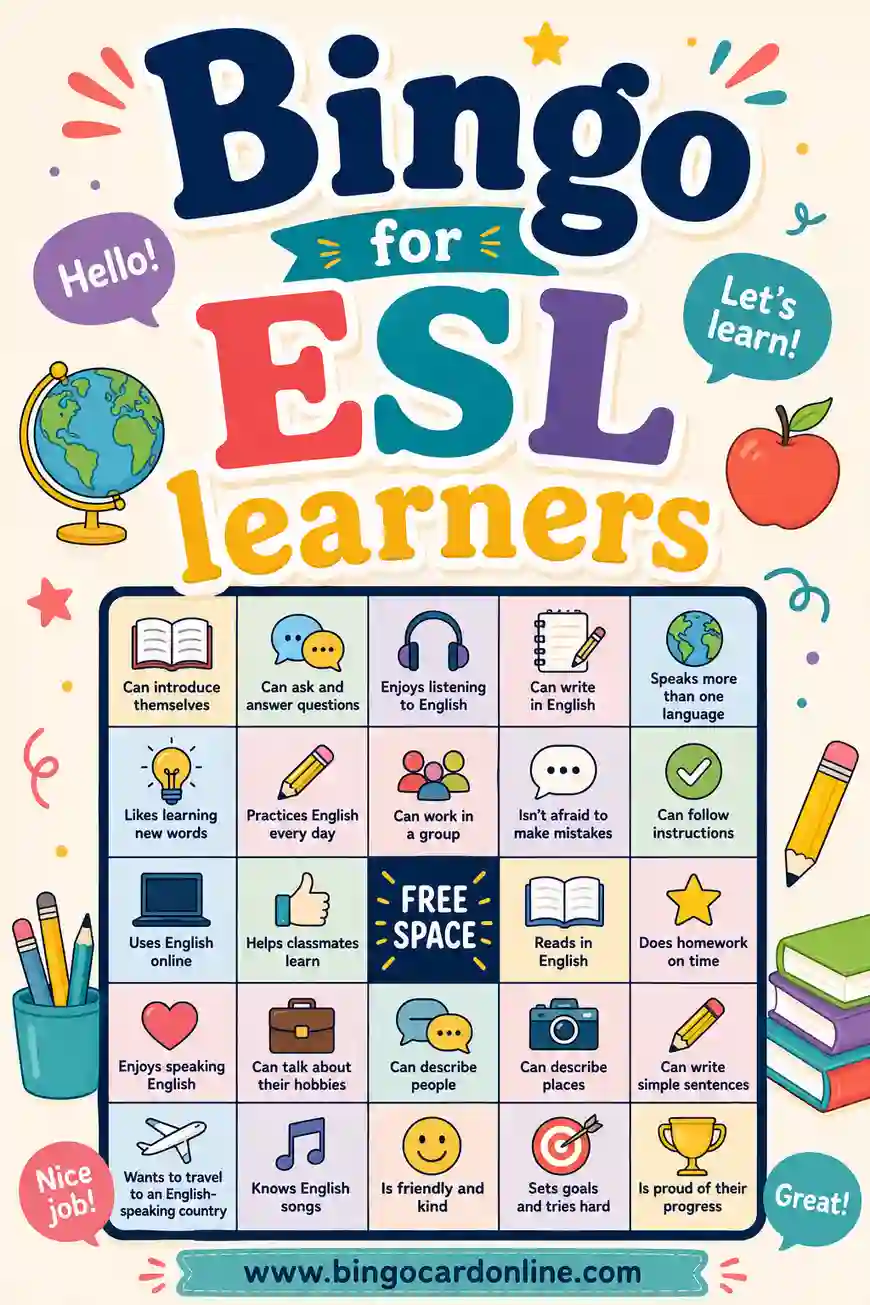
Grab the word list above, open the free bingo card generator, and you'll have a unique, printable card for every guest in minutes. It's free, there's no sign-up, and every card comes out different, so your online party is set to play. Want more ideas? See our guides to bingo for large groups, bingo for teachers, and bingo for ESL learners. Now go throw a virtual party your friends will actually look forward to.