How to Make Picture Bingo for Non-Readers
Picture bingo swaps written words for simple images, so kids who can't read yet (or anyone who learns better with pictures) can still play. You make it by choosing 9 to 16 clear, recognizable pictures, arranging them on a small 3x3 or 4x4 grid, and printing a unique card for each player. The easiest way to build a full set is a free bingo card generator that shuffles your image words into different cards automatically.
Want to get going right now? Open the free generator, use the ready-made picture list below, and print a stack of unique cards in minutes. No reading required, and no design skills either.
What Is Picture Bingo?
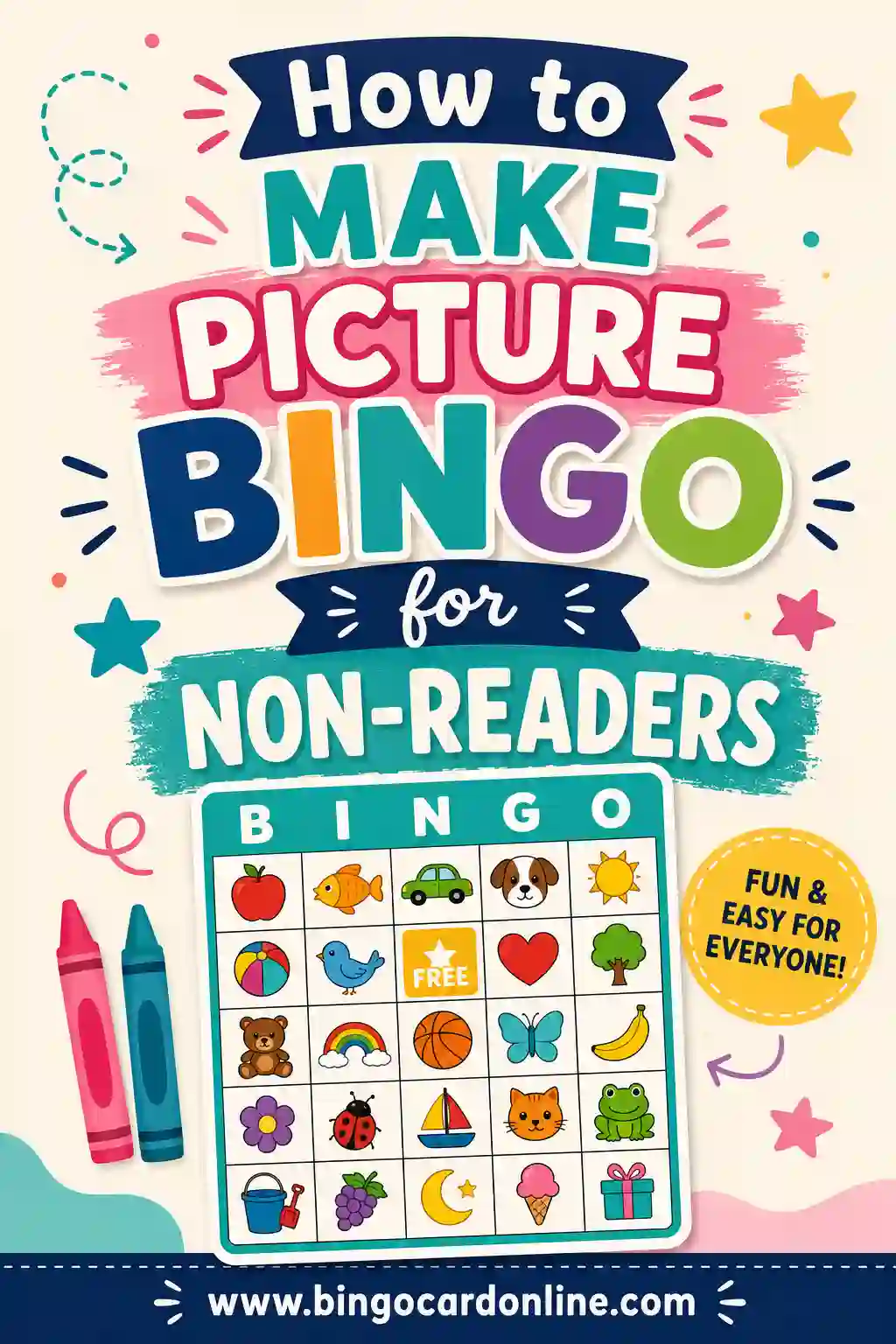
Picture bingo is regular bingo with one change: every square holds an image instead of a word or number. Instead of calling "snowman," you hold up a picture of a snowman, and players find the matching image on their cards. It's the same game, just made for people who don't read yet.
That makes it perfect for toddlers, preschoolers, and early learners. It also works beautifully for English-language learners, kids with reading difficulties, and even adults in memory-care settings. If someone can recognize a picture, they can play.
The win is simple: a child who can't read a single word can still play a full game, mark their card, and shout "Bingo!" with everyone else. That feeling of joining in is the whole point.
Why Picture Bingo Works So Well for Non-Readers
Pictures do a lot of quiet teaching. When a kid matches a picture of an apple to the apple on their card, they're building visual recognition, focus, and turn-taking, all without realizing it's "learning." Here's why it lands:
- No reading barrier. Nobody gets left out because they can't sound out a word.
- Fast recognition. A clear picture registers in a split second, so the game keeps moving.
- Builds vocabulary. Say the word out loud as you call each picture, and kids connect the image to the spoken word.
- Boosts confidence. Winning at a "real game" is a big deal for a little kid.
It's also a sneaky way to teach categories. A set of animal pictures, fruit pictures, or shape pictures doubles as a lesson while everyone's just having fun.
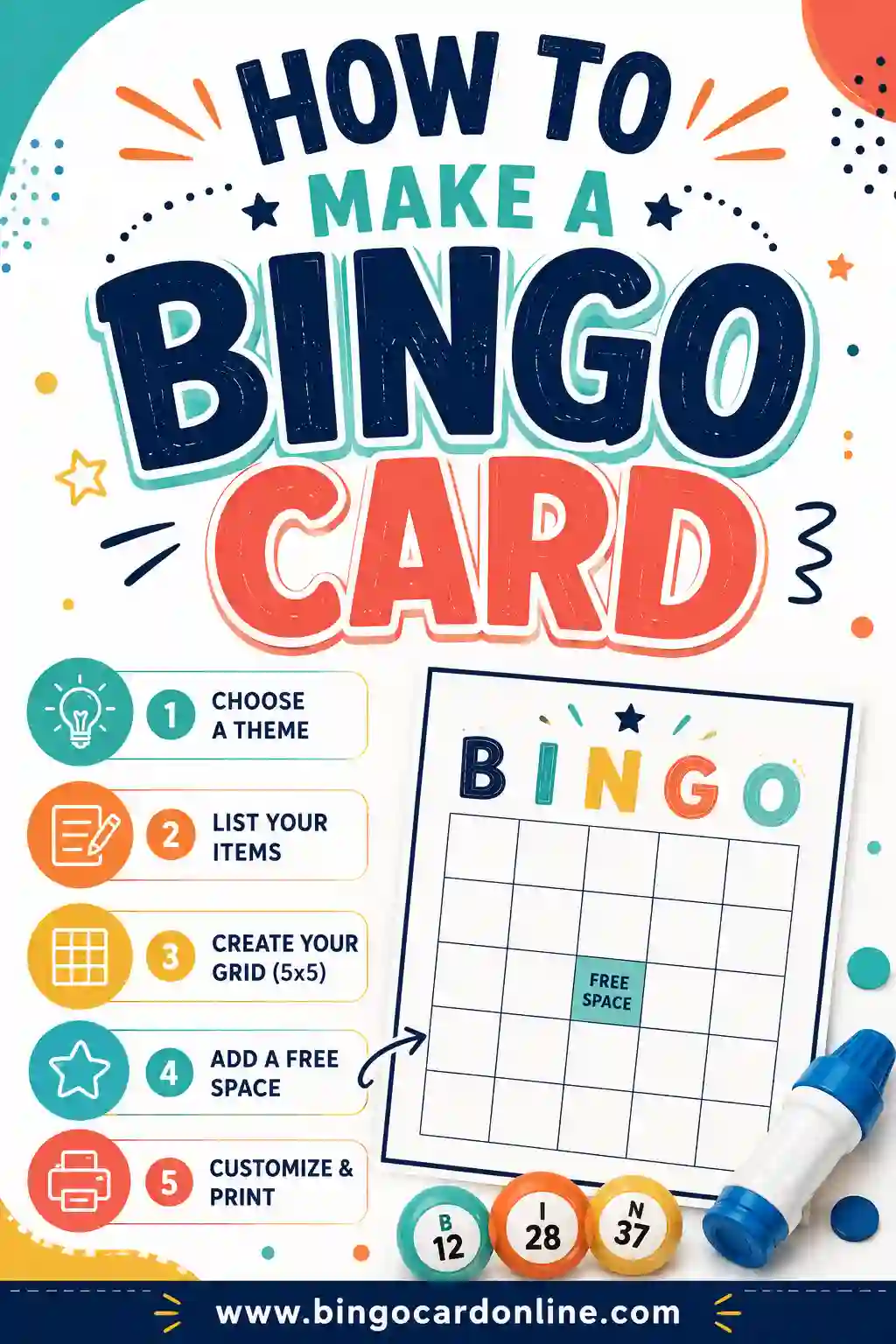
How to Make Picture Bingo in 5 Steps
You don't need to be crafty or tech-savvy. Here's the whole process from idea to printed stack.
- Pick a theme. Animals, food, household objects, shapes, vehicles, whatever your kids know well. A focused theme is easier to recognize than a random mix.
- Choose your pictures. Grab 9 simple images for a 3x3 card or 16 for a 4x4. Stick to clear, single-object pictures on a plain background.
- Pick a grid size. Smaller is better for little ones. A 3x3 keeps it short and the squares big.
- Generate unique cards. Drop your picture labels into the generator and let it shuffle them into a different layout for each player.
- Print and play. Print one card per child plus a few spares, grab some markers, and you're ready.
The whole thing takes about ten minutes. If you want cards you can reuse, print on cardstock and slip them into clear sleeves.
Choosing the Right Pictures
Not every image works. The trick is picking pictures a young child recognizes instantly, even from across a table. Use these rules:
Keep it simple and single
One clear object per square. A picture of a single red apple beats a busy fruit-bowl scene every time. Plain backgrounds, bold shapes, and familiar items win.
Make them recognizable
Choose things your kids see in real life: a dog, a banana, a car, a star, a ball. Avoid abstract ideas like "happy" or "weather" that are hard to draw clearly.
Use strong contrast
Bold, colorful pictures read better than faint or pale ones, especially when printed. If you print in black and white to save ink, pick images with strong outlines so they still pop.
Match the theme to your group
A farm-animal set is great for a kid who loves animals. A vehicle set suits a truck-obsessed toddler. Tailoring the theme keeps attention high.
Free Picture Bingo Word List (Copy & Paste)
Here's a ready-to-use list of 30 simple, easy-to-picture items grouped by theme. Each one is a single, recognizable object that works great as an image. Pick 9 for a 3x3 or 16 for a 4x4, type them in, and the generator shuffles them into unique cards.
| Animals | Food | Everyday Objects |
|---|---|---|
| Cat | Apple | Ball |
| Dog | Banana | Car |
| Fish | Carrot | Hat |
| Bird | Grapes | Shoe |
| Frog | Cookie | Cup |
| Bear | Cheese | Book |
| Duck | Egg | Spoon |
| Cow | Pizza | Clock |
| Rabbit | Milk | Star |
| Lion | Strawberry | Sun |
If your generator uses words to label image squares, these short labels keep everything tidy. Pair each label with a matching picture, or use the words as a starting point for the images you draw or download.
Where to Find Pictures
You've got plenty of options, no art degree needed:
- Free clip-art and icon sites. Search for simple, kid-friendly icons. Single-object line art works best.
- Coloring-book images. Bold black-and-white outlines print cleanly and save ink.
- Draw your own. Simple stick-figure-style drawings are charming and totally fine. Kids don't need fine art.
- Photos of real objects. Snap quick pictures of toys or household items for a personal touch.
- Emoji. A surprisingly good source of clear, colorful, universally recognized images.
Whatever you choose, keep the style consistent across the card so nothing looks out of place. And size each picture to fill most of its square, with a little margin so it doesn't crowd the grid lines.
Best Grid Size for Non-Readers
Little kids and big grids don't mix. The more squares you add, the longer the game and the smaller each picture gets. For non-readers, smaller is almost always better.
| Player age | Grid | Pictures | Why it works |
|---|---|---|---|
| Toddlers (2–3) | 3x3 | 9 | Big pictures, very short game |
| Preschool (3–5) | 3x3 or 4x4 | 9–16 | Recognizable, still quick |
| Early elementary (5–7) | 4x4 | 16 | Longer game, more challenge |
| Mixed group | 3x3 | 9 | Keeps the youngest in the game |
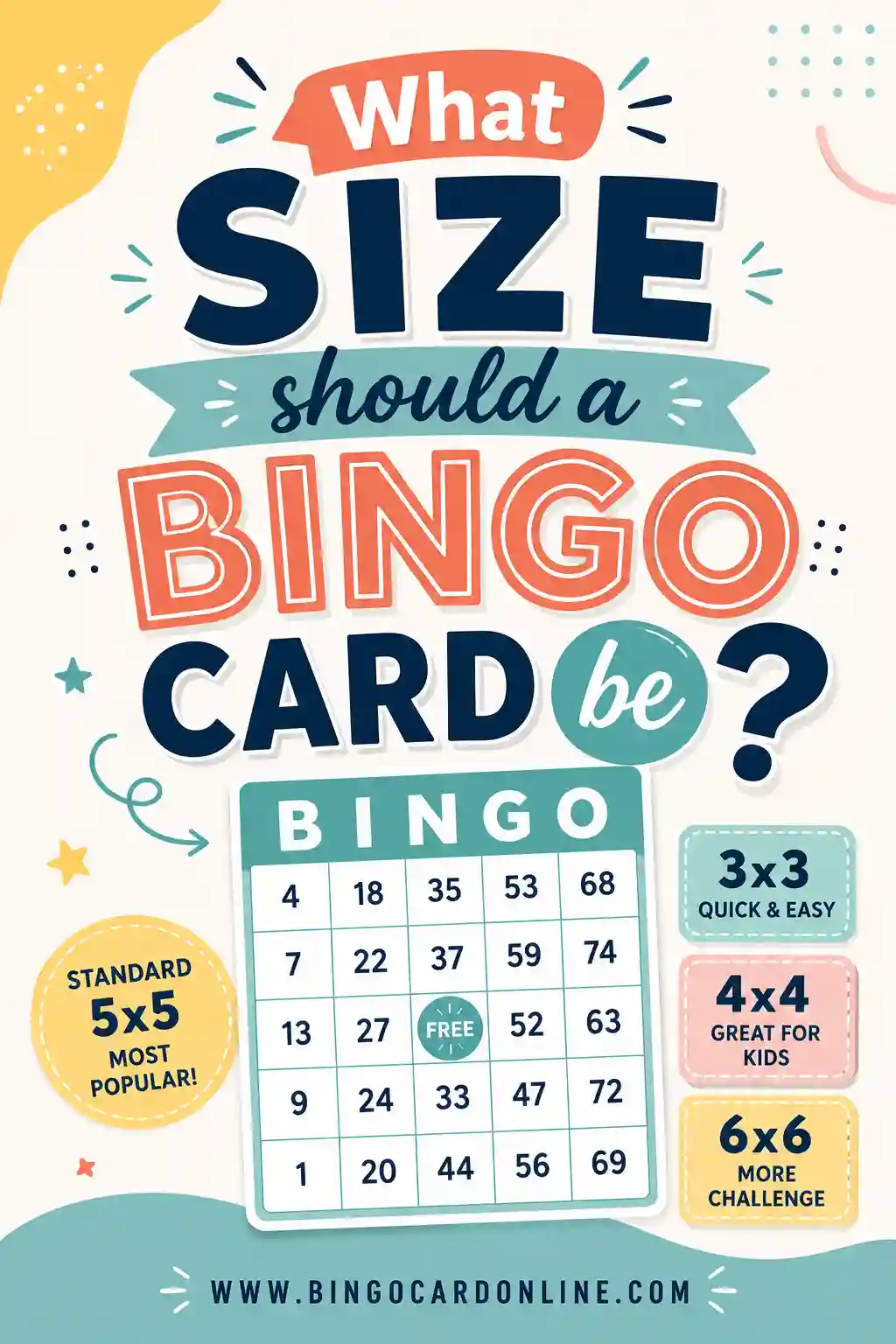
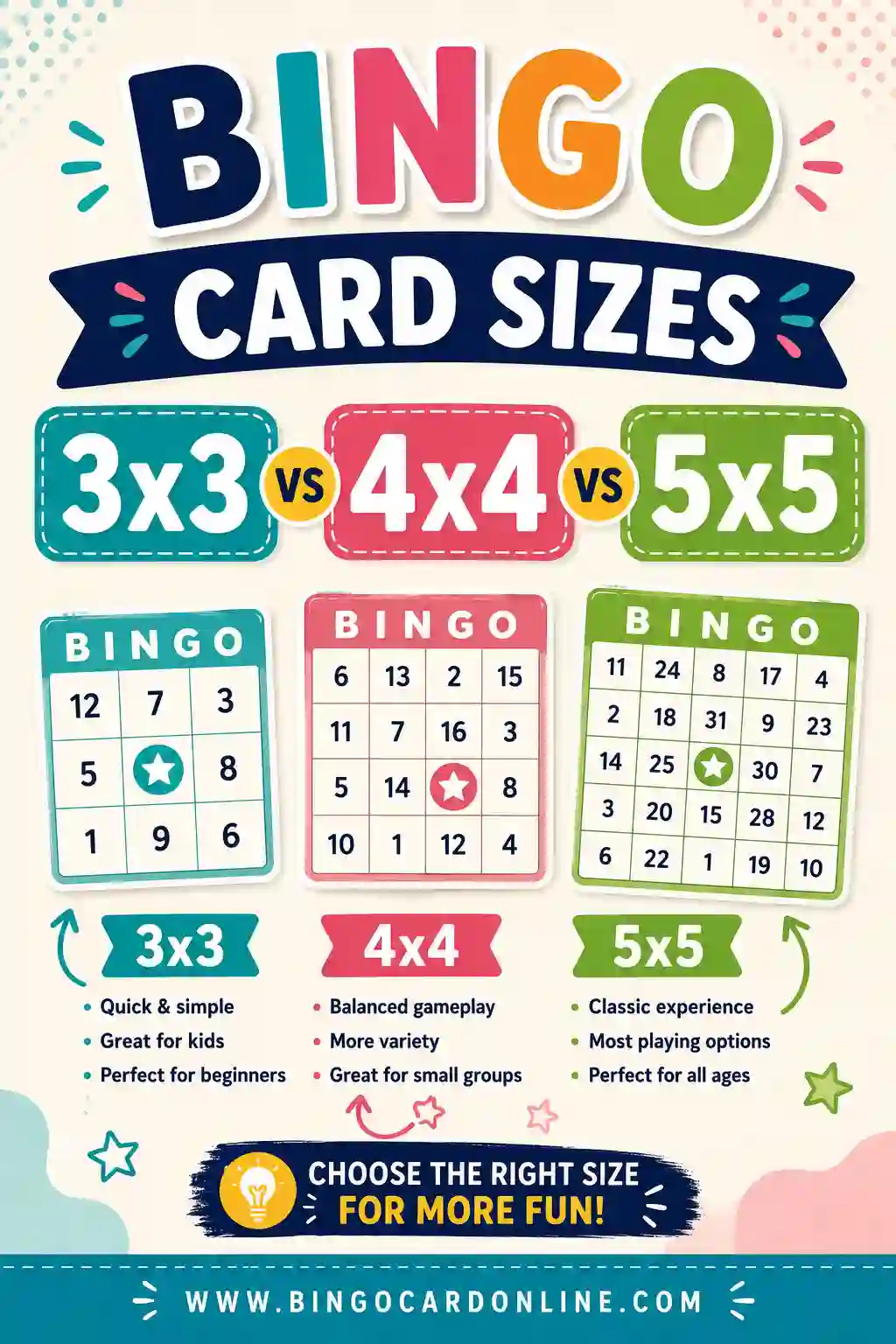
A 3x3 card is the safe default for the youngest players. Nine big pictures are easy to scan, and a game wraps up in a couple of minutes, right about when a toddler's attention runs out. For sizing details, see our guide on what size a bingo card should be.
How to Call Picture Bingo
Calling is a little different when there are no words to read. Here's how to run a smooth game.
- Make a caller's set. Print one extra card or a sheet of all the pictures, then cut them into individual call cards and drop them in a bowl.
- Hold up each picture. Pull a call card and show it to everyone. Say the word out loud too, so kids connect the picture to the sound.
- Give them time to look. Young players scan slowly. Pause a few seconds before the next call.
- Help mark the squares. Use big, easy markers like buttons, pom-poms, or stickers. Some kids need a hand at first.
- Celebrate the win. When someone fills a line, cheer loudly. The excitement is half the fun.
Keep the pace slow and the rounds short. With toddlers, even a two-minute game feels like an achievement, and you can always run another.
Easy markers for little hands
- Pom-poms or cotton balls
- Buttons or large beads
- Stickers (kids love these)
- Mini crackers or cereal pieces (edible markers are a hit)
- Plastic counters or coins
Fun Variations to Try
Once your kids get the hang of it, mix things up:
- Sound bingo. Instead of showing a picture, make the sound. Bark for the dog, moo for the cow. Great for animal sets.
- Color bingo. Use colored squares instead of objects. Call out a color, players find it.
- Matching pairs. Hand each kid the call card and have them race to find the match on their board.
- Cooperative bingo. Everyone works together to fill one big shared card. No losers, just a team win.
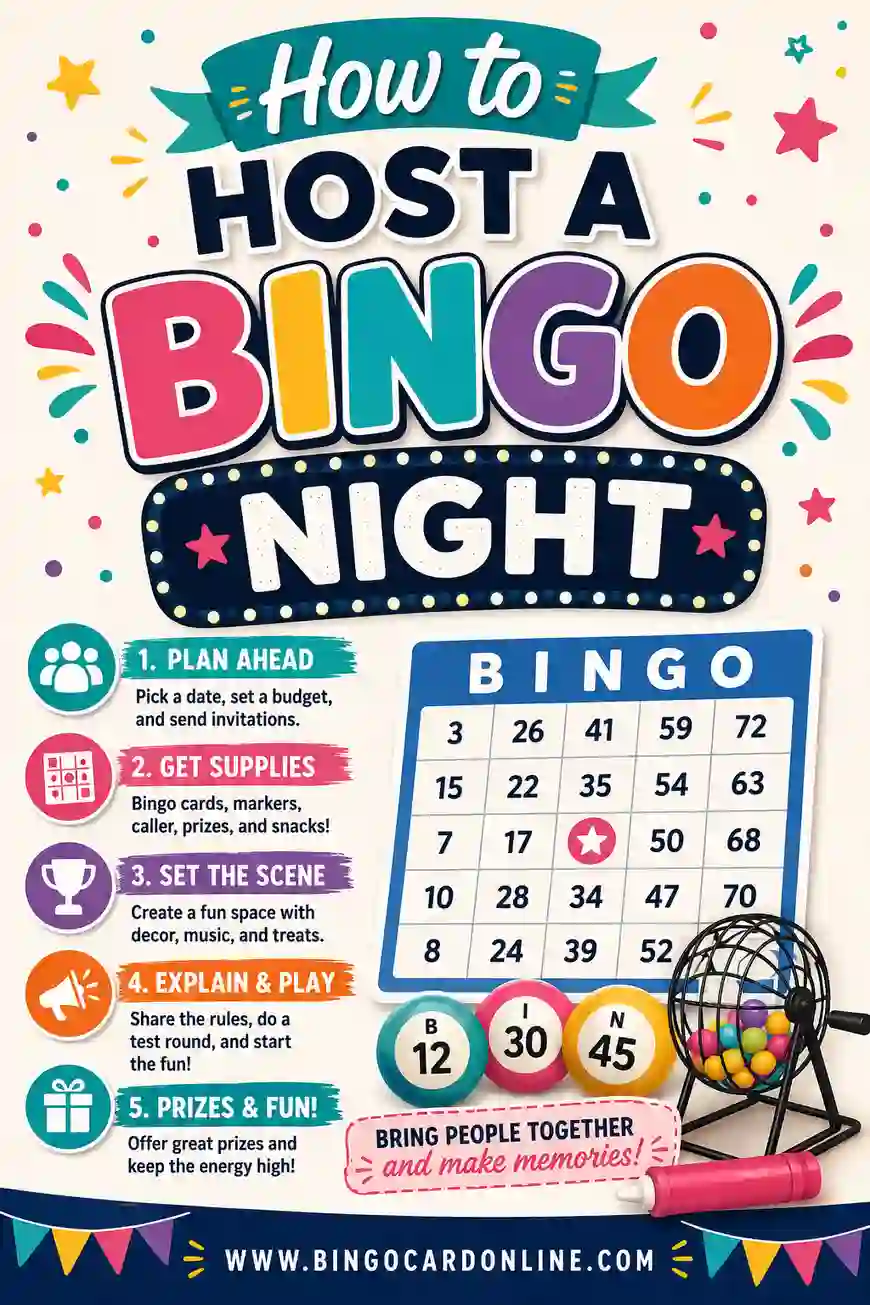
These twists keep the same simple set fresh across many play sessions. Planning a bigger event? Our bingo night guide has tips that scale from a playdate to a classroom party.
Frequently Asked Questions
How do I make bingo for kids who can't read?
Use pictures instead of words. Pick 9 to 16 simple, recognizable images, arrange them on a small 3x3 or 4x4 grid, and print a unique card for each child. Call the game by holding up matching pictures. The free generator builds the unique cards for you in minutes.
What pictures work best for picture bingo?
Single, clear objects that kids already know: a cat, an apple, a car, a star, a ball. Use bold images on plain backgrounds with strong outlines so they read instantly, even from across the table. Avoid abstract ideas that are hard to draw.
What grid size is best for non-readers?
A 3x3 grid is best for toddlers and preschoolers. Nine big pictures are easy to spot, and games end quickly before little kids lose interest. Move up to a 4x4 for early-elementary kids who can handle a longer round.
Can I make picture bingo for free?
Yes. Pick free clip-art, emoji, or your own simple drawings, then use the free bingo card generator to lay them out and shuffle them into unique cards. There's no sign-up and no cost, so you can print a whole classroom set for nothing.
How do I call picture bingo without words?
Print a second copy of the pictures, cut them into call cards, and pull them from a bowl one at a time. Hold each picture up for everyone to see and say the word out loud. This lets non-readers match the image while still hearing the vocabulary.
Is picture bingo good for English learners?
Yes, it's excellent for English-language learners of any age. Matching pictures to spoken words builds vocabulary naturally, and nobody has to read to join in. Say each word clearly as you call it so players link the image to the new word.
Ready to Make Picture Bingo Cards?
Grab the picture list above, open the free bingo card generator, and you'll have a stack of unique, non-reader-friendly cards in minutes. It's free, there's no sign-up, and every card comes out different, so your little players each get their own. Pick your pictures, hit print, and let the matching begin.