Best Bingo Apps for Virtual Play (Free & Easy)
The best bingo apps for virtual play let you run a full game over Zoom, Teams, or a group chat without anyone needing to be in the same room. The strongest picks handle three things well: they give every player a unique card, they make calling numbers or words simple, and they work on a phone as easily as a laptop. For most groups, the fastest setup is to pair a free bingo card generator with whatever video call you already use.
Want to skip the research? Open the free generator, build a stack of unique cards, send them to your players, and call items over your video call. No app store, no sign-up, no cost. Below, we'll compare the popular virtual bingo apps so you can pick the right one for your crowd.
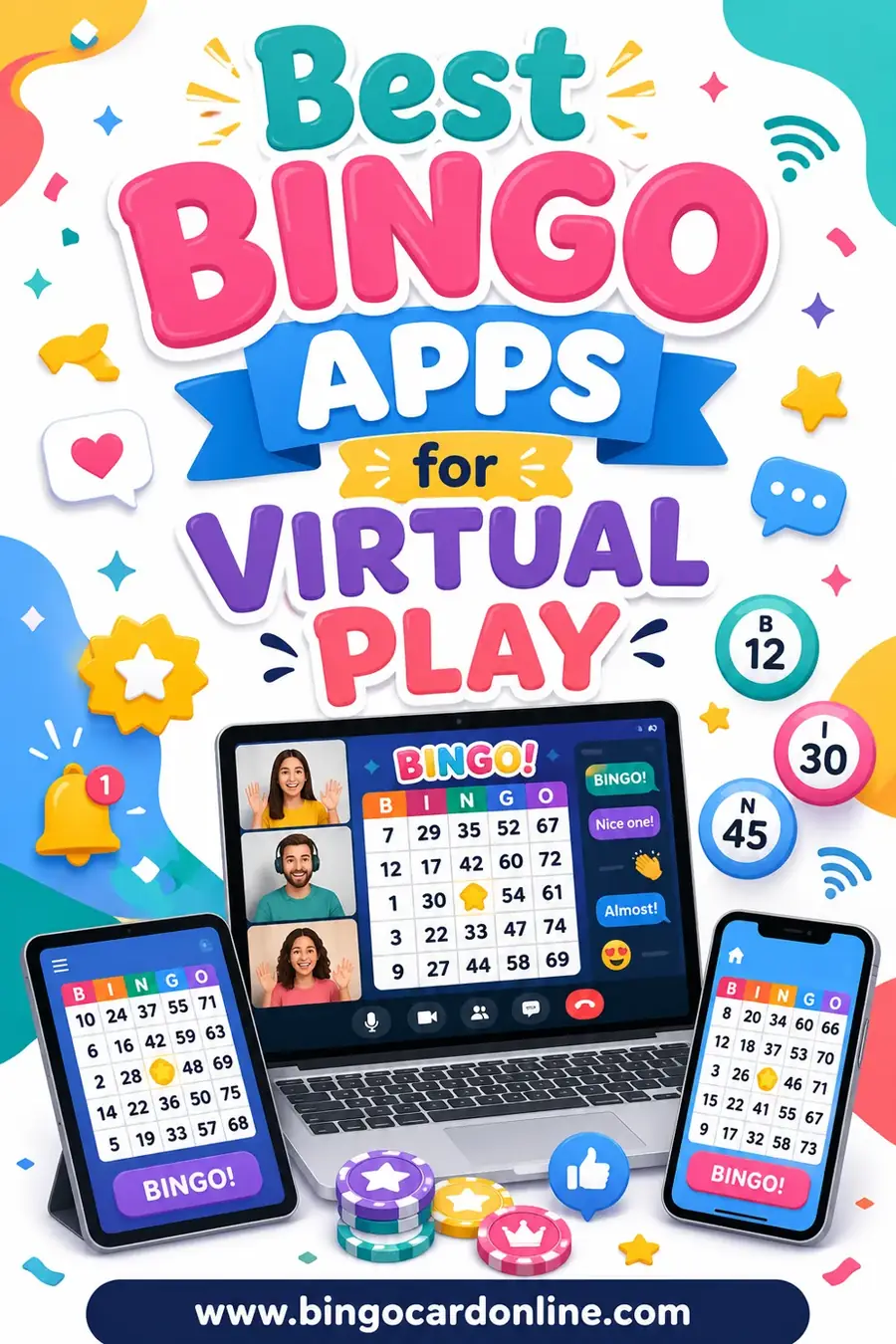
Not all "bingo apps" do the same job. Some are real-money gambling apps. Some are casual games you play solo against a computer. The ones you want for a group event are the hosting tools, the ones that let you run a live game for friends, a class, or coworkers.
Here's what separates a great one from a frustrating one.
- Unique cards for everyone. If two players share a layout, they'll both win at once and the game stalls. Good tools randomize.
- Easy calling. A clean number or word caller, ideally with a record of what's already been called.
- Works on any device. Players join from phones, tablets, and laptops. The app shouldn't force a download.
- No fuss to share. You want a link or a printable, not a 20-minute onboarding for each guest.
- Free or cheap. For a one-off party or class, you shouldn't have to pay a subscription.
Keep those five in mind and the right pick gets obvious fast.
Quick Comparison of Virtual Bingo Options
Here's a side-by-side look at the common ways people run bingo online, from full apps to the print-and-call method.
| Option | Best for | Cost | Needs a download? |
|---|---|---|---|
| Printable cards + video call | Any group, all ages | Free | No |
| Browser-based bingo callers | Classic number bingo | Free–low | No |
| Dedicated virtual bingo sites | Recurring online events | Free–subscription | No |
| Mobile party-game apps | Casual phone play | Free with ads | Yes |
| Real-money bingo apps | Solo casino-style play | Pay to play | Yes |
For a friendly group game, the top two rows win almost every time. They're free, work everywhere, and nobody has to install anything.
The Print-and-Call Method (Our Top Pick)
The simplest, most reliable way to play bingo virtually doesn't need a fancy app at all. You make unique cards, send them out, and call items over your video call. It sounds old-school, but it beats most apps for one big reason: it works for everyone, on every device, with zero learning curve.
Here's how it goes:
- Make the cards. Use the free generator to create one unique card per player. Pick 3x3 for kids, 5x5 for adults.
- Send them out. Email a PDF, drop them in the group chat, or have players print at home.
- Start the call. Open Zoom, Teams, FaceTime, or Google Meet.
- Call items aloud. Pull words or numbers one at a time and read them clearly.
- Verify the winner. When someone shouts "Bingo!", have them show their card on camera.
This method costs nothing and works for a class of 30 or a family across three time zones. It's the one we reach for first.
Browser-Based Bingo Callers
If you want to skip the physical printing, a browser-based caller pairs nicely with digital cards. The host opens a caller page that draws random numbers (or words) and displays them on a shared screen. Players watch and mark their own cards.
These are great for classic 1–75 number bingo. The caller keeps a visible board of what's been called, so there's no arguing about whether "B-7" already came up. Most run free in any browser, no install needed.
The catch: many callers only do numbers, not custom word lists. If you're playing a themed game, music bingo, or holiday bingo, you'll still want a generator that handles your own words.
Dedicated Virtual Bingo Platforms
A few sites are built specifically to host online bingo events. They give each player a digital card on their own screen, auto-mark called items, and sometimes verify wins automatically. For a recurring event, like a weekly senior center game or a monthly company social, that automation is genuinely handy.
The trade-offs:
- Cost. The polished ones often charge per event or per month.
- Sign-up friction. Players may need to create accounts or click a unique link.
- Less flexibility. You're locked into the platform's card styles and word sets.
If you run bingo often and want hands-off hosting, these earn their keep. For a one-time party, they're usually overkill.
Mobile Party-Game Apps
There are casual bingo apps in the app stores aimed at parties and family game nights. They can be fun, but read the fine print. Many are ad-heavy, some push in-app purchases, and a chunk of them are really slot-style games dressed up as bingo. For a group of kids or a school event, those ads and prompts are a headache.
If you go this route, test the app yourself first, on the same device your players will use, before game night.
A Themed Word List to Get You Started
Running a themed virtual game is more fun than plain numbers. Here's a ready-to-use "virtual game night" word list, 30 squares built around the little things that happen on every group video call. Copy any 24 into the generator for a 5x5 card, or 9 for a quick 3x3.
| Call Mishaps | Home Cameos | Party Moments |
|---|---|---|
| "You're on mute" | A pet walks by | Someone wins fast |
| Frozen screen | Doorbell rings | A toast on camera |
| Echo feedback | Kid interrupts | Wrong card shown |
| Dropped call | Snack on screen | "Can you see my card?" |
| Bad lighting | Messy background | Chat full of cheers |
| Late joiner | Coffee mug raised | Someone shouts early |
| Wrong filter on | Doorbell again | Host loses their list |
| Talking over | Plant in frame | Prize reveal |
| Spotty wifi | Headphones tangle | "One more round!" |
| "Can everyone hear me?" | Blanket fort kid | Group screenshot |
Swap in your own inside jokes and the game gets even better. The generator shuffles whichever list you paste so every player's card is different.
How to Run a Smooth Virtual Bingo Night
A little prep makes the difference between a clean game and a chaotic one.
Before the call
- Make a few spare cards in case someone joins late.
- Decide your win condition (single line, four corners, blackout) and announce it up front.
- Test your screen share if you're displaying a caller.
During the game
- Call items slowly, one every 10 to 15 seconds, slower for kids.
- Repeat each call once for anyone with spotty audio.
- Keep your own master list and cross off calls so you can verify the winner.
Verifying a win
- Ask the winner to hold their card up to the camera, or read their marked squares back to you.
- Check them against your called list before you celebrate.
Picking the Right Option for Your Group
Match the tool to your crowd and you can't go wrong.
| Your group | Best virtual option |
|---|---|
| Classroom of kids | Printable cards + video call |
| Family across time zones | Printable cards emailed ahead |
| Coworkers on Teams | Printable cards or browser caller |
| Recurring online club | Dedicated bingo platform |
| Number-bingo purists | Browser-based caller |
For the widest reach with the least hassle, printable cards plus your usual video app win nearly every time. They're free, age-proof, and there's nothing to install.
If you want more themed ideas, our music bingo guide is great for a virtual song-guessing twist, birthday party bingo works for online celebrations, and teachers will find plenty in our classroom bingo ideas.
Frequently Asked Questions
What's the best free app for virtual bingo?
For most groups, the best free setup is a printable card generator plus a video call you already use, like Zoom or Google Meet. It costs nothing, needs no download, and works on every device. A free bingo generator makes unique cards in seconds.
Do players need to download anything to play virtual bingo?
Not with the print-and-call method. You send each player a card and they join your video call, no app required. Dedicated bingo platforms and mobile party apps may need a download or sign-up, which adds friction for casual players.
How do players mark their cards online?
They can print the card and use beans, coins, or a pen, or mark it on screen with a stylus or drawing tool. The simplest approach is printed cards, since players can hold them up to the camera to verify a win.
Can I play virtual bingo with custom words instead of numbers?
Yes. A card generator lets you paste any word list, so you can run holiday bingo, music bingo, or a "virtual game night" theme like the list above. Number-only callers won't handle custom words, so use a generator for themed games.
How many people can join a virtual bingo game?
As many as your video call allows. The print-and-call method scales to large groups easily since each player just needs their own unique card. For big events, make plenty of spares and keep a clear master list of calls.
Is virtual bingo good for seniors or kids?
Very. Printable cards with large squares and simple words work well for both. Use a 3x3 or 4x4 grid for younger kids and seniors, call slowly, and repeat each item so nobody falls behind.
Ready to Host Your Virtual Bingo Game?
Skip the app-store rabbit hole. Open the free bingo card generator, build a stack of unique cards, send them to your players, and call items over your favorite video app. It's free, there's no sign-up, and every card comes out different, so your virtual game night is set to play. Have fun, and may the first "Bingo!" come from across the screen.