Bingo Baker Alternatives: Free Options That Print
The best Bingo Baker alternatives are free, no-sign-up generators that shuffle your word list into unique printable cards without pushing you toward a paid plan at the print step. Bingo Baker is a solid editor, but printing full sets often needs an upgrade, and not everyone wants an account just to run one game night. If you want a free path to a printed stack right now, our bingo card generator does it with no login and no watermark.
Want to skip ahead? Open the free generator, paste a word list (we've got ready-made ones across the site), pick a grid size, and print as many unique cards as you need. No account, no fee, no software.
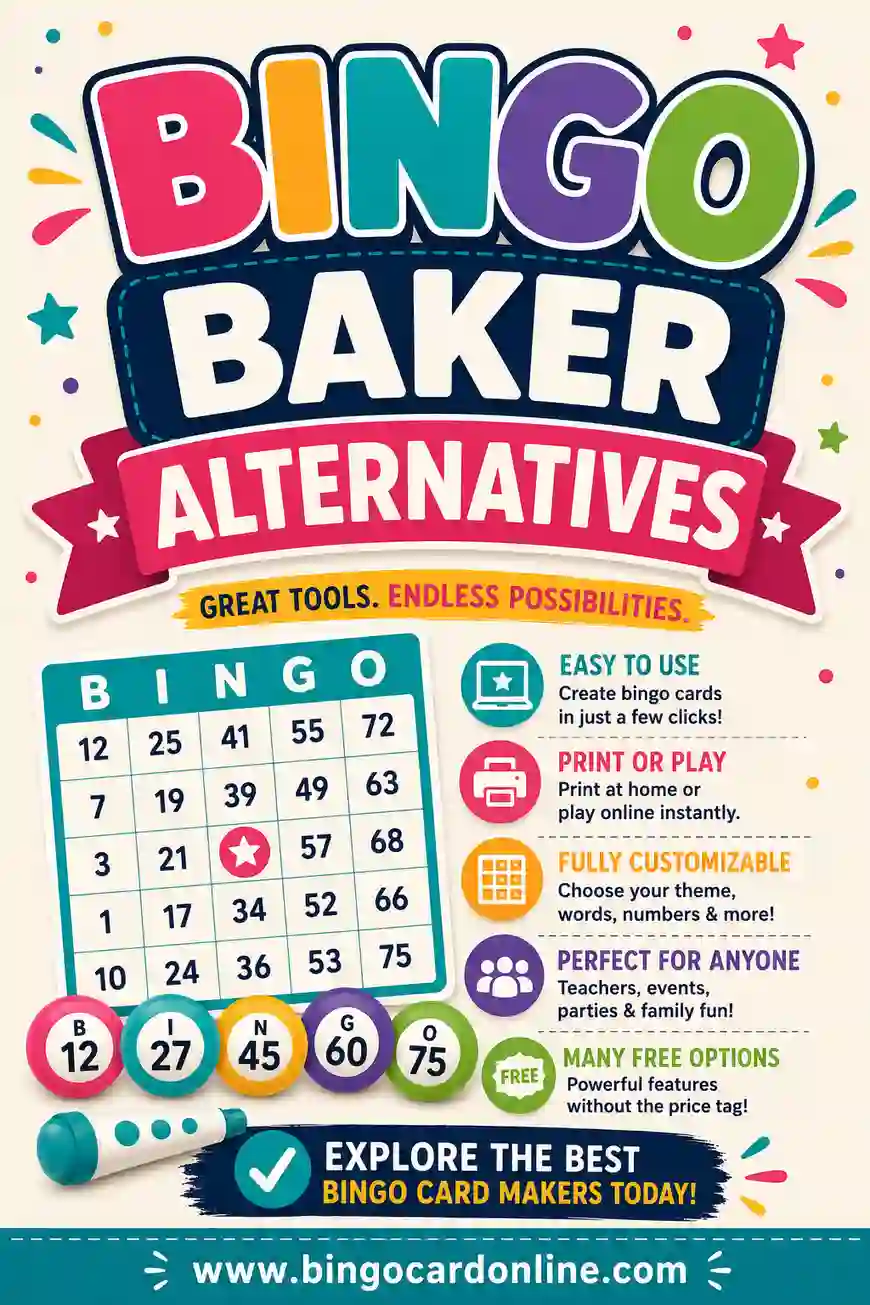
Bingo Baker is genuinely good. It has a clean editor, a huge community library, save-and-share features, and an online play mode. So why do so many people search for an alternative? Usually it comes down to one of these.
- The print paywall. You can build and preview for free, but printing a full set of unique cards generally nudges you to a paid plan. For a one-off party, that stings.
- The account requirement. Saving sets means signing up. Some people just don't want another login for a party game.
- Overkill for simple needs. If you only need thirty cards for one classroom afternoon, the full feature set is more than you'll ever touch.
- Cost over time. Teachers and event hosts who run bingo constantly add up those fees.
None of this means Bingo Baker is bad. It means it's built for a power user who runs bingo often and wants a saved library. If that's not you, a lighter free tool fits better.
The Best Bingo Baker Alternatives (At a Glance)
Here's the short version. The table sums up the strongest alternatives, what each is best at, and the catch to watch for.
| Alternative | Best for | Free to print? | Sign-up? |
|---|---|---|---|
| BingoCardOnline | Fast free printable sets | Yes | No |
| myfreebingocards | Number bingo + virtual play | Free with caps | Optional |
| Bingo Card Creator | Classroom subject lists | Trial, then paid | Yes |
| Canva | Pretty, branded designs | Free with paid extras | Yes |
| Print-your-own template | Total manual control | Yes | No |
Each one trades something. Below we walk through who should pick which.
1. BingoCardOnline — Free, No Account, Prints Instantly
This is our tool, so weigh that. But it was built to remove the exact friction people hit with Bingo Baker. There's no account, no trial countdown, and no upgrade prompt at the print step. You paste a word list, choose 3x3, 4x4, or 5x5, set how many cards you want, and print a stack where every card is unique.
You don't lose the core magic Bingo Baker offers, the unique-card shuffle, you just lose the login and the fee. What you give up is the saved cloud library and the hosted online-play room. If you don't need to save sets for next month, you won't miss either.
Pick it if: you want printable unique cards in five minutes with zero sign-up.
2. myfreebingocards — For Number Bingo and Virtual Play
If part of what drew you to Bingo Baker was the online play mode, myfreebingocards is the closest swap. It does classic 75-ball and 90-ball number bingo, word bingo, and a virtual caller for remote groups. Family on a video call? Hybrid classroom? This handles it.
The free tier caps how many cards you can generate at once, and heavier features sit behind a paid plan, so it's not unlimited-free. But for small-to-medium groups it's generous. We compare it more closely in our myfreebingocards alternatives guide.
Pick it if: you want number bingo plus a virtual caller for a remote crowd.
3. Bingo Card Creator — For Teachers Who Want Built-In Lists
Bingo Card Creator is aimed squarely at classrooms. It ships with word lists tied to spelling, sight words, and math, which saves real prep time if you teach. The interface feels older, but it does the job.
It's a paid product after a trial, so it's not a free Bingo Baker swap in the budget sense, it's a swap in the "built for teachers" sense. If you run bingo weekly with curriculum-aligned words, it can be worth it. Otherwise a free tool plus your own list does the same thing. See our Bingo Card Creator alternatives post for the full picture.
Pick it if: you're a teacher who wants subject lists ready to go.
4. Canva — For Design Over Speed
If you loved Bingo Baker's polish and want even more control over look and feel, Canva's bingo templates give you custom fonts, colors, and illustrations. The result can be gorgeous.
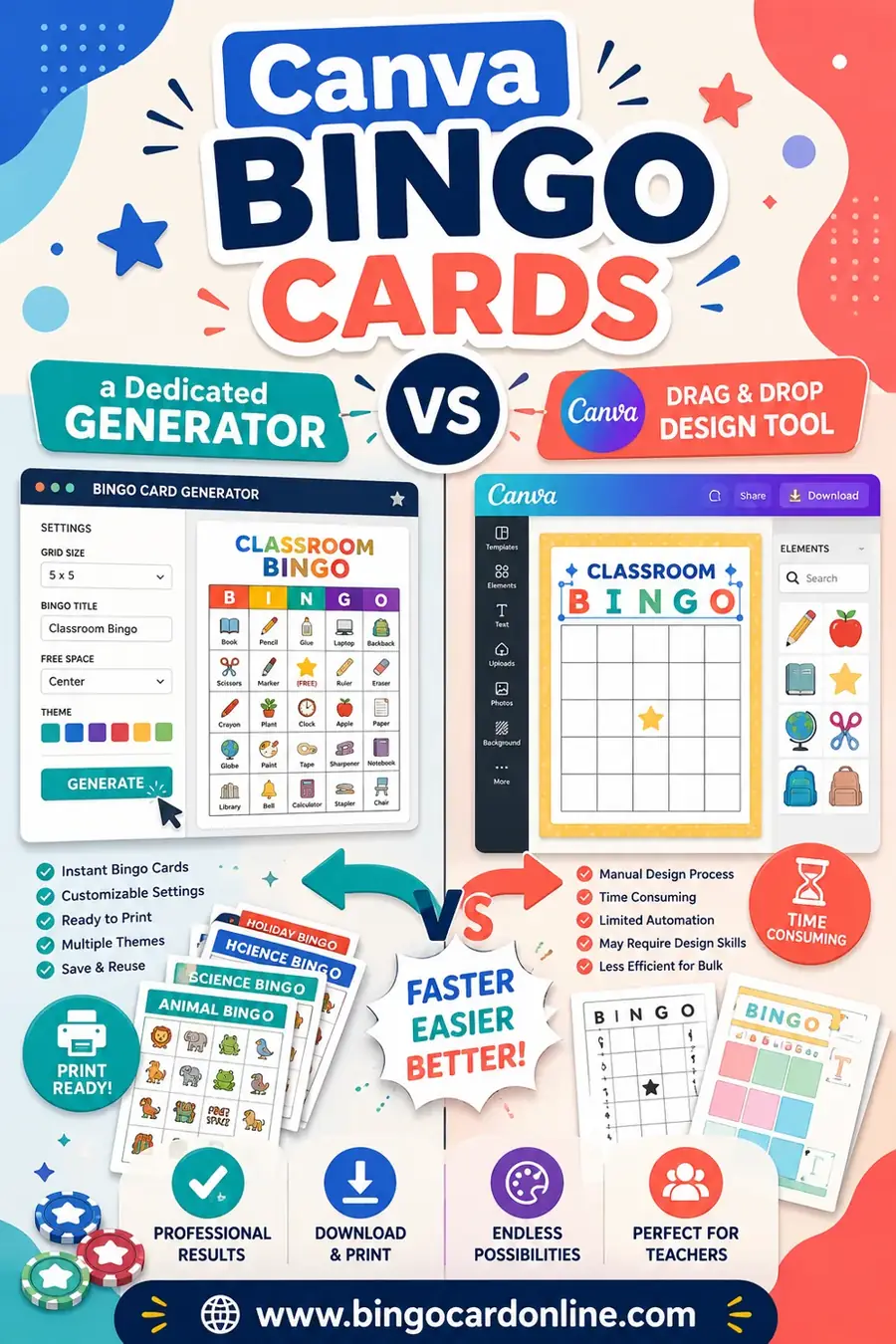
But Canva doesn't shuffle a word list into many unique cards. It makes one card beautifully; turning that into a stack of thirty different grids means manual work. For a keepsake or a branded business card, great. For a real game, a generator beats it. We lay out the trade-offs in Canva bingo cards vs a dedicated generator.
Pick it if: you want one polished, branded card and don't need a unique stack.
5. Print-Your-Own Template — Full Manual Control
Some people skip software entirely and use a blank printable grid, filling squares by hand or in a word processor. It's the most flexible option and completely free.
The downside is obvious: making every card unique by hand is slow and error-prone. For a 3x3 with four kids, fine. For a 5x5 stack of thirty, you'll wish you'd used a generator. It's a fallback, not a first choice.
Pick it if: you need just a couple of cards and like doing things by hand.
Feature Comparison: Bingo Baker vs the Alternatives
To make the trade-offs concrete, here's how the main options line up on the features people actually care about.
| Feature | Bingo Baker | BingoCardOnline | myfreebingocards | Canva |
|---|---|---|---|---|
| Free to print full set | Limited | Yes | With caps | Limited |
| No sign-up needed | No | Yes | Optional | No |
| Unique card shuffle | Yes | Yes | Yes | No |
| Word + picture cards | Yes | Yes | Yes | Yes |
| Number bingo (75/90-ball) | Yes | No | Yes | No |
| Virtual / online play | Yes | No | Yes | No |
| Save library to account | Yes | No | Yes | Yes |
Read it this way: if you want free, fast, printable with no login, the lighter generators win. If you want save-and-share or online play, you're back to Bingo Baker or myfreebingocards.
A Ready-to-Use Word List to Test Any Tool (Copy & Paste)
You'll want a word list to try these out. Here's an all-purpose set of 30 squares you can paste into any generator. Use 24 for a 5x5 (the 25th is your free space) or 9 for a 3x3.
| Around Town | Game Night | Lucky Squares |
|---|---|---|
| Coffee shop | Dice roll | Free space |
| Library | Card deck | Four corners |
| Park bench | Game board | Full house |
| Bus stop | Score pad | Blackout |
| Bakery | Snack bowl | Lucky seven |
| Bookstore | Buzzer | Winning line |
| Bridge | Spinner | Wild card |
| Fountain | Timer | First call |
| Bike lane | Team huddle | Last square |
| Mailbox | Victory dance | Bingo! |
Mix across columns for variety. The more words you load in, the more distinct each printed card becomes, which keeps the game fair.
So Which Bingo Baker Alternative Should You Pick?
Don't overthink it. Match yourself to a sentence:
- "I just need a printed stack, free and fast." Use a no-login generator like ours.
- "I want number bingo and a virtual caller." Use myfreebingocards.
- "I'm a teacher and want subject lists baked in." Bingo Card Creator.
- "I want one beautiful branded card." Canva.
- "I only need two cards by hand." A printable template.
The most common need, by far, is the first one: free, fast, unique cards with no account. If that's you, you already have your answer.
Frequently Asked Questions
Is there a free alternative to Bingo Baker?
Yes. Several free generators make unique printable cards with no paywall at the print step, including ours. Bingo Baker lets you build for free but often charges to print full sets, so a free tool is the cheaper route for a one-off game.
Can I make bingo cards without an account like Bingo Baker needs?
Absolutely. Our generator needs no account, no email, and no download. Account-based tools exist mainly so you can save and share sets over time, not because making a card requires a login.
What does Bingo Baker do that free tools don't?
Bingo Baker's strengths are its saved cloud library, community card sharing, and hosted online-play rooms. If you make bingo constantly or run remote games, those features are worth it. For a single printed game night, a free generator covers everything you need.
Do these alternatives make every card unique?
The good ones do, including ours, myfreebingocards, and Bingo Baker itself. They shuffle your word list into a fresh layout for each card. Canva is the exception, it makes one card at a time and won't auto-shuffle a stack.
Which alternative is best for online or virtual bingo?
myfreebingocards is the closest match for virtual play, with a built-in caller and online rooms. If your group is all in one place and just needs printed cards, you don't need online play at all, a printable generator is simpler.
Are free bingo card generators safe and watermark-free?
Reputable ones are. Ours prints clean cards with no watermark and asks for no personal info. Always check a "free" tool before you build, since some add a watermark or a paywall only when you reach the print step.
Ready to Make Your Cards?
Now you know the field. If you want the shortest path, grab the word list above, open the free bingo card generator, and print a stack of unique cards in minutes, no account, no fee, no watermark. Want to compare more options? See our roundups of the best free bingo card generators for 2026, Bingo Card Creator alternatives, and myfreebingocards alternatives. Then go make your cards.