Bingo Card Creator Alternatives: Free & Easy
The best Bingo Card Creator alternatives are free, browser-based generators that build unique printable cards from your own word list, no trial countdown and no paid upgrade to print. Bingo Card Creator is a teacher-friendly tool with built-in subject lists, but it's a paid product after a trial, and many people just want a quick free way to print cards. Our bingo card generator does that with no sign-up and no watermark.
Want to skip straight to it? Open the free generator, paste a word list (we've got ready-made ones, including classroom sets), pick your grid, and print as many unique cards as you need. No account, no fee, no install.
Bingo Card Creator built its reputation in classrooms, and it earned it. The built-in spelling, sight-word, and math lists are a real time-saver for teachers. So why search for an alternative? A few honest reasons come up again and again.
- It's not free. You get a trial, then it's a paid product. For occasional use, that's a hard sell.
- The interface feels dated. It works, but it looks like it hasn't changed in years.
- You already have your own word list. If you bring your own vocabulary, the built-in lists, its main selling point, don't help you.
- You only need it once. A holiday party or a single review game doesn't justify paying for software.
Bingo Card Creator makes sense for a teacher who runs bingo every week with curriculum-aligned words. For everyone else, including teachers who bring their own lists, a free generator does the same core job.
The Best Bingo Card Creator Alternatives (At a Glance)
Here's the quick view. The table covers the strongest alternatives, what each is best at, and the trade-off.
| Alternative | Best for | Free? | Sign-up? |
|---|---|---|---|
| BingoCardOnline | Fast free printable sets | Yes | No |
| Bingo Baker | Saving & sharing card sets | Limited | Yes |
| myfreebingocards | Number bingo + virtual play | With caps | Optional |
| Canva | Pretty, design-heavy cards | Free + paid extras | Yes |
| Worksheet templates | Bring-your-own-list teachers | Yes | No |
No tool wins everything. Below, who should pick which.
1. BingoCardOnline — Free, No Trial, Print Now
This is our tool, so weigh that accordingly. It was built to strip out the friction, no trial timer, no upgrade prompt, no login. You paste a word list, choose 3x3, 4x4, or 5x5, set the number of cards, and print a stack where every card is unique.
For teachers, here's the key point: Bingo Card Creator's big advantage is its built-in lists, but if you've got your own spelling words or vocabulary, you don't need those. Paste your list into a free generator and you get the exact same classroom result, unique printable cards, without paying.
Pick it if: you want printable unique cards in minutes, free, with your own words.
2. Bingo Baker — For Saving and Sharing Sets
Bingo Baker has a polished editor, a large community library, and the ability to save sets to your account for next time. There's also an online play mode. If you build bingo often and want a library you return to, it's a strong pick.
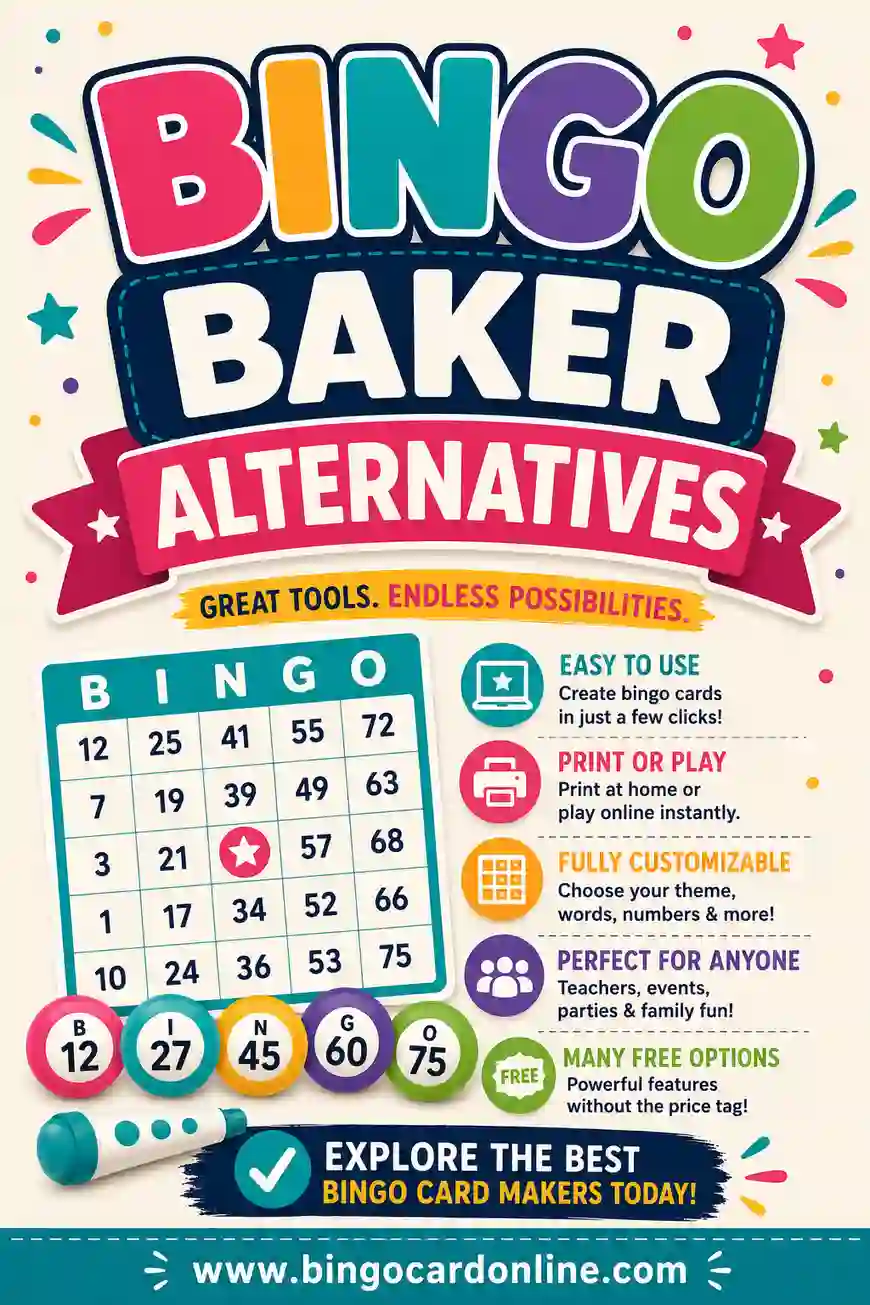
The trade-off is the free tier: building is free, but printing full unique sets usually pushes you to a paid plan. For a teacher who reuses the same sets across a year, that can be worth it. For a one-off, it's more than you need. We break it down in our Bingo Baker alternatives guide.
Pick it if: you reuse card sets often and want a saved, shareable library.
3. myfreebingocards — For Number Bingo and Remote Play
If you want classic number bingo (75-ball or 90-ball) alongside word bingo, plus a virtual caller for remote or hybrid groups, myfreebingocards covers that range. It's a good fit for a hybrid classroom or a family playing over video call.
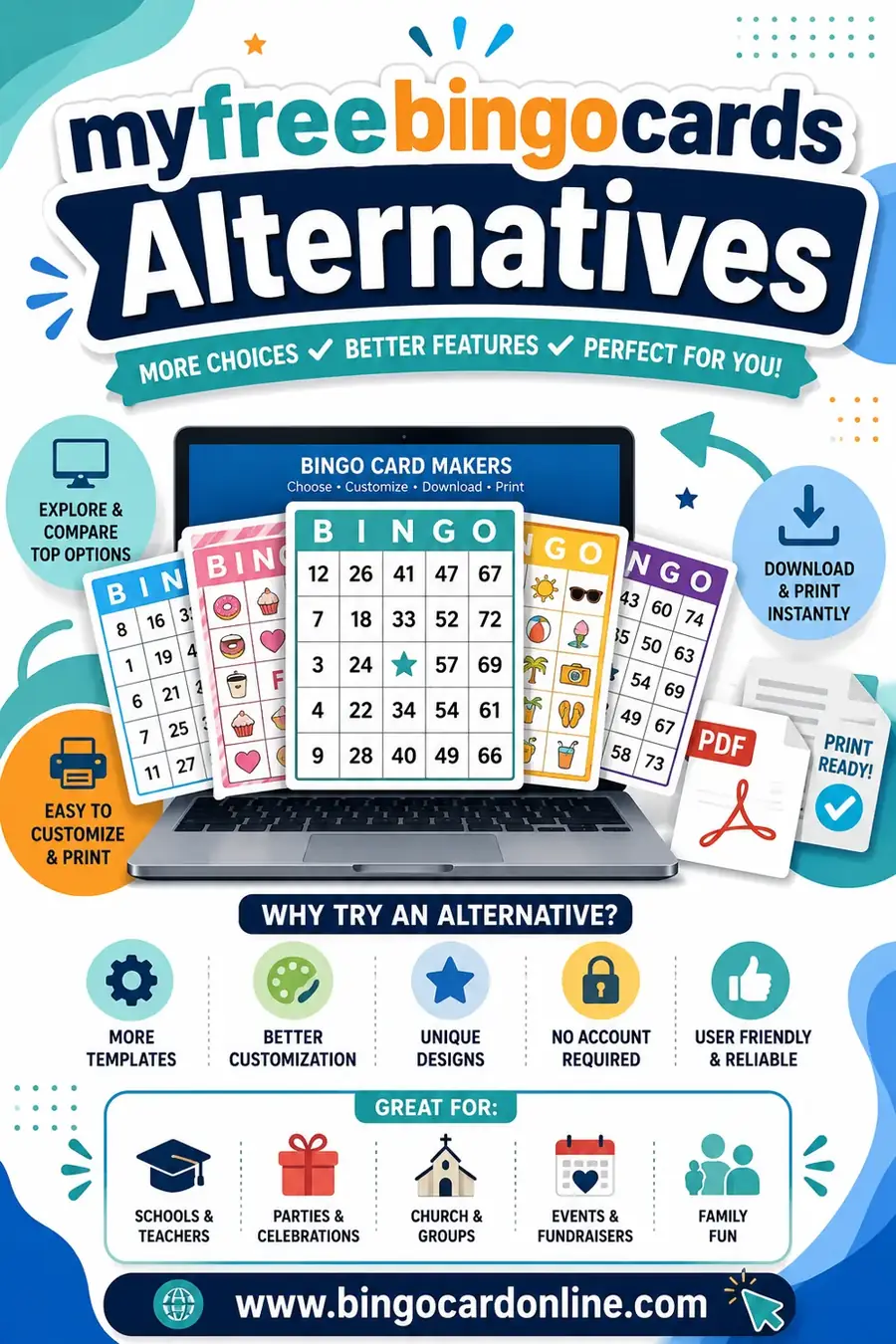
The free tier caps how many cards you can make at once, and heavier features are paid, so it's not unlimited-free. For small groups it's plenty. See our myfreebingocards alternatives post for a closer look.
Pick it if: you need number bingo or a virtual caller, not just printed word cards.
4. Canva — For Beautiful, Branded Cards
Canva's bingo templates give you full design control, custom fonts, colors, classroom themes, illustrations. If you want cards that look professionally designed, Canva delivers.
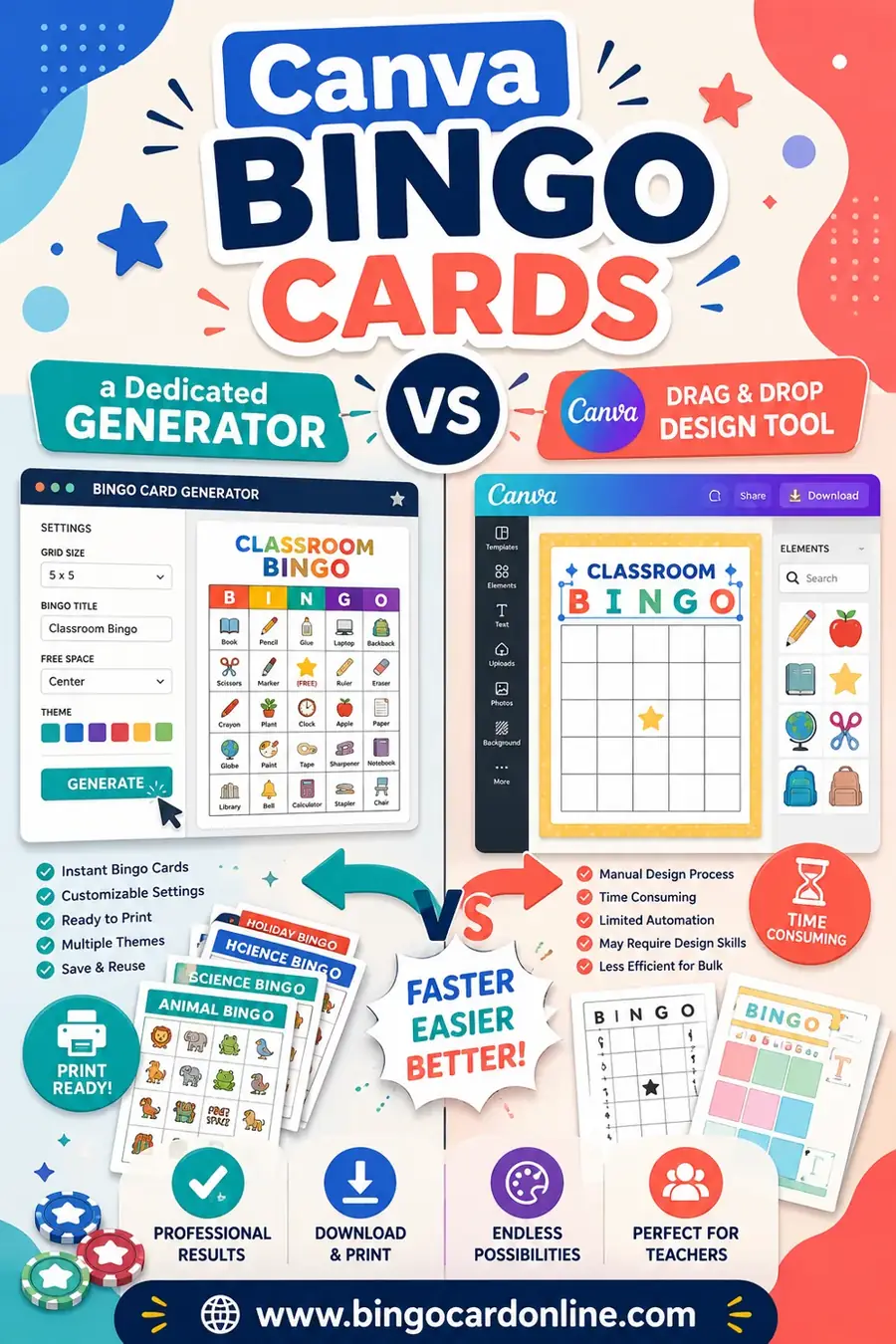
But it won't shuffle a word list into many unique cards. Canva makes one card at a time; building a stack of thirty different grids means manual work. For a single showcase card, lovely. For a real game, a generator is faster and fairer. We compare them in Canva bingo cards vs a dedicated generator.
Pick it if: you want one polished, themed card and don't need a unique stack.
5. Worksheet Templates — For Bring-Your-Own-List Teachers
Some teachers skip dedicated tools and use a blank printable bingo grid in a word processor, filling squares from their own lesson. It's free and flexible.
The snag is uniqueness: making each card different by hand is slow and mistake-prone. For a tiny group it's fine; for a full class, you'll want a generator to do the shuffling. It's a fallback when you want total control over layout.
Pick it if: you want a manual template and only a few cards.
Feature Comparison for Teachers
Since most people searching this are teachers, here's how the options compare on the things that matter in a classroom.
| Feature | Bingo Card Creator | BingoCardOnline | Bingo Baker | myfreebingocards |
|---|---|---|---|---|
| Free to print | No (paid) | Yes | Limited | With caps |
| No sign-up | No | Yes | No | Optional |
| Built-in subject lists | Yes | No | No | Some |
| Bring your own list | Yes | Yes | Yes | Yes |
| Unique card shuffle | Yes | Yes | Yes | Yes |
| Picture cards for non-readers | Yes | Yes | Yes | Yes |
| Number bingo | No | No | Yes | Yes |
The takeaway: if you value built-in lists, Bingo Card Creator's the original. If you'll bring your own words, a free generator gives you the same result for nothing.
A Classroom-Ready Word List (Copy & Paste)
Need a list to test these tools? Here's a versatile classroom-friendly set of 30 squares. Use 24 for a 5x5 (the 25th is the free space) or 9 for a 3x3.
| School Things | Action Words | Bingo Fun |
|---|---|---|
| Pencil | Read | Free space |
| Notebook | Write | Four corners |
| Backpack | Count | Full house |
| Ruler | Spell | Blackout |
| Eraser | Listen | Lucky line |
| Crayon | Share | Caller |
| Globe | Solve | Marker |
| Calendar | Draw | Winning card |
| Bookshelf | Explore | First call |
| Whiteboard | Imagine | Bingo! |
Swap in your own spelling or vocabulary words for a curriculum match. The more words you load, the more distinct each printed card becomes, which keeps the game fair across the class.
Which Bingo Card Creator Alternative Fits You?
Skip the agonizing and match a sentence:
- "I have my own word list and want free cards." A no-login generator like ours.
- "I want number bingo or remote play." myfreebingocards.
- "I reuse the same sets all year." Bingo Baker's saved library.
- "I want one beautiful themed card." Canva.
- "I want a manual template for a few cards." A worksheet grid.
For most teachers and parents, the first one wins. You already have the words; you just need a tool to shuffle and print them for free.
What to Check Before You Switch Tools
Switching from Bingo Card Creator to a free alternative is usually painless, but a few quick checks save you a frustrating surprise mid-print. Run through these before you commit to a tool for a class set or a big party.
- Does it truly shuffle? Generate two cards and lay them side by side. If the layouts differ and no word repeats on a single card, the shuffler works. This is the single most important test.
- Is printing actually free? Some tools let you design for free, then ask for payment at the print or download step. Click all the way through to a printed page once before you build thirty cards.
- No forced account? The best free tools let you print without an email or login. If it walls printing behind a sign-up, that's friction you don't need for a one-off.
- Right grid sizes? Make sure you can pick 3x3, 4x4, and 5x5 so you can match the age group. A tool stuck at one size limits you.
- Picture support, if you need it. For non-readers, check whether you can drop images into squares instead of words.
If a tool clears those five, it'll do everything Bingo Card Creator does for the bring-your-own-list crowd, just without the price tag.
Moving Your Word Lists Over
If you've been using Bingo Card Creator's built-in lists, you might worry about losing them. You won't. The words themselves are easy to recreate, and you only have to do it once.
For a spelling or sight-word list, just type your week's words straight into the new generator's word box, one per line. Most teachers keep these lists in a document already, so it's a quick copy and paste. For subject vocabulary, pull the terms from your lesson plan or textbook glossary.
A handy move: keep a simple text file with your most-used lists, holiday words, each unit's vocabulary, your math facts. Then making cards in any free tool is a ten-second paste. You're no longer tied to one product's saved lists, which means you can switch tools anytime without redoing work.
This is actually an advantage of bring-your-own-list tools. Your words live with you, not locked inside one app's account.
Frequently Asked Questions
Is there a free alternative to Bingo Card Creator?
Yes. Free browser generators, including ours, make unique printable cards from your own word list with no trial and no paywall. Bingo Card Creator's main edge is its built-in subject lists; if you bring your own words, a free tool gives you the same result.
Can teachers use these alternatives for the classroom?
Definitely. Paste your spelling, sight-word, or vocabulary list into a free generator, pick a grid size, and print a class set of unique cards. Picture-card support means even non-readers can play, which is ideal for early grades.
Do I need to pay to print bingo cards?
Not with a genuinely free tool. Ours prints unique cards with no fee and no watermark. Some tools let you design for free but charge at the print step, so check before you build a full set.
What's the best free tool for spelling or vocabulary bingo?
Any free generator that lets you paste your own list works. Drop your weekly words in, generate a class set, and you've got instant spelling bingo. Built-in-list tools like Bingo Card Creator save the typing, but they're paid; a free tool just needs you to bring the words.
Can these alternatives make cards for young, non-reading students?
Yes. Use a smaller 3x3 grid and picture-based squares so non-readers can play. Bigger squares and simple images, like a pencil or a globe, work best for early learners.
Do free generators make every card different?
The good ones do, including ours. They shuffle your list into a new layout per card so no two students have identical grids. That matters in a classroom, otherwise several kids win at the exact same moment.
Will I lose my saved word lists if I switch from Bingo Card Creator?
Not really. The lists are just words, and they're easy to recreate by pasting them into a new tool. Keep your most-used lists in a simple text file and you can drop them into any free generator in seconds, with no account holding them hostage.
Is a free alternative okay for a big classroom set?
Yes. A good free generator makes a full class set of unique cards in one go, the same as a paid tool. Just run the two-card test first to confirm the shuffler works, and check that printing is free all the way through before you build thirty cards.
Ready to Make Your Cards?
Now you've got the full picture. If you want the quickest path, grab the word list above, open the free bingo card generator, and print a class set of unique cards in minutes, no trial, no fee, no watermark. Want more comparisons? See our guides to the best free bingo card generators for 2026, Bingo Baker alternatives, and myfreebingocards alternatives. Then go print your cards.