myfreebingocards Alternatives: Free & Printable
The best myfreebingocards alternatives are free generators that make unique printable cards without per-batch limits or a paid step to unlock more cards. myfreebingocards is a capable tool, it does number bingo, word bingo, and virtual play, but the free tier caps how many cards you can make at once, and the heavier features are paid. If you want a free, no-cap way to print a stack, our bingo card generator handles it with no sign-up and no watermark.
Want to skip ahead? Open the free generator, paste a word list (we have ready-made ones across the site), pick your grid, and print as many unique cards as you need. No account, no fee, no install.
myfreebingocards is a well-built site, and for number bingo plus a virtual caller, it's a fine choice. So why search for an alternative? The reasons cluster around a few points.
- Free-tier caps. You can only generate so many cards at once before you hit a limit, which is awkward for a big party or a full classroom.
- Paywalled extras. The more useful features, larger batches, advanced virtual play, sit behind a paid plan.
- More tool than you need. If you only want simple printable word cards, the number-bingo and online-play machinery is extra you'll never use.
- You want zero limits, free. Some people just want to print thirty cards without bumping into a ceiling.
None of this makes myfreebingocards bad. It's built to cover a lot, number bingo, word bingo, virtual rooms, and the free tier reflects that breadth. If your needs are simpler, a lighter free tool fits better.
The Best myfreebingocards Alternatives (At a Glance)
Here's the quick view. The table covers the top alternatives, what each is best at, and the catch.
| Alternative | Best for | Free, no caps? | Sign-up? |
|---|---|---|---|
| BingoCardOnline | Fast free printable sets | Yes | No |
| Bingo Baker | Saving & sharing sets | Limited | Yes |
| Bingo Card Creator | Classroom subject lists | Trial, then paid | Yes |
| Canva | Pretty, branded cards | Free + paid extras | Yes |
| Printable templates | Manual, few cards | Yes | No |
No single tool wins every category. Below, who should pick which.
1. BingoCardOnline — Free, No Caps, No Login
This is our tool, so weigh that. It was built to remove the friction, no per-batch cap, no upgrade prompt, no account. You paste a word list, choose 3x3, 4x4, or 5x5, set how many cards you want, and print a stack where every card is unique.
Where myfreebingocards limits your free batch size, we don't. If you need a card for every kid in a class of thirty plus spares, you just generate them. What you trade away is the number-bingo mode and the hosted virtual room. If you only need printable word-and-picture cards, you won't miss either.
Pick it if: you want unlimited free printable cards with no login.
2. Bingo Baker — For Saving and Sharing
Bingo Baker shines at saving sets to your account, sharing via its community library, and online play. If you make bingo often and want a library you return to, it's strong.
The free tier limits printing full unique sets, generally nudging you toward a paid plan. For a frequent host, that fee can be worth it; for a one-off, it's overkill. We compare it in our Bingo Baker alternatives guide.
Pick it if: you want a saved, shareable card library you reuse over time.
3. Bingo Card Creator — For Teachers Who Want Built-In Lists
Bingo Card Creator targets classrooms with built-in spelling, sight-word, and math lists. For a teacher running bingo weekly with curriculum words, those lists save real prep time.
It's a paid product after a trial, so it's not a free swap in the budget sense. If you'd rather paste your own list, a free generator does the same job for nothing. See our Bingo Card Creator alternatives post.
Pick it if: you want subject-aligned word lists ready out of the box.
4. Canva — For Design Over Function
Canva's bingo templates give you full design control, custom fonts, colors, and illustrations. The cards can look beautiful.
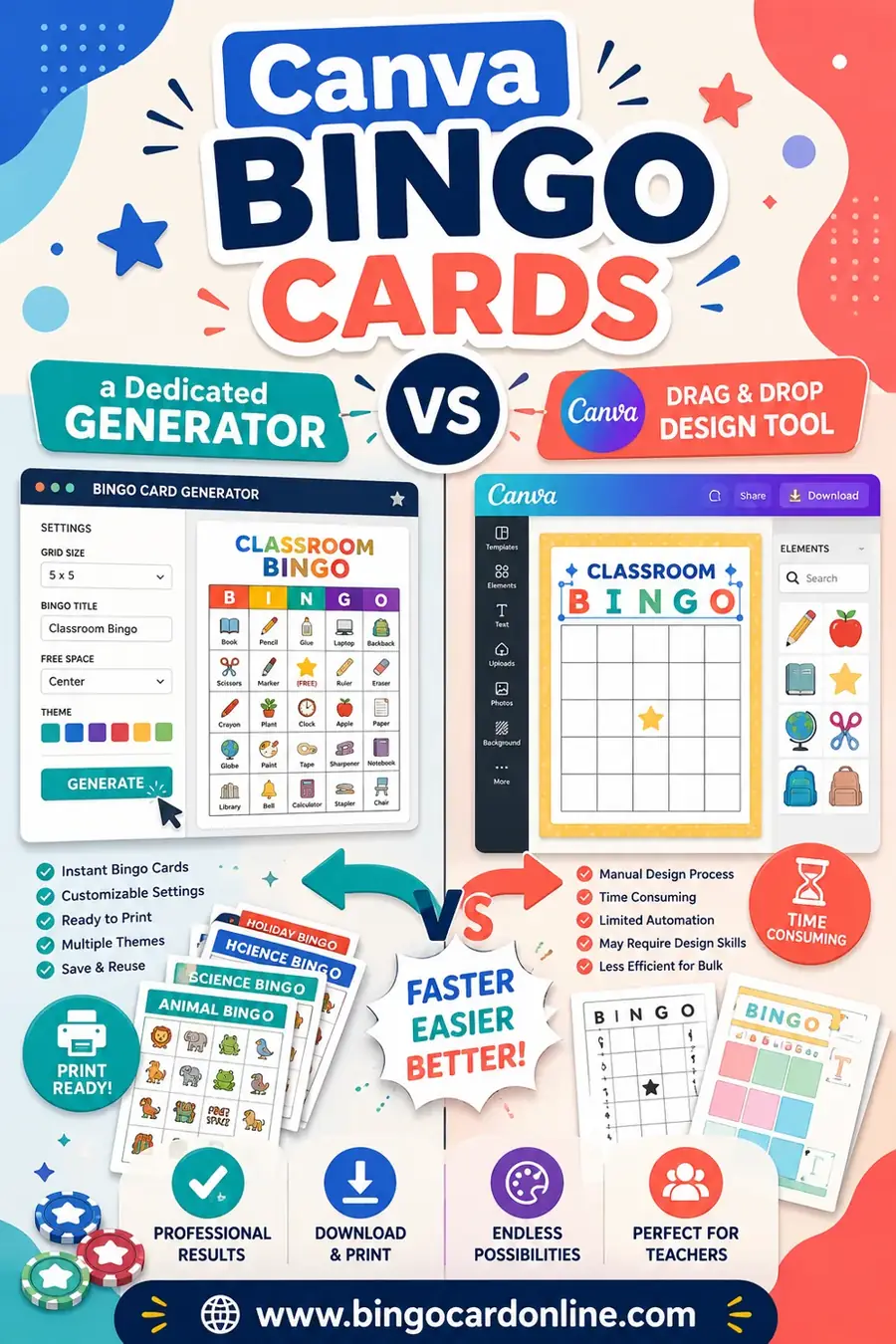
But Canva won't shuffle a word list into a unique stack. It makes one card at a time, so building thirty different grids means manual work. For a keepsake or branded card, great; for a real game, a generator wins. We lay out the trade-offs in Canva bingo cards vs a dedicated generator.
Pick it if: you want one polished, branded card and don't need a stack.
5. Printable Templates — For a Handful of Manual Cards
A blank printable grid you fill by hand or in a word processor is the most flexible option, and free. But making each card unique by hand is slow and error-prone. For a few cards it's fine; for a stack, you'll want a generator. It's a fallback when you only need a couple.
Pick it if: you need just two or three cards and like doing it by hand.
Feature Comparison: myfreebingocards vs the Alternatives
To make the trade-offs concrete, here's how the main options compare on what people care about.
| Feature | myfreebingocards | BingoCardOnline | Bingo Baker | Canva |
|---|---|---|---|---|
| Free with no batch cap | No | Yes | Limited | Limited |
| No sign-up needed | Optional | Yes | No | No |
| Unique card shuffle | Yes | Yes | Yes | No |
| Number bingo (75/90-ball) | Yes | No | Yes | No |
| Virtual / online play | Yes | No | Yes | No |
| Word + picture cards | Yes | Yes | Yes | Yes |
| Save library to account | Yes | No | Yes | Yes |
Read it simply: if you want free, no-cap printable cards with no login, the lighter generators win. If you want number bingo or virtual play, myfreebingocards or Bingo Baker make sense.
A Ready-to-Use Word List to Test Any Tool (Copy & Paste)
You'll want a word list to try these out. Here's a flexible set of 30 squares you can paste into any tool. Use 24 for a 5x5 (the 25th is your free space) or 9 for a 3x3.
| Nature | Hobbies | Bingo Fun |
|---|---|---|
| Sunflower | Painting | Free space |
| River | Baking | Four corners |
| Mountain | Gardening | Full house |
| Seashell | Knitting | Blackout |
| Pinecone | Photography | Lucky line |
| Acorn | Cycling | Caller |
| Maple leaf | Reading | Marker |
| Raindrop | Puzzles | Winning card |
| Firefly | Fishing | First call |
| Snowflake | Dancing | Bingo! |
Mix across columns for variety. The more words you load, the more distinct each printed card becomes, which keeps the game fair.
Which myfreebingocards Alternative Should You Pick?
Don't overthink it. Match a sentence:
- "I want free printable cards with no limits." A no-login generator like ours.
- "I want a saved, shareable library." Bingo Baker.
- "I'm a teacher and want subject lists baked in." Bingo Card Creator.
- "I want one beautiful branded card." Canva.
- "I only need a couple of cards by hand." A printable template.
The most common need is the first: free, unlimited, unique printable cards with no account. If that's you, you've found your answer.
What You Actually Lose When You Switch
Honesty helps here. myfreebingocards packs in features, and moving to a lighter free tool means letting some of them go. Knowing what you're trading keeps you from picking the wrong tool and feeling burned.
The biggest thing you give up is hosted number bingo. myfreebingocards runs proper 75-ball and 90-ball games with a virtual caller that draws numbers for you. If you're running a traditional bingo night at a hall or a fundraiser, that caller is genuinely useful, and a printable word-card generator won't replace it. For that specific job, stay with a number-bingo tool.
You also give up the saved online library. Account-based tools let you store a set and pull it up months later, or share a link with another teacher. If you make bingo constantly and want a personal collection you return to, that's worth an account, and a no-login generator won't keep your sets for you.
What you don't lose, for most people, is anything that matters. If your real need is printing a stack of unique themed cards for a party or a class, the number-bingo engine and the hosted rooms were features you were never going to touch. Dropping them just removes clutter and the batch caps that came with the full package.
Choosing Free vs Paid Bingo Tools
The free-versus-paid question trips up a lot of people, so here's a simple way to think about it.
Pay when a feature saves you real, repeated time. A teacher who runs bingo every single week with curriculum-aligned word lists might genuinely save an hour a week with a paid tool that has those lists built in. Over a school year, that's worth real money. Same goes for a frequent event host who wants a saved, shareable library and uses it constantly.
Stay free when your need is occasional or simple. For a one-off birthday party, a holiday classroom game, or a single office mixer, paying for bingo software is overkill. A free generator does the core job, unique printable cards, at no cost, and you'll likely never bump into the limits that paid tiers are designed to sell you past.
The trap to avoid is paying for breadth you won't use. Many paid plans bundle number bingo, virtual rooms, and saved libraries together. If you only want printable word cards, you're buying three features to use one. Match the tool to the job, and "free" wins more often than the upsell screens suggest.
A Quick Migration Checklist
Switching tools sounds like a chore, but it's a five-minute job. Here's the whole process if you're moving off myfreebingocards for a printable game.
- Grab your word list. If you already built a card on the old tool, just copy the words out of it. Otherwise, jot down 30 or so items that fit your theme, more than the grid needs, for better variety.
- Open a free generator. No account to make, so you're straight to the tool. Paste your list into the words box.
- Pick your grid and count. Choose 3x3, 4x4, or 5x5, then set how many cards you need, one per player plus a few spares.
- Print one test card. Check that the squares aren't cut off and there's no surprise watermark before you commit to the full stack.
- Run the full batch and print. With no cap to worry about, generate the whole set in one go and send it to the printer.
That's it. Most people are done before the old tool would have finished loading its sign-up screen.
Frequently Asked Questions
Is there a free alternative to myfreebingocards with no card limit?
Yes. Free generators like ours make unique printable cards without per-batch caps. myfreebingocards limits free batches and paywalls heavier features, so a no-cap free tool is the simpler route for a big party or full classroom.
Can I make bingo cards without signing up?
Yes. Our generator needs no account, no email, and no download. You open the page, paste your words, and print. Account-based tools mainly exist so you can save and share sets, not because making a card requires a login.
Do these alternatives support number bingo?
Some do. Bingo Baker and myfreebingocards itself handle 75-ball and 90-ball number bingo with a virtual caller. Word-and-picture generators like ours focus on themed printable cards, which is what most parties and classrooms want.
Which alternative is best for virtual or online bingo?
For online play, Bingo Baker and myfreebingocards both offer hosted rooms and a virtual caller. If your group is together in person and just needs printed cards, you don't need online play, a printable generator is simpler and free.
Do free generators make every card unique?
The good ones do, including ours. They shuffle your word list into a fresh layout for each card so no two players have identical grids. This matters, otherwise several people win at the same moment and the game falls flat.
Are free bingo card tools watermark-free?
Reputable ones are. Ours prints clean cards with no watermark and asks for no personal info. Always check a "free" tool before building a full set, since some add a watermark or a paywall at the print step.
Will I lose my saved cards if I switch tools?
If your cards live in another tool's account, they stay there, switching doesn't delete them. But a no-login generator won't store your sets for you, so keep your word list saved somewhere simple like a notes app. With the list in hand, you can regenerate a fresh stack any time in under a minute.
Is a no-account tool safe to use?
Generally, yes, and it's often safer for privacy, since there's no email or password to hand over and nothing stored about you. Just stick to the same basic web hygiene you'd use anywhere: make sure the page prints what you expect and doesn't ask for payment or personal details to release your cards.
Ready to Make Your Cards?
Now you know the field. If you want the quickest path, grab the word list above, open the free bingo card generator, and print a stack of unique cards in minutes, no caps, no fee, no watermark. Want more comparisons? See our roundups of the best free bingo card generators for 2026, Bingo Baker alternatives, and Bingo Card Creator alternatives. Then go make your cards.