Black Friday and Holiday Shopping Bingo for Shopping Trips and Group Chats
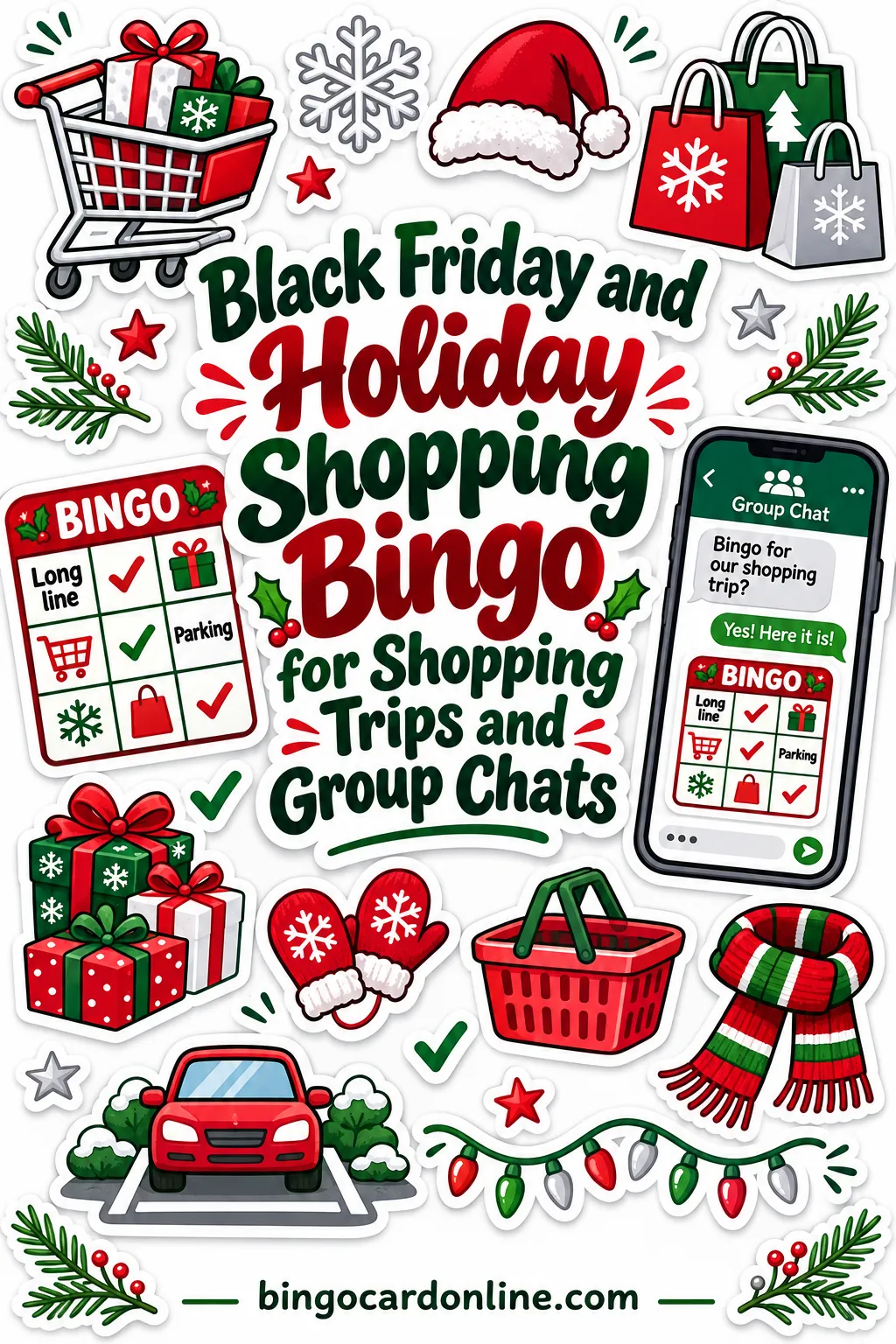
Black Friday bingo turns a long shopping day into a game: put squares like "long checkout line," "Santa sighting" and "free sample" on a different card for each person, and whoever finishes a line first picks the lunch spot. Kids stop asking when you're leaving, and grown-ups have something to laugh about in line. You can make the cards in a few minutes with the free bingo card generator, print them, or send them to everyone's phone.
Below you'll find square ideas for the mall, big-box stores and online shopping, the exact settings, and simple rules that keep the day fun.
Why Shopping Trips Need a Game
Holiday shopping takes stamina. There's parking, crowds, lines, and a lot of walking. Kids get bored after the second store. Friends get tired and cranky by mid-afternoon. Even the most cheerful shopper starts to fade.
A bingo card gives everyone something to look for besides the next sale. It changes the mood, too. A long line stops being a problem and becomes a square you get to mark. A sold-out shelf gets a groan, then a laugh, because now you're one square closer to bingo.
It works for families with kids, groups of friends who make Black Friday a tradition, and anyone stuck shopping with someone who'd rather be home.
Square Ideas for Holiday Shopping Bingo
Mix easy squares with a few hard ones. Easy squares keep everyone marking early, and hard ones make a win feel earned.
Mall bingo
Santa sighting, mall walker, food court, escalator, fountain, holiday music, giant ornament, photo line, kiosk, store greeter, lost kid announcement, matching family sweaters, someone napping on a bench, pretzel smell, stroller traffic jam, gift wrap station
Big-box store bingo
Long checkout line, shopping cart with a wobbly wheel, sale sign, "sold out" sign, endcap display, inflatable decoration, giant TV wall, someone carrying too much, bell ringer, price check, empty shelf, cart full of toys, overflow parking
Main street and small shops
Twinkle lights, wreath on a door, window display, carolers, bell ringer, hot cocoa, shop dog, handmade gifts, snow globe, local bakery, holiday market booth, horse-drawn wagon, scarf and mittens
Funny family squares
Someone says "just one more store," someone's feet hurt, lost the car, forgot the list, bought something for yourself, kid wants a toy, someone needs a snack, takes a selfie, sings along to a holiday song, someone gets a free sample twice
Online shopping and group chat squares
Cart timer, "only 2 left," free shipping, coupon code, website crash, package tracker, wish list shared, gift card email, "add to cart" regret, someone sends a screenshot, delivery delay, out of stock alert
How to Fix It With the Generator
Here's the step-by-step setup for a shopping-day set.
- Open the bingo card generator.
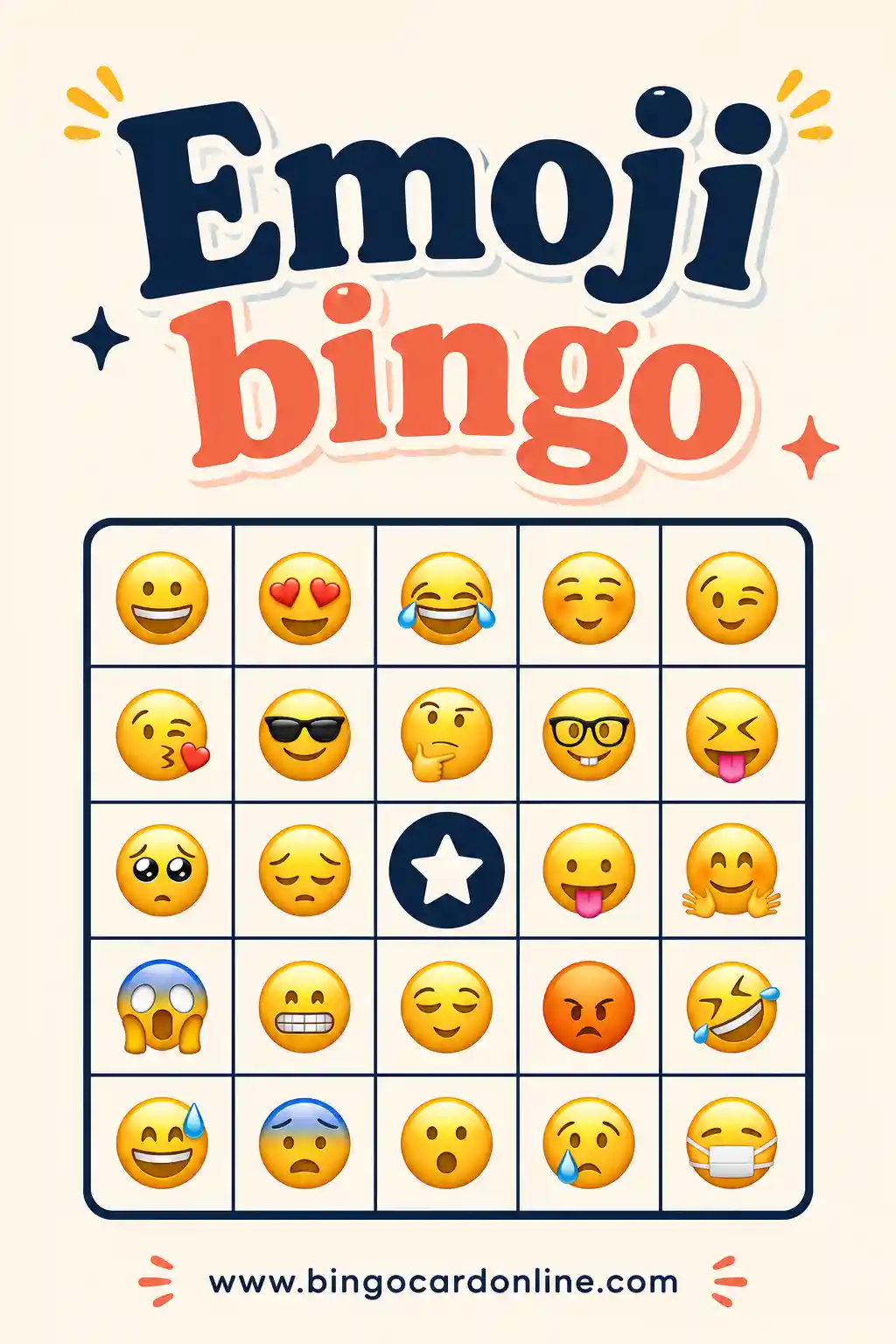
- Choose your card type. Use Words for teens and adults, or Emoji for younger kids who can't read yet.
- Pick a grid. Use 3×3 (9 squares) for a short trip or little kids. Use 4×4 (16 squares) for a full day out. Use 5×5 (24 squares plus a free space) for a dawn-to-dusk shopping marathon.
- Type your squares. Enter one item per line from the lists above, plus any inside jokes your group has.
- Add a card title. "Black Friday Bingo" or "Holiday Shopping Bingo" works well.
- Customize the free space. On a 5×5 card, try "Coffee Break" or "Found Parking."
- Set the number of unique cards. Enter one per shopper plus a spare. Every card is a different shuffle.
- Choose cards per page. Use 4 per page for small cards that fit in a coat pocket or purse.
- Pick a color theme. Holidays (red & green) is the obvious choice.
- Print or share. Click "Print / Save as PDF" for paper cards, or "Copy shareable link" to send the game to everyone's phone.
How many squares to write
| Grid | Squares | Minimum items | Better mix |
|---|---|---|---|
| 3×3 | 9 | 9 | 14–18 |
| 4×4 | 16 | 16 | 24–30 |
| 5×5 | 24 + free space | 24 | 35–45 |
More items than squares means each person gets a different mix. That's important on a shopping trip, since everyone's walking past the same Santa at the same time. With a longer list, fewer people mark the same square together, and you won't get five winners at once.
Simple Rules for the Day
Keep the rules short. You can read them in the car on the way.
- Mark a square when you see it or it happens to you. Someone else in the group has to see it too.
- One square per sighting. If two people see the same Santa, both can mark it.
- First to a line wins. Call "Bingo!" and show your card.
- The winner gets a perk. They pick the lunch spot, choose the next store, or skip one stop.
- Keep playing for a full card. The first person to fill the whole card picks the hot cocoa stop or the drive-home music.
Prize ideas that cost nothing
Prizes for shopping bingo don't need to be things you buy. Small privileges work great:
- Picks where to eat lunch
- Gets the front seat on the way home
- Chooses the next store
- Skips carrying bags for one stop
- Picks the movie for that night
- Gets out of one chore this weekend
A shopping day game plan
Here's one way to fit bingo into a full holiday shopping day.
| Time of day | What to do |
|---|---|
| In the car | Hand out cards and read the rules |
| First store | Mark the easy squares: parking, cart, greeter |
| Mid-morning | Check scores, cheer the leader |
| Lunch | First line winner picks the spot |
| Afternoon | Keep going for the full card |
| Drive home | Full-card winner picks the music |
You don't have to stick to a schedule. The point is to give people something to look forward to between stores.
Making It Work for Kids and Crowds
Kids are the people who need shopping bingo most. A few tweaks make it a hit.
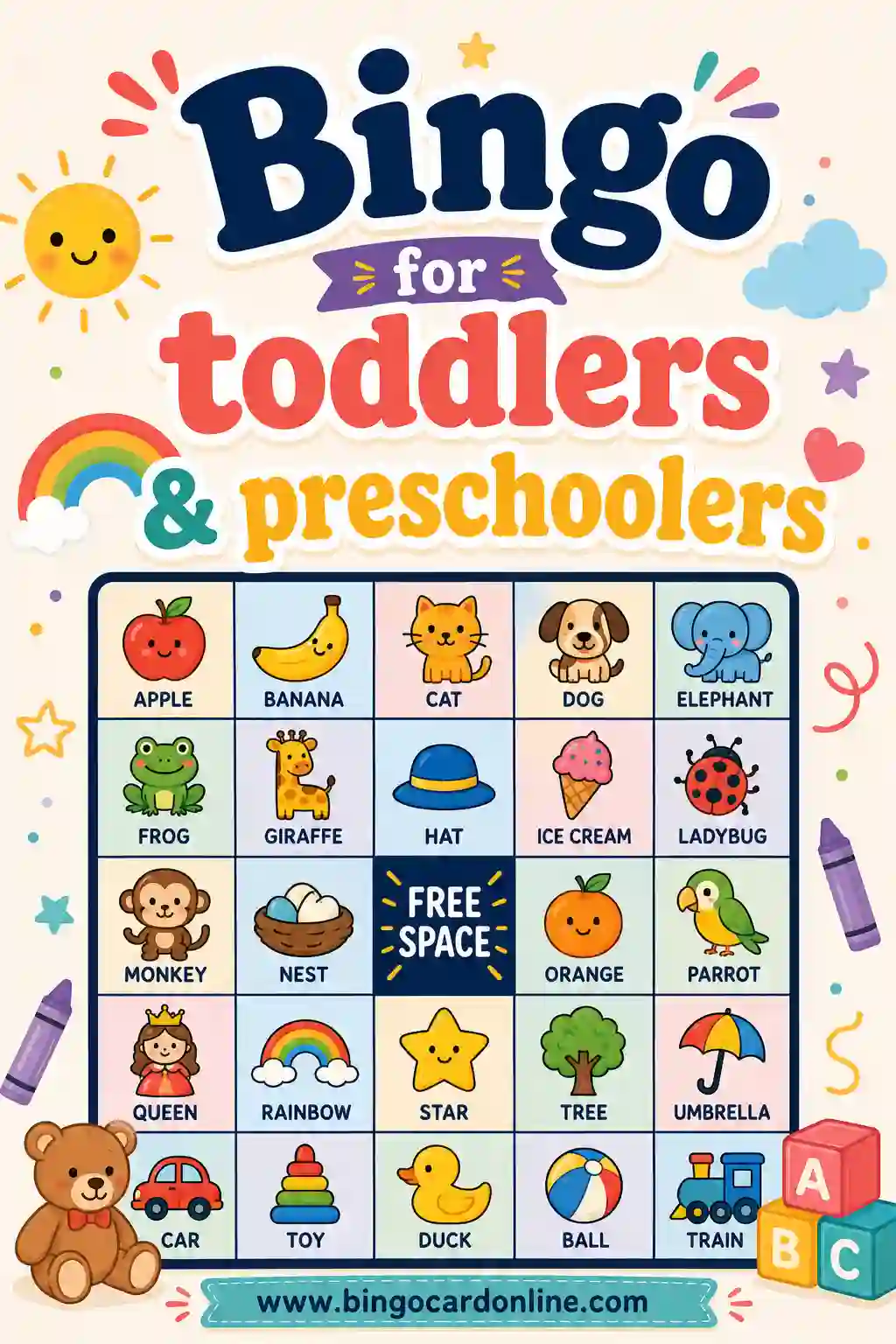
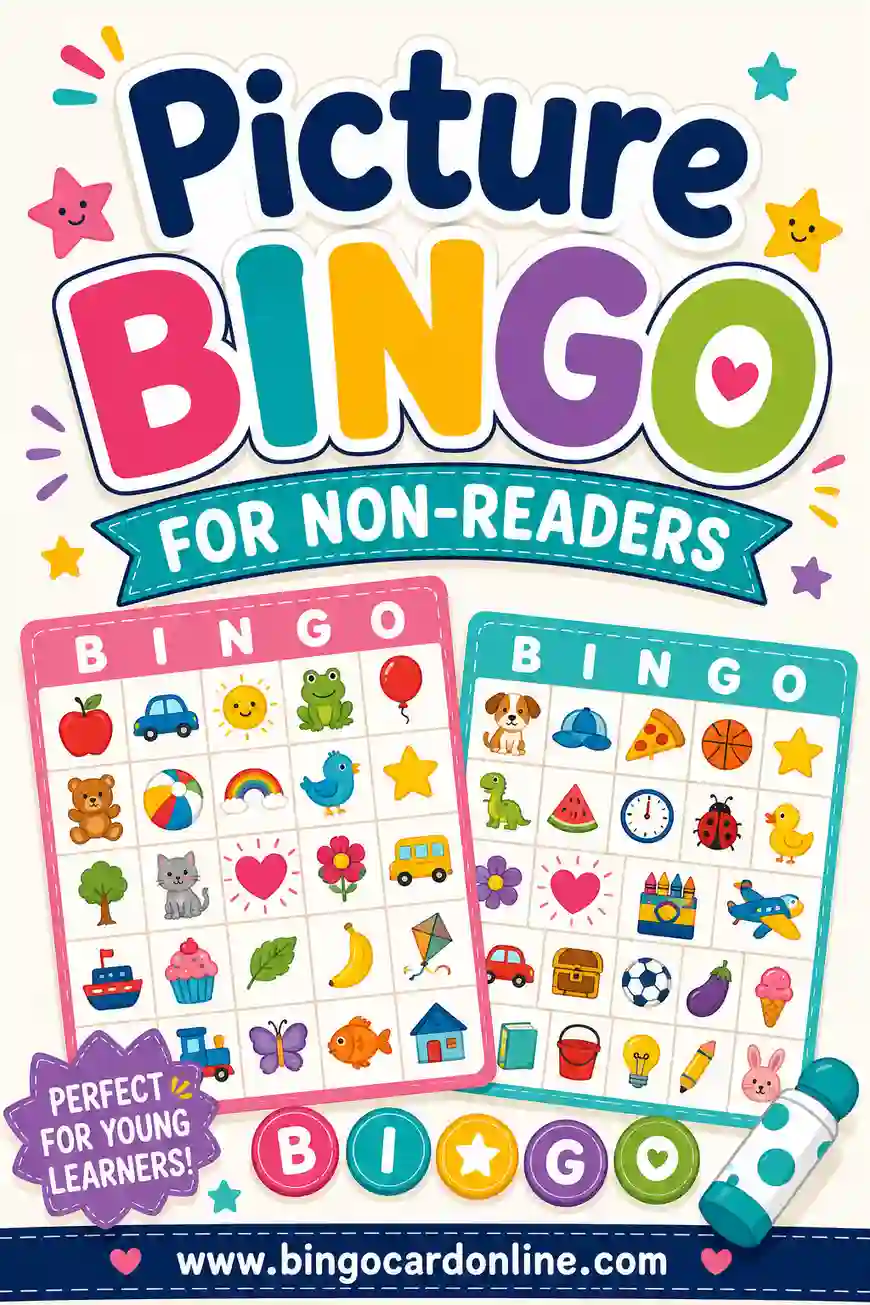
Use pictures. Pre-readers do better with the Emoji card type or the Photos type with pictures you upload.
Keep cards small. A 3×3 card at 4 per page fits on a little clipboard or in a pocket.
Give them a crayon or stickers. Kids love sticking a gold star on a square.
Add easy wins. Squares like "shopping cart," "escalator," and "holiday music" get marked fast, which keeps kids going.
Make it a team game. Pair a younger child with an older sibling or a grown-up so they share a card.
If the shopping trip starts with a long drive, a round of car bingo on the way there keeps the back seat busy before you even park.
Keeping the game kind in busy stores
Holiday crowds can be stressful for everyone, including the people working the registers. A good shopping game should make the day nicer for your group without making it harder for anyone else.
A few ground rules help:
- No running or racing to a square. Walk, look, and mark. The squares will still be there.
- No squares that poke fun at other shoppers. Keep the funny squares about your own group, like "someone's feet hurt" or "forgot the list."
- Stay together. Agree on a meeting spot in each store, especially with kids.
- Don't block aisles. Step to the side when you stop to mark a card.
You can even build kindness into the card. Add a few squares that count only when someone in your group does them:
| Kind square | What counts |
|---|---|
| Held the door | Held a door for someone behind you |
| Thanked a cashier | Said thanks and wished them happy holidays |
| Returned a cart | Walked a stray cart back to the corral |
| Let someone go first | Let a shopper with one item go ahead |
| Helped carry bags | Helped someone in your group or a neighbor |
Kids love racing to mark these, and the whole day feels a little lighter.
Playing in Group Chats
Not every group shops together. Some friends split up across stores, and some shop entirely online. Bingo still works.
Use the "Copy shareable link" button and send the link to your group chat. Everyone opens the game on their phone and marks squares as they go. When someone calls bingo, they post a screenshot.
This version is great for:
- Friends shopping different stores on the same morning
- Families spread across different cities
- Online shopping marathons from the couch
- Coworkers swapping stories during holiday sales week
Online shopping squares like "cart timer," "website crash," and "only 2 left" work especially well here. Ask everyone to share a screenshot or a quick story when they mark a square.
Beyond Black Friday
The same cards work through the whole holiday season with small changes.
Small Business Saturday. Swap in local-shop squares like "shop dog," "handmade gift," and "window display."
Cyber Monday. Use the online shopping list for a game from home.
December weekends. Add holiday squares like "carolers," "gingerbread house," "ugly sweater," and "candy cane."
Gift wrapping night. Make a card with "ran out of tape," "lost the scissors," "wrapped the wrong gift," and "used a paper bag."
For the rest of the season, there's also Christmas bingo, and for the holiday dinner before the shopping starts, Thanksgiving bingo cards give the whole table something to do.
Frequently Asked Questions
How do you play Black Friday bingo?
Each shopper gets a card with things you might see or do while shopping, like a long checkout line, a Santa sighting or a free sample. Mark squares as they happen. The first person to complete a line wins a perk, like picking the lunch spot.
What should I put on holiday shopping bingo cards?
Use things you'll really see: sale signs, holiday music, escalators, bell ringers, shopping carts and gift wrap stations. Add a few funny family squares like "lost the car" or "someone says just one more store."
Can we play shopping bingo on our phones?
Yes. Click "Copy shareable link" and send it to your group. Everyone plays on their own phone, which works well when friends split up or shop online from home.
Will everyone get a different card?
Yes. Set the number of unique cards to match your group, and every card will be a different shuffle. Type more items than squares so each card also gets a different mix.
What are good prizes for shopping bingo?
Free perks work best. The winner can pick the lunch spot, choose the next store, ride in the front seat, or pick the music on the drive home.
Make Your Shopping Bingo Cards
Write a list of what you'll see at the mall or online, print a card for everyone, and hand them out before you park. Make your set now with the free bingo card generator.