Christmas Lights Drive Bingo: A Spotting Card So Nobody Argues in the Back Seat
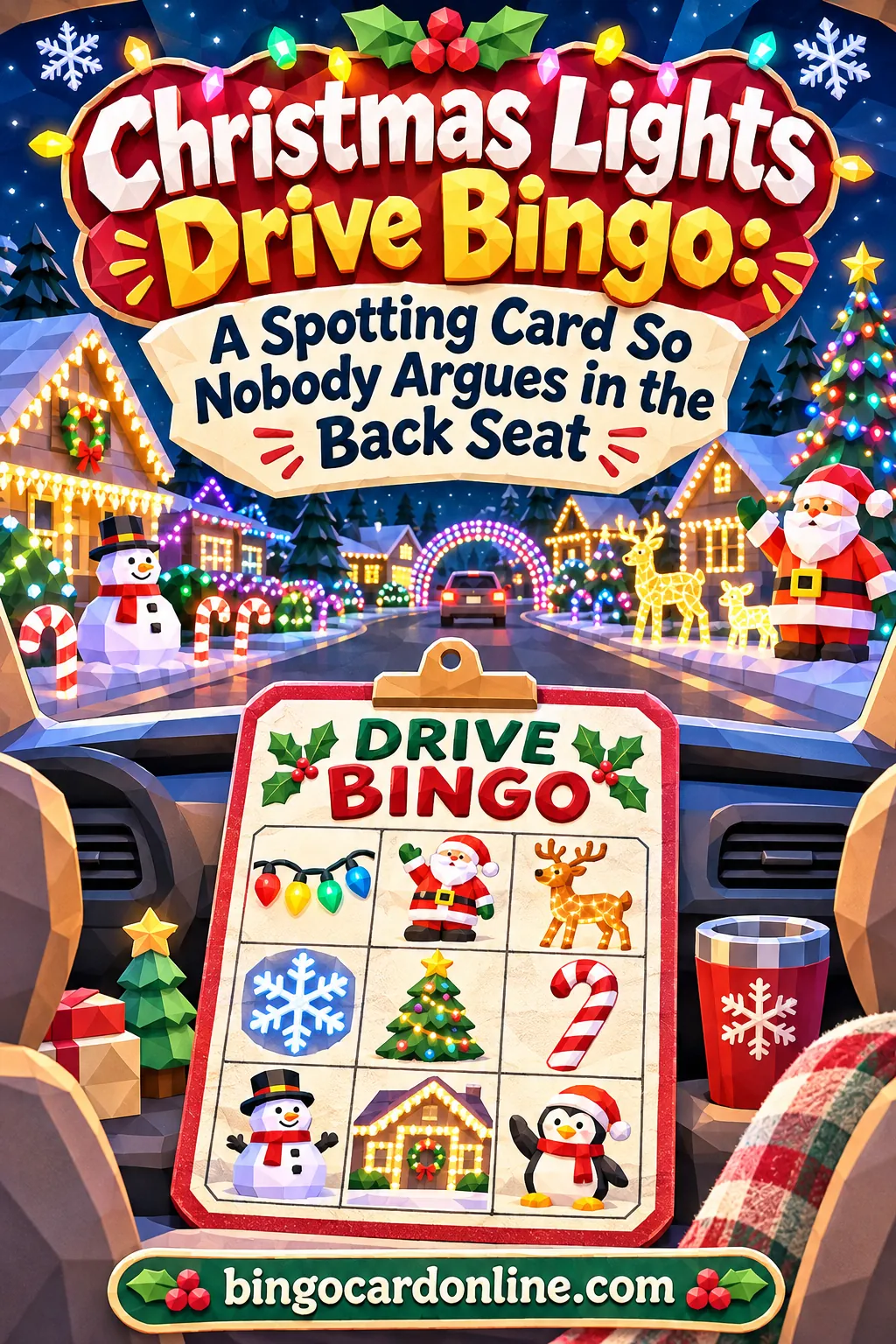
Christmas lights bingo stops back-seat fights by giving every child their own card with a different mix of squares, so a house full of lights counts for anyone who sees it, and nobody has to win the "I saw it first" race. Make one 4×4 card per kid from a list of 24 or more light displays, and the cards fill at different speeds on their own. You can build the whole set in about five minutes with the free bingo card generator, then print it or open it on a dimmed phone.
This guide walks you through the exact settings, a ready-made list of things to spot, the ground rules that end the arguing, and a plan for the night itself, from what to pack to how to handle a tired four-year-old at minute 40.
▶ Make these exact bingo cards
Why Light-Looking Drives Turn Into Arguments
Driving around to see Christmas lights sounds peaceful. Then you're three streets in and someone in the back is yelling that they saw the giant snowman first, and someone else is crying because they were looking out the wrong window.
It helps to know why it happens, because the fix is built around the cause.
- Kids turn spotting into a race on their own. With no structure, the only "win" available is being first to point. Every display becomes a contest with a loser.
- Window seats aren't equal. The kid on the left side sees the left side of the street. If the best houses are on the right, the left-side kid gets nothing for ten minutes.
- Little ones can't keep up. A seven-year-old calls out a display before a three-year-old has even found the window. The little one feels left behind fast.
- Long gaps feel endless. Between neighborhoods, there's often nothing to look at. Bored kids fill silence with poking.
- It's dark and late. Many families head out after dinner, close to bedtime. Tired kids are quick to melt down.
A spotting card fixes most of these at once. It changes the goal from "be first" to "fill your own card," and it gives kids something to hold and check during the dull stretches.
The one rule that changes everything
Here's the core idea: anything that anyone sees counts for everyone who has it on their card. If your brother spots an inflatable penguin and you have "penguin" on your card, you mark it too. There's no claiming and no stealing.
Because each card is a different mix of squares, kids still win at different times. The game stays exciting without turning siblings against each other. One child might have "nativity scene" and "lights on a fence" while another has "sleigh" and "all blue lights," so the same street helps each of them differently.
How to Make the Cards With the Free Tool
You don't need to design anything. The generator shuffles a word list into as many unique cards as you need, and each card gets its own random selection when your list is longer than the card.
Open the bingo card maker and use these settings.
| Setting | What to choose | Why |
|---|---|---|
| Card type | Words | Light displays are easiest to describe in a few words |
| Your words or items | 24 to 30 displays, one per line | More words than squares means each card gets a different mix |
| Card title | Christmas Lights Drive Bingo | Prints across the top of every card |
| Card colors | Red & Green — holidays | Festive, and easy to read under a dome light |
| Grid size | 4 × 4 for ages 5 to 10, 3 × 3 for preschoolers, 5 × 5 for older kids and teens | Matches the length of most drives |
| Number of unique cards | One per child, plus two spares | Spares cover a torn or dropped card |
| Cards per page (in Print & sharing options) | 2 | A good size for a clipboard or a lap |
| Ink-saver / black & white print | On, if you're low on color ink | Cards still read clearly in black and white |
Step-by-step walkthrough
- Pick Words as the card type. It's the default, so it may already be selected.
- Clear the sample words. The box may start with a Christmas sample list. Select all the text in "Your words or items" and delete it.
- Paste or type your list. Put one display on each line. Use the list in the next section, or write your own. Keep each square to one to four words, so it stays readable in a moving car.
- Type your card title. Something like "Christmas Lights Drive Bingo" or "Maple Street Lights Hunt."
- Choose Red & Green under Card colors. It looks festive and prints well.
- Click 4 × 4 under Grid size. Watch the live preview update. The small line above the preview tells you how many words the card needs and how many you have. For a 4×4 card, it needs 16.
- Set the number of unique cards. For three kids, type 5. That's one each plus two spares.
- Open Print & sharing options. Pick 2 cards per page. Turn on ink-saver if you want to save color ink.
- Click Generate cards. The tool builds every card as its own arrangement.
- Click Print / Save as PDF. Choose your printer to print, or choose Save as PDF as the destination if you'd rather keep the file or open it on a tablet.
That's it. If you want to see a sample before you change anything, the "Make these exact bingo cards" button on this page opens the generator with a 20-display list already filled in, so you only need to set the grid size and the number of cards.
Why 24 or more words matters for spotting games
In most bingo games, a caller reads out squares, and every player hears the same call. In a lights drive, the "caller" is the street itself. Everyone in the car sees the same houses at the same time.
That's a problem if every card has the same 16 squares. All the kids would mark the same things at the same moments, and the only difference between cards would be where the squares sit. You'd get a lot of ties.
When your list is longer than the card, the tool picks a random set of squares for each card. Here's how that plays out:
| Words in your list | 4×4 card needs | Squares each card leaves out | What it feels like in the car |
|---|---|---|---|
| 16 | 16 | 0 | Every card has the same squares, so ties are common |
| 20 | 16 | 4 | Some difference between kids, and a few ties |
| 24 | 16 | 8 | Each card skips a third of the list, so wins spread out |
| 30 | 16 | 14 | Cards look quite different, with very few ties |
For a family car with two to four kids, 24 to 30 words is the sweet spot. Go much higher, and some cards end up full of rare displays that you might never pass.
Phone instead of paper
Printing is easiest, but you don't have to. You can click Download PNG to save a card image, then open it on a phone or tablet. Kids can mark squares with a drawing or markup tool on the device, or just keep a paper tally next to it.
If you go the screen route, turn the brightness way down before you leave. A bright screen in a dark car makes it hard for kids to see outside, and it can bother the driver. Night mode or a dark filter helps too.
You can also use Copy shareable link inside Print & sharing options to send the setup to another adult. That's handy if two families are driving separately and want the same game.
A Ready-Made List of Things to Spot
Start with displays you're likely to see in your area. A list full of rare items leaves kids staring at a card they can't fill.
Here's a mix of easy, medium and rare squares. Pick roughly half easy, a third medium, and a few rare ones.
| Easy (you'll see these on most streets) | Medium (a few per neighborhood) | Rare (a great find) |
|---|---|---|
| White icicle lights | Inflatable snowman | Lit archway over a driveway |
| Wreath on garage | Lit reindeer | Lights that blink to music |
| Walkway lights | Nativity scene | Rooftop sleigh with reindeer |
| Tree in a window | Giant candy cane | Light tunnel |
| Lights on bushes | All blue lights | Projected snowflakes on a wall |
| Colorful lights | Star on roof | Lit train |
| Candles in windows | Penguin | Lit angel |
| Lights on a fence | Light-up present | Lit carousel |
| Lit tree in yard | Flashing lights | A house with every window lit |
| Lights on a porch railing | Snowflake lights | A sign that counts down to Christmas |
Squares for different neighborhoods
Where you drive changes what you'll see.
- Suburban streets: Lots of inflatables, lighted lawn figures, walkway stakes and garage wreaths. Add squares like "inflatable snowman," "lit reindeer," and "lights on bushes."
- Older town centers: Fewer yard displays, more window candles, lit storefront windows and garland. Try "candles in windows," "lit lamppost," "garland on a door," and "big wreath on a building."
- Rural roads: Displays are far apart, but they're often big. Use squares like "lit barn," "lights on a fence," "lit tree in yard," and "star on a roof."
- Light parks and drive-through displays: These are packed with unusual displays. Add "light tunnel," "lit animals," "lit train," and "lights shaped like a candy cane."
- Apartment areas: Look up. Try "balcony lights," "tree in a window," "lights in a stairwell window," and "star in a window."
Not-lights squares for long gaps
When you're between neighborhoods, there may be nothing lit at all. Mixing in a few squares that don't depend on decorations keeps everyone busy.
- Someone walking a dog
- A red car
- A full moon (or "see the moon")
- A dark house with no lights
- A truck with lights on the roof
- A snowman (a real one, not inflatable)
- A crossing guard sign
- A church steeple
Two or three of these per card is plenty. You still want the game to be about the lights.
Sound squares for non-readers and car-sick kids
Some kids get queasy looking at a card in a moving car. Others can't read yet. For them, swap a few sight squares for things to hear, which you can say out loud.
- Bells
- A dog barking
- A horn honk
- Someone in the car says "wow"
- A traditional carol on the radio, like "Silent Night" or "Jingle Bells"
- Crunching snow or gravel under the tires
These squares are easy for an adult to call: "Did anyone hear bells? Mark it!"
Ground Rules That End the Arguing
The cards do half the work. The rules you set before the car starts do the rest. Read them out loud in the driveway, not halfway down the street.
The house rules
- Seen by anyone counts for everyone. If one person spots it, every card with that square can mark it. Nobody owns a display.
- Say it, then point with words. "Penguin on the right!" is better than a finger jabbed past someone's face. Words help the other kids find it fast.
- The front passenger is the judge. If there's a question about whether that big glowing thing was really a sleigh, the front-seat grown-up decides. Their call is final.
- The driver doesn't play. The driver's job is the road. They can enjoy the lights, but they don't check cards, settle disputes, or look back at anyone's paper.
- One mark per square. If you've already got "inflatable snowman," you don't get anything extra for the next six snowmen.
- Inside voices for bingo. A loud "BINGO!" in a small car is startling for the driver. Agree on a quieter signal, like "Bingo, please!" or a thumbs-up to the judge.
- Close calls get a do-over. If you drove past too fast and nobody's sure, the judge can call it "maybe," and you'll count it if you see another one.
What to say before you pull out
Kids take rules better when they're short and come with a reason. Here's a script you can use as-is:
"Okay, everybody has their own card, and everybody's card is different. If anyone sees something, say it out loud, and everybody who has it gets to mark it. Nobody's stealing anybody's squares tonight. Mom is the judge. Dad's driving, so Dad doesn't look at cards. First to get a line wins round one, and then we keep going for blackout."
Swap in whoever is driving and judging. The important parts are "everybody's card is different" and "everybody who has it gets to mark it."
When an argument starts anyway
It will, at least once. Here's how to handle the common ones.
| What you hear | What's really going on | What to say |
|---|---|---|
| "I saw it first!" | Old race habit | "Doesn't matter tonight. Do you both have it? Then you both mark it." |
| "That's not a reindeer, it's a deer." | Close call on a square | "Judge says it counts. Next one we'll look closer." |
| "She's on the good side!" | Unequal window views | "Everything on both sides counts for everyone. Ask her what she sees." |
| "I don't have ANY of these." | Bad luck on the card | Offer a fresh spare card, or let them mark a free square of their choice |
| "He's looking at my card!" | Too close in the back | Clipboards on laps, cards face-up only for the judge |
| "This is boring." | Long gap with no lights | Switch to sound squares, or start a quick count of red cars |
Most fights die down in the first ten minutes once kids figure out that the rules really are different tonight.
Pick the Right Card for Each Age
The grid size decides how long the game lasts, and kids of different ages need different lengths.
| Age | Grid | Squares to fill | Rough time to a first line | Tips |
|---|---|---|---|---|
| 2 to 4 | 3 × 3 | 9 | 10 to 15 minutes | Read squares out loud, use easy displays only |
| 5 to 7 | 4 × 4 | 16 | 15 to 25 minutes | Mostly easy squares, two or three medium |
| 8 to 11 | 4 × 4 or 5 × 5 | 16 or 25 | 20 to 35 minutes | Add rare squares and a few not-lights squares |
| 12 and up | 5 × 5 with free center | 24 | 30 to 45 minutes | Blackout as the main goal, with tricky squares |
These timings are only a guide. A light park packed with displays will go much faster than a quiet rural road.
Mixed ages in one car
Most families have kids of different ages, and that's where the tool really helps. You can make two batches with different settings.
- Batch one: A 3×3 card with only easy displays for your youngest. Generate one or two cards.
- Batch two: A 4×4 or 5×5 card with your full list for older kids. Generate the rest.
Print both and hand them out. Because the little one has fewer squares, they'll often finish a line around the same time as the big kids, which feels fair to everyone.
If you'd rather keep one card size, give the youngest a head start: let them mark two squares of their choice before the drive starts.
Kids who can't read yet
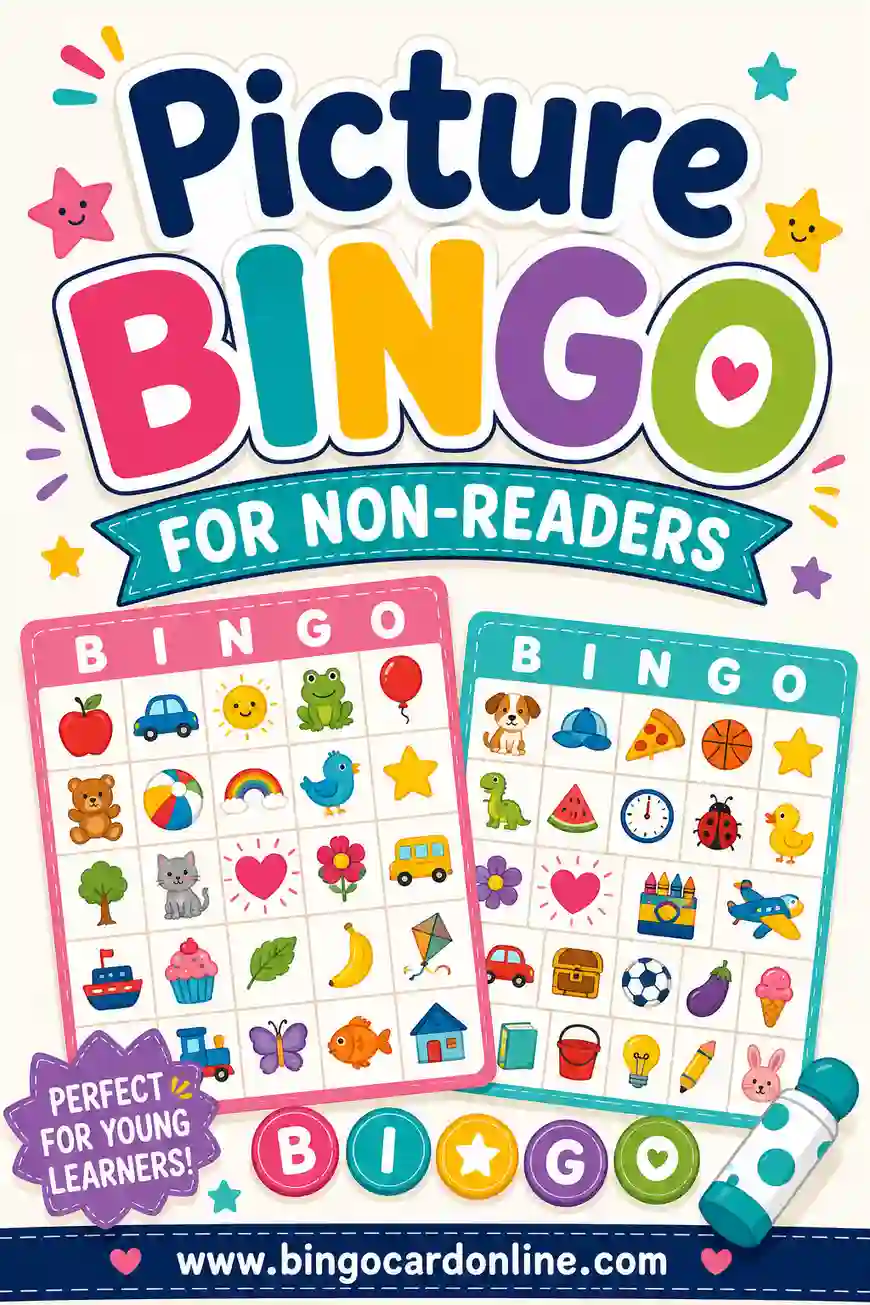
For non-readers, keep the squares short and concrete, like "snowman," "star," "reindeer," "candy cane," and "tree." An adult can read each square to them before you leave, and again when you pass something.
Another option is to switch the card type to Emoji or Photos. Photos mode lets you upload up to 30 pictures from your device, so you could snap a few local displays during the week and use those as squares. The pictures are processed in your browser and aren't uploaded anywhere. For a deeper look at picture cards, see how to make picture bingo for non-readers.
Teens and grown-ups
Older kids may roll their eyes at bingo, until you make it a little harder or a little funnier. Try a 5×5 card with the free center turned on and squares like these:
- A display that's clearly been up since Thanksgiving
- More than three inflatables in one yard
- Lights in only one color other than white
- A display that's half-lit (one string is out)
- Someone in the car asks how much power that house uses
- A lit display on a mailbox
- A house that's somehow brighter than the streetlights
Squares like these turn the drive into a running joke, and teens tend to get into it.
Variations by Family Size
The same game works whether it's just you and one kid or three cars full of cousins. The setup just shifts a little.
One child
With only one player, there's no one to argue with, but there's also no one to beat. Add a goal instead:
- Fill a line by the end of the first neighborhood.
- Get blackout before you get home.
- Beat last year's count of marked squares, if you make this a yearly tradition.
A grown-up in the passenger seat can play a card too, which makes it feel like a real game.
Two or three kids
This is the classic setup. Use a 4×4 card, a 24-word list, and one card each. Play to a line first, then keep going for a second line or blackout so nobody is done in ten minutes.
Four or more kids in one vehicle
A minivan full of kids can get loud. A few changes help:
- Use 5×5 cards so the game lasts longer.
- Make the list 30 words, so cards differ more and wins don't pile up.
- Have one grown-up in each row act as the judge for that row, if you have the adults.
- Agree that bingo calls go through the judge only, in a normal voice.
Several families or a caravan
If you're driving in two or more cars, use Copy shareable link to send your setup to another adult, or simply print a stack for everybody before you leave. Generate enough unique cards for every child across all the cars. The tool can make up to 100 in one batch.
Each car plays on its own, and you meet up afterward to compare cards. The cocoa stop afterward is a great time for a quick awards round.
Plan the Route, Pack the Bag and Time the Night
The game works best when the drive is planned around it. A route with steady displays keeps kids marking squares, while a route with long dark stretches loses them.
Choose a good route
- Ask around. Neighbors, coworkers and local community pages often know which streets go all out each year.
- Look for loops. A loop through two or three decorated neighborhoods beats one long straight road.
- Plan for 30 to 60 minutes. That's long enough to fill a few lines and short enough for little kids.
- Drive slowly and safely. Some streets get busy with other light-lookers. Watch for people walking, and be ready to stop.
- Leave room for a bathroom stop. Especially with small kids and cocoa.
Pick the time
- Right after dark is best for little ones. The lights are on, and bedtime isn't far off.
- Weeknights are often calmer than weekends on the most popular streets.
- Earlier in December may mean fewer displays, since some families decorate later in the month. The week or two before Christmas usually has the most to see.
Many displays run on timers and switch off at night. If you're heading out late, plan to finish your best streets first.
Packing checklist
A little prep makes the drive smoother. Most of it fits in one tote bag.
- One printed card per child, plus two spares
- A clipboard or a stiff book for each card, so kids can write on their laps
- Crayons or colored pencils (they don't leak or roll as much as markers)
- A small flashlight or a clip-on reading light with a dim setting
- Stickers or dot stickers, if your kids prefer sticking to coloring
- A trash bag for wrappers and scraps
- Pajamas on the little ones, if you'll carry them straight to bed
- Blankets, since back seats get cold when the heat is aimed up front
- A small prize bag (see the prize ideas below)
- Water and a simple snack for the ride home
If your kids like dabbing, look at our guide to bingo markers for options that work on a lap. In a moving car, stickers and crayons beat ink daubers, because a daubed card can bleed through onto clothes and seats.
Lighting tips for a dark car
Kids need just enough light to find their squares, but not so much that it washes out the view outside or bothers the driver.
- Use a small, dim light pointed down at the card, not up at faces.
- Avoid the overhead dome light while the car is moving. It makes it harder to see out the windows and can distract the driver.
- Pick a bold, simple card. The Red & Green palette prints high-contrast squares, and ink-saver mode gives you clean black text.
- For phones and tablets, turn brightness to the lowest setting kids can still read.
Timeline for the evening
Here's a simple plan you can follow from dinner to bedtime.
| Time before you leave | What to do |
|---|---|
| A day or two before | Build the word list, generate cards, print them, and plan your route |
| 1 hour | Dinner, then pajamas for younger kids |
| 20 minutes | Bathroom trip for everyone, fill water bottles, load the tote bag |
| 10 minutes | Buckle in, hand out cards and clipboards, read the house rules |
| On the road | First round: first to a line. Second round: blackout or a second line |
| Last 10 minutes | Count marked squares, hand out prizes, then quiet time on the ride home |
Ending with a quiet stretch matters. It gives kids a chance to wind down before bed instead of arriving home wound up.
Prizes, Keepsakes and Making It a Tradition
Prizes don't need to be big. In a car, small and quiet is best.
Simple car-friendly prizes
- First pick of the bedtime story
- Choosing the next street to drive down
- Picking the radio station on the way home, from traditional carols or quiet holiday music
- Getting to put the star on the family tree, if it's not up yet
- A sticker sheet or a small activity book
- Staying up five extra minutes once home
- Choosing tomorrow's breakfast
"Everyone gets something" works well with little kids. The child with the first line picks first, the second picks next, and so on, until everybody's had a turn.
Keep the cards
Write the date and the neighborhoods on the back of each card before you head home. Tuck them into a folder or the family holiday box. Kids love looking back at old cards, and it's fun to see which displays show up year after year.
You can also save the PDF from Print / Save as PDF, then make next year's set by changing a few squares. The generator remembers your last setup in the browser on that device, so you may find your list waiting for you next time, though it's safest to keep your own copy of the word list in a note.
Rotate the list each year
Kids grow fast. A 3×3 picture card for a four-year-old this year becomes a 4×4 word card next year and a 5×5 challenge card a few years after that. Bump up the grid size as they grow, and add a few new rare squares each year to keep it fresh.
For a bigger set of seasonal word ideas, browse our Christmas bingo cards page. For trips that aren't about lights, car bingo has ideas for any drive.
Troubleshooting the Drive
Even with great cards, things go sideways sometimes. Here's how to fix the common problems.
| Problem | Likely cause | Fix |
|---|---|---|
| Everyone gets bingo at once | Word list is too short, so cards share most squares | Use 24 to 30 words for 4×4 cards, so each card gets a different mix |
| Nobody gets close to a line | Too many rare squares | Swap rare squares for easy ones, or play for four corners instead of a line |
| Game ends in five minutes | Light park or very busy street | Switch to 5×5 cards, or play for blackout |
| Little one falls asleep | Late start, warm car | Start earlier, keep their card short, and let a sibling mark it for them |
| Kid gets car-sick | Looking down at paper too long | Use sound squares, have an adult read squares out loud, and keep eyes outside |
| Squares are too small to read | Long words on a big grid | Shorten squares to one to three words, or drop to a 4×4 grid |
| Printer is low on ink | Color palette printing | Turn on Ink-saver / black & white print in Print & sharing options |
| Cards slide off laps | No hard surface | Clipboards, a cereal box cut flat, or a hardcover book |
| Kids argue over close calls | No judge set | Name the front passenger as judge before the car starts |
When the game just isn't working
Some nights, the kids are too tired, the lights are sparse, or it's raining too hard to see. That's okay. Put the cards away, play something with no paper at all, and try again another night. The cards will still be good.
If you want a game with no setup at all for those nights, simple counting games work well: count all the inflatable snowmen, or guess how many houses on the next street will have lights before you turn onto it.
Make your cards for tonight
The whole setup takes about five minutes. Open the free bingo card maker, paste your list of light displays, pick 4×4, set one card per child plus two spares, and print. If you'd like to start from a ready list, use the "Make these exact bingo cards" button on this page. For printing tips, from paper choice to fitting more cards on a page, see how to print bingo cards at home.
▶ Make these exact bingo cards
Frequently Asked Questions
What is Christmas lights bingo?
Christmas lights bingo is a spotting game you play while driving or walking past holiday displays. Each player gets a card with squares like "inflatable snowman," "star on roof," or "all blue lights," and marks a square when they see it. The first player to complete a line, or the whole card, wins.
How do I stop kids from arguing over who saw something first?
Use the rule that anything anyone sees counts for everyone who has it on their card. Give each child a different card, so they still win at different times. Name a grown-up in the passenger seat as the judge for close calls, and the "first" fights mostly disappear.
How many squares should each card have?
For ages 5 to 10, a 4×4 card with 16 squares is a good fit for a 30 to 60 minute drive. Preschoolers do better with a 3×3 card of nine easy squares. Teens and adults can handle a 5×5 card with a free center, especially if you play for blackout.
Why do I need more words than squares?
In a lights drive, everyone sees the same houses at the same moment. If every card has the same squares, kids mark things at the same time and tie often. A list of 24 to 30 words for a 4×4 card gives each child a different mix of squares, which spreads the wins out.
Can we play on a phone instead of paper?
Yes. Generate your cards, then click Download PNG and open the image on a phone or tablet. Kids can mark squares with a markup or drawing tool, or keep a paper tally. Turn the screen brightness way down, so it doesn't spoil the view outside or bother the driver.
What can little kids who can't read use?
Keep squares short and concrete, and have an adult read them out loud before the drive. You can also use Emoji or Photos as the card type, so the squares are pictures. Photos mode lets you upload up to 30 of your own pictures, which stay on your device.
Should the driver play too?
No. The driver's only job is the road, especially on busy streets full of other cars and people walking. Let the driver enjoy the lights while the front passenger handles cards, close calls and bingo checks.
How long should a Christmas lights drive last?
For most families, 30 to 60 minutes is a good length. That's enough time to fill a few lines and finish a second round, without keeping little kids up too late. End with a quiet stretch on the way home, so everyone can wind down before bed.
Can I use the same cards next year?
You can, but it's more fun to refresh them. Save this year's word list in a note, then add a few new rare displays and bump up the grid size as your kids grow. Writing the date and route on the back of each card turns them into a small family keepsake.