Nativity Bingo for Church Kids: Picture Cards for the Christmas Story
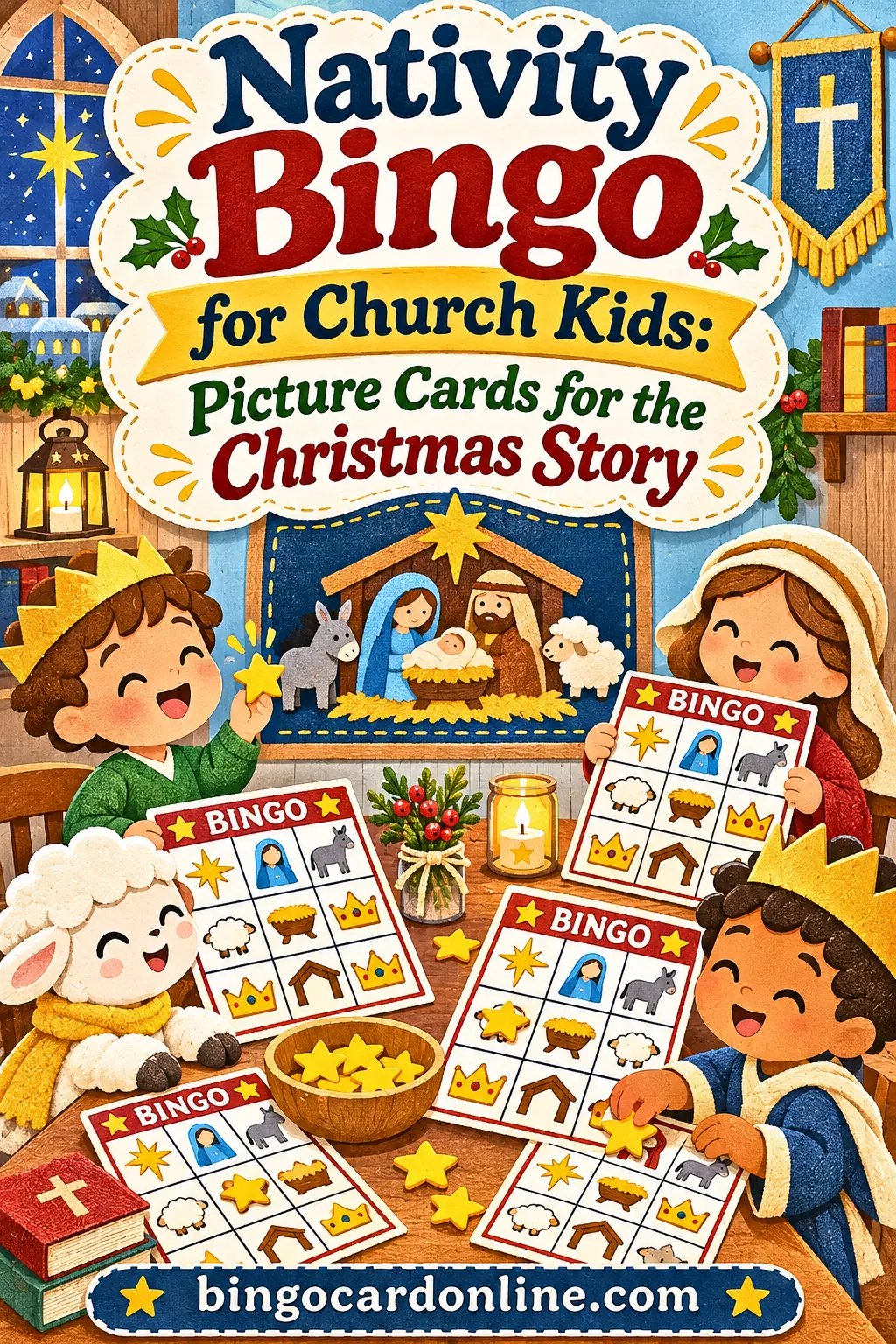
The simplest nativity bingo for church kids uses picture-and-word squares (a star, a manger, a shepherd, an angel, the wise men, sheep), one unique card per child, and two or three short rounds instead of one long one, so more children get to shout "Bingo!" Little ones who can't read yet match the pictures, older kids read the words, and everyone hears the Christmas story as you call it. You can make and print a whole set in about ten minutes with the free bingo card generator, with no account, no download and no printable bundle to buy.
Below you'll find the exact settings, a ready list of nativity squares with a picture for each, a story-style calling script, a 30-minute Sunday school plan, ideas for a bigger church Christmas party, and fixes for the snags that tend to pop up when a room full of kids plays at once.
▶ Make these exact bingo cards
Why Nativity Bingo Works for Church Kids
Sunday school in December is a happy kind of chaos. Kids come in excited, the room is decorated, and you may have a mix of three-year-olds and ten-year-olds in the same circle. You want something that keeps the Christmas story at the center, doesn't need a lot of prep, and works for children who can't read yet.
Nativity bingo checks every box:
- It teaches while it plays. Every call is a piece of the story. When you call "Donkey," you can add one sentence about Mary and Joseph traveling to Bethlehem. By the end of a round, the kids have heard the whole account in order.
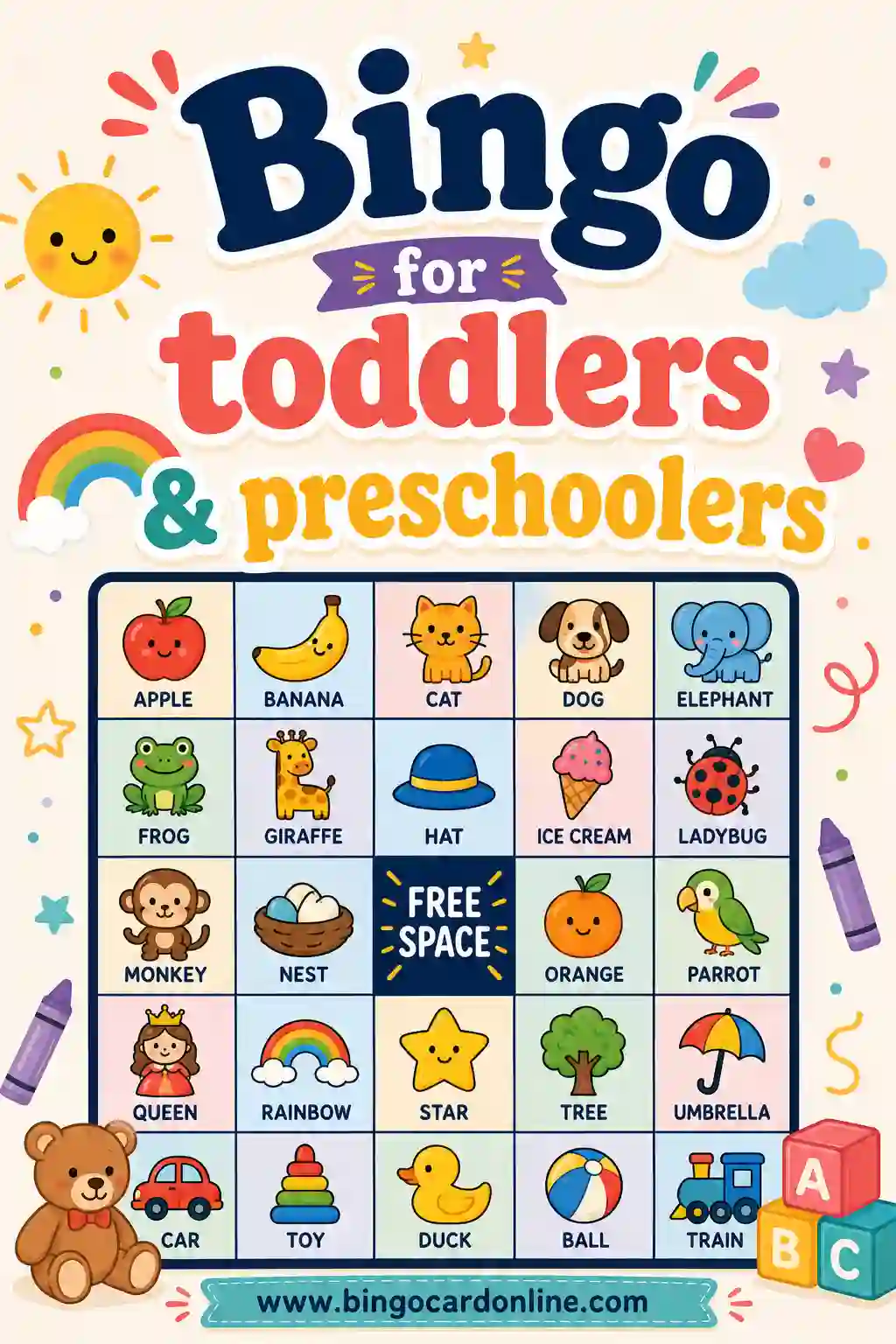
- Non-readers can play. A picture next to each word means a four-year-old can find the star or the sheep without help. Older kids still read the word, so nobody feels the game is "for babies."
- It's calm. Kids sit at a table or on the floor with a card and a few markers. Everyone has to listen for the next call, which naturally lowers the volume.
- It fits any time slot. One round takes five to eight minutes. Play one round at the end of class or four rounds at a church party.
- It's cheap to run. You need paper, a printer and something to mark squares with. Cereal pieces, buttons, paper circles or crayons all work.
- It welcomes visitors. A child visiting for the first time at Christmas can play right away. There are no rules to learn beyond "find the picture and cover it."
Why picture squares matter so much
A typical church kids' group spans a wide age range. In many classes, a third of the children or more are still learning to read. Plain word cards leave those kids watching while older siblings play. Picture-and-word squares solve that without making two separate games.
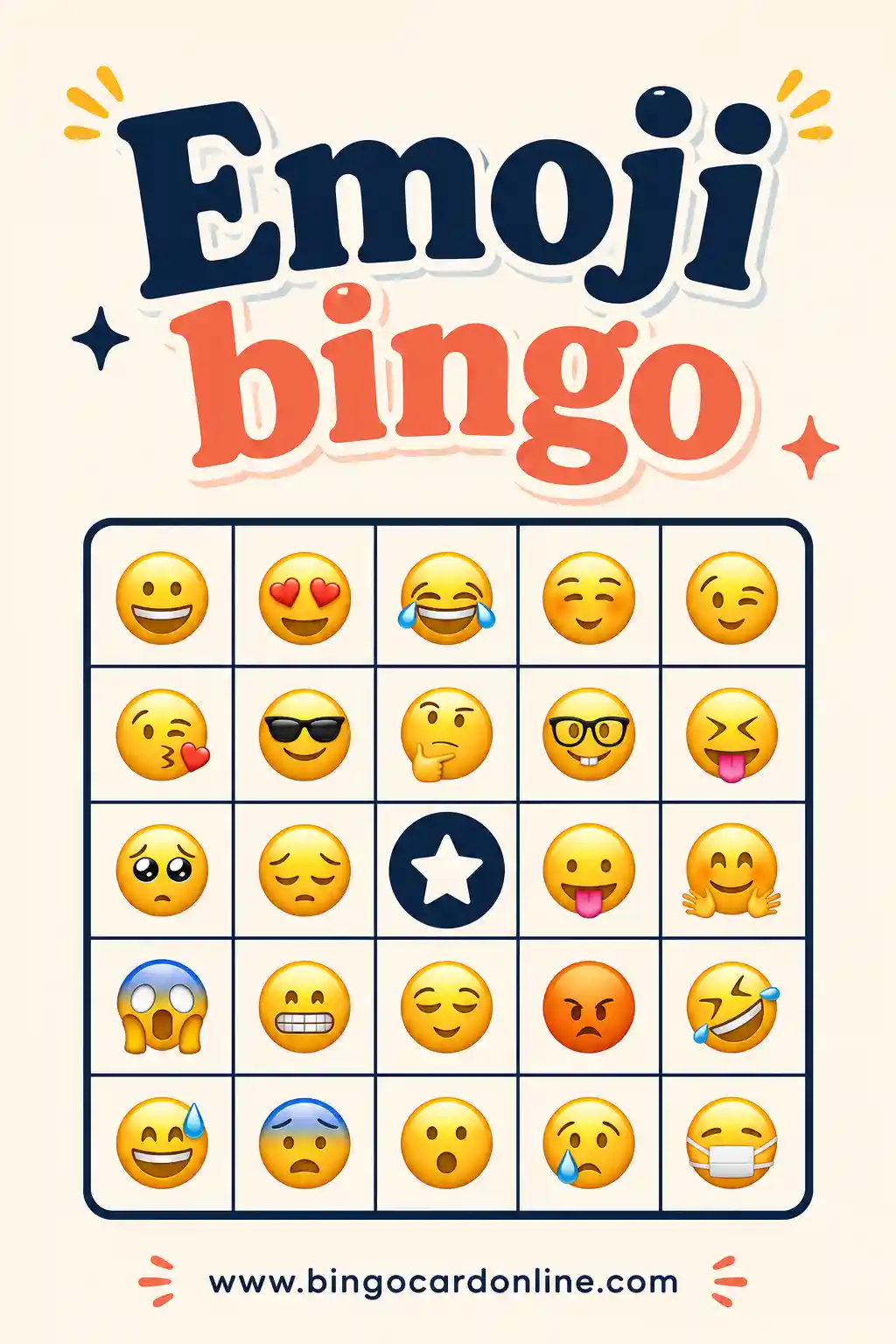
The trick is simple. Each square shows a small picture (an emoji) followed by a short word: "⭐ Star," "🐑 Sheep," "👼 Angel." Pre-readers look for the picture. Early readers use the picture as a hint and sound out the word. Confident readers ignore the picture. Same card, same game, every age playing together.
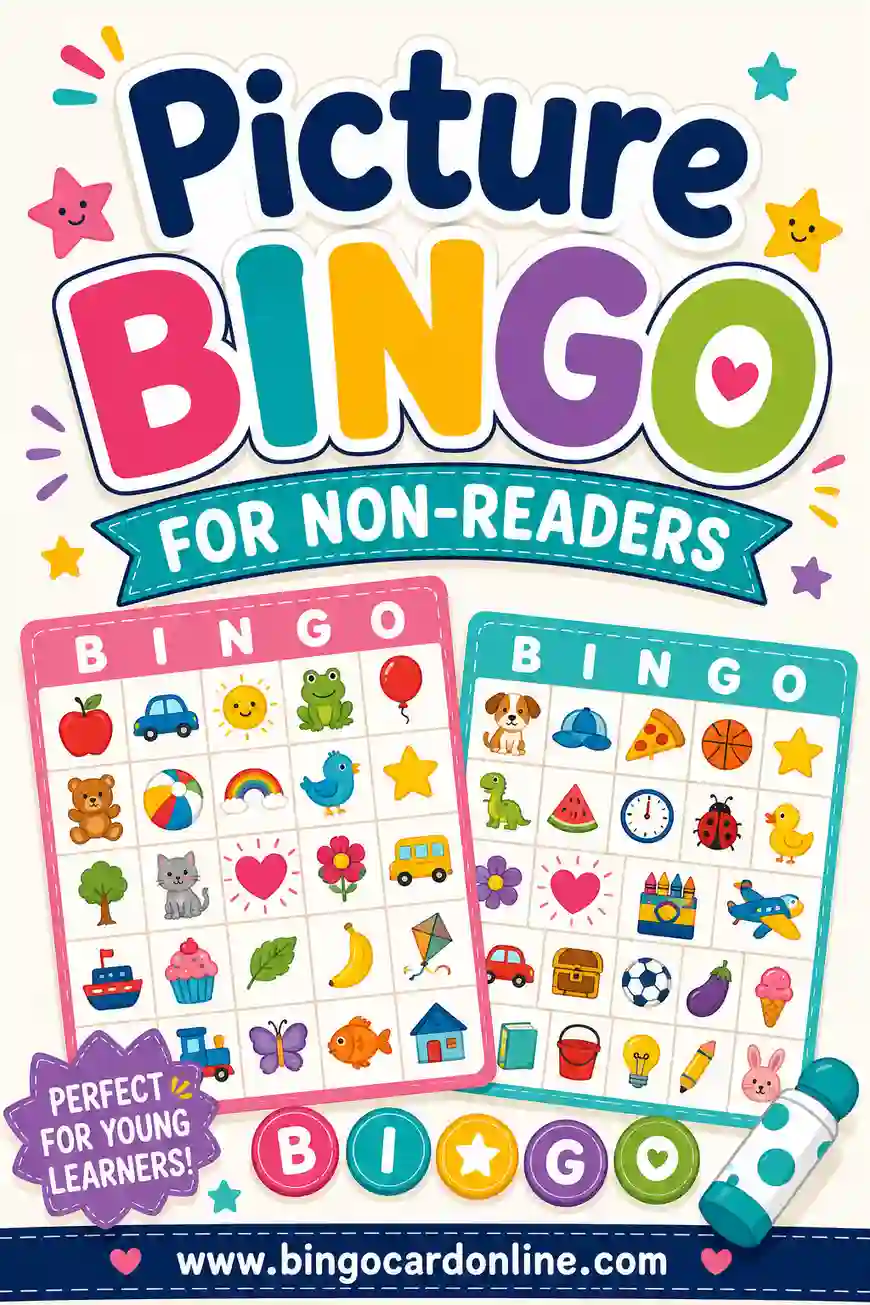
If you want to go deeper on pictures for young players, the guide to picture bingo for non-readers covers grid sizes and calling tips in more detail.
Why two or three short rounds beat one long round
A single long game has one winner. In a room of 15 children, that means 14 kids who didn't win, and with little ones, that can mean tears. Short rounds with simple patterns spread the wins around:
- Round 1: any line (across, down or diagonal). Fast, and usually gives a winner within a few minutes.
- Round 2: four corners, or a new line on a cleared card.
- Round 3: full card, if time and attention allow.
You can also let earlier winners keep playing for fun while saying, "If you already won a round, help a friend find their pictures." That simple rule keeps the same quick reader from winning every time and turns big kids into helpers.
How to Make Nativity Bingo Cards With the Free Tool
Open the bingo card maker on a laptop, tablet or church office computer. It runs right in the browser. Here are the exact steps for a typical Sunday school class of 8 to 20 children.
Step-by-step settings
- Card type: Words. Leave it on Words, even though you want pictures. You'll add the pictures yourself as emoji at the start of each line, which gives you picture-and-word squares. (The Emoji card type uses ready-made picture packs, and the built-in Christmas pack is mostly snowmen, presents and other winter pictures, not the nativity.)
- Quick start with a theme: Nativity. If you want a fast start, choose Nativity from the Quick start menu. It fills the box with 30 nativity words, including Mary, Joseph, Baby Jesus, Manger, Stable, Shepherds, Sheep, Donkey, Ox, Three Wise Men, Gold, Frankincense, Myrrh, Star of Bethlehem, Angel, Bethlehem and Inn. That list is great for readers. For a picture version, replace it with the list in the next section.
- Your words or items: Type or paste one square per line. For picture squares, put the emoji first, then a space, then the word:
⭐ Star. Aim for 18 to 24 lines for a 4×4 card or 12 to 14 for a 3×3 card. - Card title: Something like "Nativity Bingo" or "Room 4 Christmas Story Bingo." The title box takes up to 60 characters.
- Card colors: Red & Green — holidays. If you'll print in black and white, pick anything and turn on ink-saver later.
- Grid size: 3 × 3 or 4 × 4. Use 3 × 3 for ages 3 to 5 and 4 × 4 for ages 5 to 9. Use 5 × 5 only for older kids who can read well.
- Free center space: This checkbox works only on the 5 × 5 grid, so skip it for little ones. For older kids on 5 × 5, try typing ⭐ or "Jesus" in the free-space label (up to 16 characters). Kids love starting with one square already covered.
- Number of unique cards: Your expected attendance plus a few spares. For 15 kids, make 20. The box goes up to 100 cards.
- Print & sharing options: Choose 2 cards per page for young kids so squares are big. Choose 4 for older kids if you want to save paper. Turn on Ink-saver / black & white print if you're using the church copier.
- Click Generate cards. The note under the button tells you how many unique cards it made.
- Click Print / Save as PDF. Save the PDF to the church computer or a shared folder so next year's teacher can reprint it.
- Click Print master call sheet. This one-page list of every square lets you check a winner in seconds.
If you want to skip the typing, the button with the sample card on this page opens the generator with a 20-square picture-and-word nativity list already filled in.
Typing the emoji
You don't need special software to add the pictures:
- Windows: press the Windows key and the period key together to open the emoji panel, then search "star," "sheep" and so on.
- Mac: press Control, Command and Space together to open the character viewer.
- Phones and tablets: switch to the emoji keyboard and search by word.
Or copy them straight from the list in this article and paste them into the box. One line per square, emoji first. Keep the card type on Words while you do this, so your picture-and-word list stays exactly as you typed it.
Settings at a glance
| Setting | Ages 3 to 5 | Ages 5 to 8 | Ages 8 to 11 | Mixed ages |
|---|---|---|---|---|
| Card type | Words with emoji | Words with emoji | Words (emoji optional) | Words with emoji |
| Grid size | 3 × 3 | 4 × 4 | 5 × 5 with free center | 4 × 4 |
| Squares in your list | 12 to 14 | 18 to 22 | 30 | 20 |
| Cards per page | 1 or 2 | 2 | 2 or 4 | 2 |
| First pattern | Any 3 in a row | Any line | Any line | Any line |
| Rounds to plan | 2 | 3 | 3 | 3 |
Why more squares than spaces
A 4×4 card has 16 spaces. If your list has exactly 16 squares, every card holds the same pictures in a different order, and a full-card round ends in a room-wide tie. With 20 squares, each card leaves out 4 different pictures, so wins spread out. For a 3×3 card, 12 to 14 squares does the same job; for 5×5 with a free center, use the full 30-word Nativity theme.
The Nativity Squares: Pictures, Words and What to Say
Here's a ready list of 24 picture-and-word squares. Use the first 12 to 14 for a 3×3 card, the first 20 for a 4×4 card, or all 24 if you want longer rounds. The third column is a one-sentence story line you can say as you call each square, so the game tells the Christmas story as it goes.
| Square to type | Who or what it is | One line to say when you call it |
|---|---|---|
| 👩 Mary | Jesus' mother | God sent an angel to tell Mary she would have a very special baby. |
| 👨 Joseph | Mary's husband | Joseph took care of Mary and traveled with her to Bethlehem. |
| 🫏 Donkey | Traditional helper on the trip | Many pictures show Mary riding a donkey on the long road. |
| 🏘️ Bethlehem | The little town | Mary and Joseph went to Bethlehem, the town of King David's family. |
| 🏠 Inn | Where travelers stayed | The town was so full that there was no room for them at the inn. |
| 🛖 Stable | Where the animals stayed | So they rested in a place where animals were kept. |
| 🐂 Ox | Stable animal | Animals like oxen were often kept in stables. |
| 👶 Baby Jesus | The newborn king | Jesus was born that night in Bethlehem. |
| 🌾 Manger | The feeding box bed | Mary laid baby Jesus in a manger, a box that held the animals' food. |
| 🌾 Straw | Soft bedding | Many pictures show the manger filled with hay or straw. |
| 🐑 Shepherd | People who cared for sheep | Shepherds were out in the fields at night, watching their flocks. |
| 🐑 Sheep | The shepherds' flock | The sheep were resting under the night sky. |
| 🌙 Night sky | When it happened | It was dark and quiet outside Bethlehem. |
| 👼 Angel | God's messenger | Suddenly an angel appeared to the shepherds with good news. |
| 🎶 Singing | The angels' praise | Many angels joined in, praising God. |
| 🏮 Lantern | Light for the road | The shepherds hurried to Bethlehem to see the baby. |
| ⭐ Star | The bright star | Later, a bright star led wise men from far away. |
| 👑 Wise men | Visitors from the east | The wise men followed the star to find the new king. |
| 🐪 Camel | Their ride in pictures | Many pictures show the wise men riding camels on their long trip. |
| 🎁 Gifts | What they brought | They brought gifts of gold, frankincense and myrrh. |
| 🥇 Gold | A gift for a king | Gold was a gift fit for a king. |
| 🕯️ Candle | Light of the world | We light candles at Christmas to remember that Jesus brings light. |
| 🙏 Pray | Our response | The wise men bowed down and worshiped Jesus. |
| ❤️ Love | Why it matters | Christmas is about God's love for everyone. |
Two notes on the list. The manger and straw both use the same hay picture because there's no emoji for a manger; that's fine, since the words are different. Shepherd and sheep share a picture too. If you'd rather avoid matching pictures for very young children, drop "Straw" and type "🧑 Shepherd" instead of using the sheep picture twice.
The story lines follow the familiar accounts in Luke 2 and Matthew 2. A few details, like the donkey and the camels, come from tradition and Christmas pictures rather than the Bible text, so if your class has curious older kids, that's a fun thing to point out. Adjust the wording to match your church's teaching and the translation you use.
Emoji can look a little different on different phones and computers, so print one test card before you print the whole set. If a picture shows up as an empty box, swap it for a different emoji or drop it.
Short list for the youngest players
For a 3×3 card with three- to five-year-olds, pick 12 squares the kids already know or can easily learn:
⭐ Star, 👼 Angel, 🐑 Sheep, 🫏 Donkey, 👶 Baby Jesus, 👩 Mary, 👨 Joseph, 🐪 Camel, 🎁 Gifts, 🌾 Manger, 🐂 Ox, 🌙 Night sky
Show the kids each picture before the first round. Hold up a card and say, "This is the angel. Can you find an angel on your card?" Two minutes of picture practice saves a lot of confusion later.
Word-only list for older readers
Kids ages 8 to 11 enjoy a harder card. Choose the Nativity theme from the Quick start menu, set the grid to 5 × 5 with the free center on, and leave the emoji off. The theme's 30 words include trickier ones like Frankincense, Myrrh, Swaddling clothes, Census and Nazareth. That turns the game into a quiet Bible-word review. When you call "Census," ask, "Who remembers why Mary and Joseph had to travel?"
For more Bible-themed word lists beyond Christmas, see the Bible bingo page.
How to Call Nativity Bingo So It Tells the Story
You have two good ways to call the game. Pick the one that fits your group.
Option 1: Story order (best for little ones)
Print the master call sheet and read the squares in story order, using the one-line script from the table above. Kids hear the Christmas story from Mary to the wise men, and they cover pictures as the story unfolds.
The catch: story order is the same every round, so in round 2 kids will start guessing what comes next. That's actually a nice learning moment. Ask, "What comes after the inn?" before you call it. For a third round, switch to random order.
Because every card is different, story order still gives different winners. Each card holds a different mix of squares in different spots. A child with Mary, Joseph and the donkey in one row might win early, while a child whose row needs the wise men waits until near the end.
Option 2: Random order with the caller (best for mixed ages)
After you generate cards, click Play caller. A caller window opens and draws squares one at a time with no repeats. Click Next for each call. If you click too fast, Undo takes back the last call, and Reset starts a new round. There's an Auto-call setting for every 5, 10 or 15 seconds, but with young children it's better to click Next yourself, so you can wait until everyone has found the picture.
Put the caller on a TV, projector or laptop facing the kids. Little ones can then match the picture on the screen to the picture on their card, which is easier than matching a spoken word.
A calling script you can use
Here's how a call sounds in practice:
"Next one is... the donkey. Mary and Joseph had a long trip to Bethlehem. Look for the donkey. Does anyone have a donkey? Cover it with a marker. Great job. Next one is..."
Keep a steady, slow pace. A good rhythm with young kids is about 15 to 20 seconds per call, including the story line. With older kids, 10 seconds is plenty.
Checking a winner
When someone shouts "Bingo!", have them read (or point to) the squares on their winning line while you check them against the master call sheet or the caller's history. Then celebrate, hand out the prize and start the next round. If a young child calls bingo by mistake, say, "So close! Keep going, you're almost there," and carry on. No one is ever "out."
Running 2 or 3 Short Rounds So More Kids Win
Short rounds are the heart of a good kids' bingo game. Here's a three-round plan with patterns that get a little harder each time, then a few simple rules for sharing the wins.
| Round | Pattern | Typical length (4×4, 20 squares) | Why it works |
|---|---|---|---|
| 1 | Any line: across, down or diagonal | 4 to 6 minutes | Quick win; teaches how the game works |
| 2 | Four corners | 4 to 6 minutes | Different kids tend to win; easy to explain |
| 3 | Full card | 7 to 9 minutes | Bigger finish; uses the whole story |
If you're short on time, skip the full card and play two quick line rounds. For a pattern sheet you can show the kids, click Print winning patterns in the tool.
Rules that share the wins
- One prize per child. A child who already won keeps playing, but if they win again, the prize goes to the next player to finish, or they become your "helper" and check a younger child's card.
- Let ties win. If two children call bingo on the same square, they both win. Bring enough small prizes for that.
- Clear cards between rounds. Have kids slide their markers into a cup. With crayons, give each child a fresh card instead.
- Swap cards for round 3. Collect the cards and hand them out again in a different order. A child who had an unlucky card gets a fresh chance.
With three rounds and these rules, a class of 12 to 15 kids usually ends with three to five winners. That's a big change from one winner and a dozen disappointed faces.
How many rounds by group size
| Group size | Rounds | Likely winners | Prizes to bring |
|---|---|---|---|
| 5 to 8 kids | 2 to 3 | 2 to 4 | 6, plus a small treat for everyone at the end |
| 9 to 15 kids | 3 | 3 to 5 | 8 |
| 16 to 25 kids | 3 to 4 | 4 to 8 | 12 |
| 26 to 40 kids | 4 | 6 to 10 | 15 to 20 |
| 40 or more (church party) | 4 to 5 | 8 or more | 25, or an "everyone gets one" basket |
The winner counts are rough guides, not promises, since ties change from game to game. Bring a few extra prizes so no one is left out.
A 30-Minute Sunday School Plan (and a Bigger Party Version)
Here's a simple plan for a regular December class. It assumes 10 to 15 kids, a 4×4 picture card and about half an hour.
| Time | What happens | Teacher tip |
|---|---|---|
| 0:00 to 0:05 | Welcome, prayer, hand out cards and markers | Pass out cards face down so nobody starts early |
| 0:05 to 0:08 | Picture warm-up: hold up 5 or 6 squares and name them | Ask, "Who is this? What did they do?" |
| 0:08 to 0:14 | Round 1: any line, story order | Read the one-line story script with each call |
| 0:14 to 0:16 | Celebrate winners, clear cards | Winners help a younger friend next round |
| 0:16 to 0:22 | Round 2: four corners, random order with the caller | Put the caller on a screen if you have one |
| 0:22 to 0:28 | Round 3: full card, or a second line round | Swap cards first so luck spreads out |
| 0:28 to 0:30 | Wrap-up question and closing prayer | "Which part of the story was your favorite?" |
If your class is only 20 minutes, drop round 3. If it runs 45 minutes, add a coloring page or a short craft between rounds 2 and 3.
Prep checklist for Sunday morning
- Make the cards with the free nativity bingo generator and save the PDF.
- Print one test page to check that the emoji look right and the squares are big enough.
- Print all cards plus the master call sheet. Print a spare call sheet for a helper.
- Gather markers: a cup of paper circles, buttons or crayons for each table.
- Pick prizes and put them in a basket or bag.
Scaling up for a church Christmas party
A fellowship hall party with 40 or more kids works the same way, with a few changes:
- Make enough cards. The tool makes up to 100 unique cards at a time. For a big crowd, make one per child plus 10 spares.
- Use 4 cards per page for older kids to save paper, but keep 2 per page for preschoolers.
- Seat by age. Little ones at one table with a helper, older kids at another. Everyone plays the same calls.
- Use a microphone if the room echoes, and put the caller on the biggest screen you have.
- Have runners. Two volunteers check winning cards at the tables, so the caller doesn't have to stop.
- Plan four or five rounds of 6 to 8 minutes, with a snack or carol break in the middle. Traditional carols like "Silent Night" or "O Come, All Ye Faithful" fit nicely.
For more ideas on running bingo for a whole congregation, see the church bingo guide.
Markers and prizes that don't cost much
You don't need special daubers to play with kids. Many families and churches already have what they need.
Markers that work well:
- Paper circles from a hole punch (save a sheet of colored paper for this)
- Buttons from the craft drawer, or plastic counters
- Cereal pieces or small crackers, if your church allows snacks and you've checked for allergies
- Crayons or dot markers for one-time cards (give each child a fresh card per round)
- Small star stickers, which fit the theme nicely
You can also print a sheet of paper markers right from the tool: click Print bingo markers / chips and cut them out. For more ideas, the guide to bingo markers lists simple options for every age.
Prizes kids love:
- Christmas stickers or a sticker sheet
- A small nativity coloring page or bookmark
- Being the "caller's helper" who presses Next for the next round
- Choosing the closing song or carol
- Lining up first for snack time
- A paper star they can hang on the class tree
Keep prizes small and similar. The fun is in shouting "Bingo," not in the prize.
Variations for Different Groups
Once you have a set of nativity cards, you can stretch the game in a lot of directions.
Advent bingo over four Sundays
Play one round each week of Advent, adding squares as the story moves forward. Week 1 covers Mary, Joseph and the angel's visit. Week 2 adds the trip to Bethlehem and the inn. Week 3 brings the stable, manger, shepherds and angels. Week 4 adds the star, the wise men and their gifts. Make a new set of cards each week with the growing list, so kids see the story build.
Photo bingo with your own nativity set
If your church has a nativity scene, take pictures of each figure: Mary, Joseph, the baby, a shepherd, a sheep, an angel, the wise men, the camel and so on. In the tool, choose the Photos card type and add up to 30 pictures. The tool makes picture-only cards from your photos. Photos stay on your device and aren't saved between visits or included in share links, so print or save the PDF before you close the page. Kids love spotting "our" nativity figures on their cards.
Children with special needs
Use a 3 × 3 grid, 1 card per page so pictures are large, and slow the pace. Let a helper sit with any child who needs one.
Troubleshooting Common Problems
| Problem | Likely cause | Fix |
|---|---|---|
| Half the room wins on the same call | Too few squares in your list | Use at least 20 squares for 4×4 and 12 for 3×3 |
| A picture shows as an empty box | That device or printer doesn't support that emoji | Pick a different emoji or remove it, then print a test page |
| Little ones can't find the pictures | Card too busy or squares too small | Switch to 3 × 3 and 1 or 2 cards per page |
| Older kids are bored | Card too easy | Use the Nativity theme on 5 × 5, words only |
| The same child keeps winning | Fast reader with a lucky card | One prize per child; swap cards before round 3 |
| A child calls bingo by mistake | Covered a picture that wasn't called | Check gently and say, "Almost! Keep going" |
| Markers keep sliding off | Thin paper or a bumpy table | Use crayons or stickers, or print on cardstock |
| Not enough time for three rounds | Long warm-up or late start | Play two quick line rounds and skip the full card |
| More kids show up than expected | Christmas visitors | Make 5 spare cards every time; reprint from the saved PDF |
| The caller's voice sounds odd on picture squares | Voice may try to read the emoji too | Leave Voice off and read the calls yourself |
Make Your Nativity Bingo Cards Now
Nativity bingo is one of the easiest ways to keep the Christmas story front and center while kids have fun. Open the bingo card generator, paste in the picture-and-word list, choose 4 × 4 and two cards per page, and print a set for your class. Play two or three short rounds, call each square with a line from the story, and let as many children as possible shout "Bingo!"
If you also teach the rest of the year, the Sunday school bingo guide has more lesson ideas you can use long after Christmas.
▶ Make these exact bingo cards
Frequently Asked Questions
What words go on nativity bingo cards?
The core nativity squares are Mary, Joseph, Baby Jesus, manger, stable, star, angel, shepherd, sheep, donkey, wise men, camel, gifts, Bethlehem and inn. For older kids, add gold, frankincense, myrrh, swaddling clothes, census and Nazareth. The generator's built-in Nativity theme has 30 of these words ready to use.
How do I make nativity bingo for kids who can't read?
Put a small picture in front of every word, like "⭐ Star" or "🐑 Sheep," and keep the card type on Words. Pre-readers match the pictures, and older kids read the words. Use a 3 × 3 grid with big squares, and show the pictures on a screen with the caller if you can.
How many squares do I need for a 4×4 nativity bingo card?
Use 18 to 22 squares for a 4×4 card, which has 16 spaces. Extra squares make every card truly different, so the whole class doesn't finish on the same call. Twenty is a good middle number.
How long does a round of nativity bingo take?
With 20 squares on a 4×4 card and about 15 seconds per call, a line round usually takes 4 to 6 minutes and a full card takes 7 to 9 minutes. Add a minute or two to check winners and hand out prizes. Three rounds fit comfortably in a 30-minute class.
How do I stop the same child from winning every round?
Give one prize per child, and let earlier winners become helpers who check younger kids' cards. Swap cards between rounds so a lucky card moves around. Playing two or three short rounds instead of one long one also spreads wins across more kids.
Can I use nativity bingo at a church Christmas party with lots of kids?
Yes. The tool makes up to 100 unique cards at a time, so even a big fellowship hall party is covered. Seat kids by age, use a microphone and a big screen for the caller, and have volunteers check winners at the tables.
Is the bingo card generator free to use for church?
Yes. The generator is free and runs in your browser with no account. You can print as many cards as you need for your class, church party or family.
What can kids use as bingo markers in Sunday school?
Paper circles, buttons, plastic counters, star stickers or crayons all work well. If you use cereal or crackers, check your church's snack rules and any allergies first. You can also print paper chips from the tool with the Print bingo markers / chips button.