Classroom Christmas Party Bingo: A Quiet, No-Candy Game for the Last Day Before Winter Break
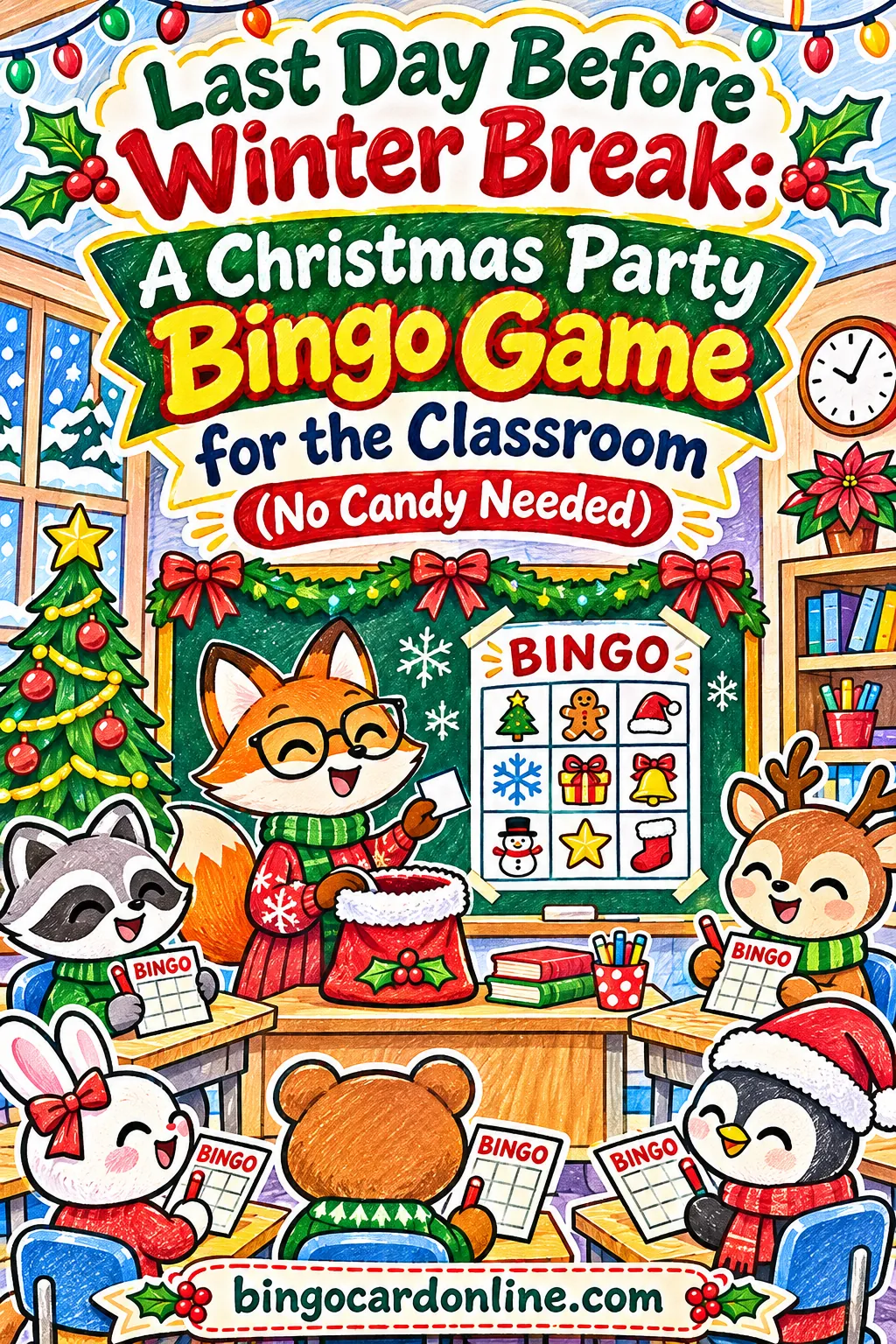
The easiest classroom Christmas party game is a 4×4 bingo card built from 20 holiday words (or holiday pictures for kids who can't read yet), one unique card per student, and stickers or crayon marks instead of candy. Kids stay in their seats, nonreaders can play a picture version, and you can run three short rounds in about 40 minutes. You can print a full class set in a few minutes with the free bingo card generator, no account or download needed.
Below you'll find the exact settings for a class of 20 to 30, word lists for every grade, non-food markers and prizes, a minute-by-minute party plan, and fixes for the problems that usually pop up on the last day before break.
▶ Make these exact bingo cards
Why Bingo Works on the Last Day Before Winter Break
The last day before break is loud. Kids are tired, excited, and a little wild, and the classroom is the same size it always is. You need a game that does a few specific things.
- It keeps kids in their seats. Twenty-six children running a relay in a classroom is a recipe for a bumped head. Bingo happens at desks or on the rug.
- It works for every reader. Readers get word cards. Kids still learning letter sounds get picture cards. You call the same holiday things for both, so the whole room plays together.
- It doesn't need food. Many schools limit what can be served at parties because of allergies and choking risks. Bingo runs on stickers, crayons and small classroom privileges.
- It stretches or shrinks. If the assembly runs long, you play one round. If the buses are late, you play four.
- It's calm. The caller sets the pace. Everyone has to listen to hear the next word, which lowers the volume of the whole room without you asking.
There's also a quiet bonus. Bingo practices listening, matching and scanning a grid, so it isn't wasted time even on a party day.
What makes classroom bingo different from party bingo
A home party has eight players. A classroom has 20 to 30, and that changes everything. With a big group, two things go wrong fast:
- Too many winners at once. If every card is the same, or close to it, half the class shouts "Bingo!" on the same call and nobody feels like they won.
- Too many tears. Young kids who don't win the first round can melt down. You need several short rounds and a way for more children to win something.
Both problems have the same fix: more words than squares, so every card is truly different, and short winning patterns. The settings below are built around that.
How to Make a Class Set With the Free Tool
Open the bingo card maker on your laptop or school computer. Everything runs in the browser, and the words you type stay on your device. Here are the exact settings for a typical class.
Step-by-step settings
- Card type: Words. Leave it on Words for readers. For nonreaders, switch to Emoji and pick the Christmas picture pack (more on that in the word section below).
- Quick start with a theme: Pick Christmas for Kids from the menu if you want a ready list. It fills the box with 30 words such as snowman, reindeer, sleigh, mittens, penguin and polar bear. You can delete or add words afterward.
- Your words or items: Or type your own list, one word per line. For a class party, 18 to 24 words is the sweet spot for a 4×4 card.
- Card title: Type something like "Room 12 Winter Party Bingo." Kids love seeing their room on the card.
- Card colors: Choose Red & Green — holidays. If you're printing in black and white, it doesn't matter, because you'll turn on ink-saver next.
- Grid size: 4 × 4. That's 16 squares, which suits most K-3 classes. Use 3 × 3 for preschool and 5 × 5 for grades 4 and up.
- Number of unique cards: Your class size plus four spares. For 26 students, type 30.
- Cards per page: Choose 2 for kindergarten and first grade so the squares are big, or 4 for older kids to save paper.
- Ink-saver / black & white print: Turn it on if you're using the school copier or a low-ink printer.
- Click Generate cards. The note under the button tells you how many unique cards it made.
- Click Print / Save as PDF. Save the PDF so you can reprint spares later without remaking the set.
- Click Print master call sheet. This is your one-page list of every word, so you can check a winner in a few seconds.
That's the whole build. If you'd rather skip the typing, the button further down this page opens the generator with a 20-word classroom list already filled in.
Settings by grade at a glance
| Grade | Grid size | Words in your list | Cards per page | Winning pattern to start |
|---|---|---|---|---|
| Pre-K | 3 × 3 | 12 to 14 | 1 or 2 | Any 3 in a row |
| Kindergarten | 3 × 3 or 4 × 4 | 14 to 20 | 2 | Any line |
| Grades 1 to 2 | 4 × 4 | 18 to 22 | 2 | Any line, then 4 corners |
| Grades 3 to 5 | 5 × 5 with free center | 30 to 35 | 2 or 4 | Line, then X or full card |
| Mixed-age or special ed | 3 × 3 or 4 × 4 | 12 to 20 | 1 or 2 | Any line |
Why 20 words beats 16 for a 4×4 card
A 4×4 card has 16 squares. If your list has exactly 16 words, every card holds the same 16 words in a different order. The tool will even warn you about this after you generate. In a full-card round, every single student would finish on the very same call.
Add four more words, for 20 total, and each card leaves out four different words. Now cards really differ, winners spread out, and a "whole card" round has a real winner instead of a 26-way tie. More words also make line wins less likely to land all at once.
Here's how the math plays out for a 26-student class:
| Words in list | Squares per card | Words left off each card | What happens in a full-card round |
|---|---|---|---|
| 16 | 16 | 0 | Everyone finishes on the same call |
| 20 | 16 | 4 | Winners spread out, ties are rare but possible |
| 24 | 16 | 8 | Cards look very different, rounds run longer |
For most K-2 classes, 20 words gives you the best mix of quick wins and fair results.
Printing a class set without wasting paper
Let's say you have 26 students and want four spares, so 30 cards.
- At 2 cards per page, that's 15 sheets of paper.
- At 4 cards per page, that's 8 sheets (the last sheet has two cards).
- At 1 card per page, that's 30 sheets, which is only worth it for preschool or kids who need extra-large squares.
If you plan to play three rounds and want a fresh card each round, print three sets, or have kids flip their card over and mark the back of a new one. Most teachers find one card per child is fine if you use stickers or a different crayon color each round.
Show the caller on your board
After you generate, click Play caller. A full-screen caller opens and draws one word at a time with no repeats. It keeps a history of what's been called, has an Undo button if you click twice by mistake, and can read each word out loud if you turn on Voice. You can also set Auto-call to every 5, 10 or 15 seconds.
Put the caller on your projector or smart board. Kids who can't read the word yet can still match it, because they hear it from you (or the voice) and see it big on the board. For kindergarten, leave auto-call off and click Next yourself, so you control the pace.
Picking Words Every Reader Can Play
The words you choose matter more than anything else. A good class party list is short, concrete, and easy to picture. Skip anything that needs explaining, any brand or show names, and anything tied to food you're not serving.
Three ways to handle mixed reading levels
Most K-2 classes have a wide range of readers. Here are three ways to give everyone a fair shot, from simplest to most flexible.
1. Word cards plus a big caller screen. Use Words mode, and project the caller. Emerging readers can match the letters on the board to the letters on their card, even if they can't read the word. This works well from about the middle of first grade on.
2. Picture cards for the whole class. Switch Card type to Emoji, then pick the Christmas pack from the theme menu. It fills the box with holiday pictures like a tree, a snowman, a gift, a bell, a star, a stocking, a cookie, mittens and a sled. Read through the list in the box and delete any picture you don't want for your group before you generate. The caller shows each picture big on the screen. The voice feature won't read emoji aloud, so you'll say each one yourself ("Next one is... the snowman!").
3. A picture and a word in every square. This is the favorite for mixed classes. Stay in Words mode, but start each line with an emoji and then the word, like this:
- ⛄ Snowman
- 🦌 Reindeer
- 🎁 Gift
- 🔔 Bell
- ⭐ Star
- 🧦 Stocking
- 🧤 Mittens
- ❄️ Snowflake
Each square then shows a little picture next to the word. Readers read it, nonreaders match the picture, and the caller shows both. Emoji look slightly different on different computers, so check the Live preview before you print the whole set.
Ready word lists by grade
Copy a list into the box, one item per line, then trim or add to fit your class.
| Grade | Word list (20 to 24 words) |
|---|---|
| Pre-K and K | Tree, star, bell, gift, snowman, sled, hat, mitten, sock, bow, box, candle, cookie, deer, snow, moon, owl, fox, cup, drum |
| Grades 1 to 2 | Snowman, reindeer, wreath, sleigh, gingerbread, tree, gift, candle, bell, stocking, star, mittens, snowflake, penguin, cocoa, holly, scarf, sled, ornament, polar bear |
| Grades 3 to 5 | Icicle, evergreen, poinsettia, chimney, cardinal, lantern, snowplow, blizzard, toboggan, garland, nutcracker, carolers, frost, igloo, earmuffs, pinecone, fireplace, wrapping paper, ribbon, snow globe, hibernate, solstice, North Pole, mistletoe |
| Winter-only (no holiday words) | Snowflake, mittens, scarf, sled, icicle, penguin, polar bear, igloo, snow boots, earmuffs, frost, blanket, cardinal, pine tree, snow angel, snowball, cocoa, owl, fox, moon |
The grade 3 to 5 list has 24 words. On a 5×5 grid with the free center turned on, each card needs 24, so add six to ten more words if you want cards that look truly different. The Winter theme in the menu has 30 ready words you can mix in.
Words to leave off
- Food you're not serving. If the party is candy-free, a square that says "candy" just makes kids ask for candy.
- Brand, show or character names. They date fast, and not every family watches the same things.
- Anything a child might not know. "Wassail" sounds fun to adults and means nothing to a seven-year-old.
- Words that look alike. "Snow," "snowman," "snowball" and "snowflake" on one card trip up early readers. Keep one or two.
Turn the game into a quick lesson
On a party day you don't need to teach, but a little learning sneaks in nicely:
- Sight words: Mix in five or six of this week's sight words, like "the," "and," "see," "my," and "go," next to the holiday words.
- Syllables: Call "a two-syllable word that's cold" and let kids find snowman, mittens or penguin. Several kids will have one, and they all mark it.
- Clue calling for grades 3 to 5: Instead of the word, read a clue. "This bird is bright red and stays all winter" means cardinal. Your master call sheet is your answer key.
- Spanish or ESL review: Call the English word and kids mark the Spanish word, or the other way around.
Markers and Prizes Without Candy
Plenty of bingo games use candy as markers and prizes. On the last day before winter break, you probably want to avoid that. Candy markers get eaten mid-round, some kids have allergies, and small hard pieces can be a choking risk for little ones. Here are better options.
Markers that work in a classroom
| Marker | Best for | Why it works | Watch out for |
|---|---|---|---|
| Crayon or marker "X" | K to 5 | Zero cost, nothing spills | Card can't be reused, so use a new color each round |
| Small stickers | Pre-K to 2 | Kids love them, and the card becomes a souvenir | Peel a sheet into strips ahead of time |
| Dot markers or daubers | K to 3 | Fast and satisfying | Messy, so cover desks |
| Paper chips | All ages | Reusable, fun to make | Click Print bingo markers / chips in the generator and cut them out a day early |
| Counters, linking cubes or buttons | K to 2 | Already in your math bins | Not for kids who still put things in their mouths |
| Sheet protector and dry-erase marker | Grades 2 to 5 | One card lasts all day | Have tissues ready to wipe |
Teacher tip: If you use crayons, give each round its own color. Round 1 is red, round 2 is green, round 3 is blue. Kids can keep the same card, and when someone calls bingo you just check the squares in that round's color.
For more marker ideas, the bingo markers guide covers printable chips and other options.
Prizes that aren't food
Kids care much more about winning than about what they win. A sticker and a moment of applause is usually plenty. Here are free or low-effort prizes:
- Pick the next winning pattern
- Be the caller for one round (they click Next on the board)
- Line leader after break
- Sit in the teacher's chair for the next activity
- A homemade "Bingo Champion" certificate
- First pick of the party craft supplies
- Choose the read-aloud book after break
- Wear a paper crown for the rest of the party
- Pick the class's brain-break dance
- A sticker, pencil or eraser from your prize box
Keep a list of who has won. After round two, you can quietly switch to a pattern that a child who hasn't won yet is close to. Nobody needs to know.
Make sure every child wins something
With 26 kids and three rounds, most children won't call bingo. That's fine, but on a party day it helps to soften it:
- Second chance: After each winner, ask "Who has three in a row?" and hand everyone with three a sticker.
- Lucky square: Before the round, pick a secret word. Anyone with it on their card gets a sticker at the end. Because cards hold different words, it lands on different kids.
- Last round is everyone's round: Play until every child has a line, then give the whole class a cheer.
Running the Game in a Small Room: A 40-Minute Plan
Most class parties get 45 to 60 minutes, and bingo shouldn't eat all of it. This plan takes about 40 minutes for 20 to 30 kids and leaves room for a snack and a craft.
| Time | What happens | Your job |
|---|---|---|
| 0:00 to 0:05 | Hand out cards and markers | Kids write their names on cards while you set up the caller on the board |
| 0:05 to 0:08 | Practice round | Call three words slowly, show how to mark, show what a line looks like |
| 0:08 to 0:16 | Round 1: any line | Call about one word every 15 to 20 seconds, check the first winner |
| 0:16 to 0:18 | Second-chance stickers | Anyone with three in a row gets a sticker |
| 0:18 to 0:27 | Round 2: four corners or two lines | Hand the caller job to the round 1 winner if they'd like it |
| 0:27 to 0:29 | Stretch break | A quick stand-up and stretch, then sit |
| 0:29 to 0:38 | Round 3: full card or "everyone's round" | Pick the pattern that fits the mood of the room |
| 0:38 to 0:40 | Clean up | Collect markers, kids take cards home |
How long each round really takes
You can plan with simple numbers. On a 4×4 card, a line needs 4 marked squares, so nobody can win before the fourth call. In practice, with 20 words on the list and 26 players, the first line usually comes within the first handful of calls after that, and the round is over in a few minutes.
If you call one word every 15 seconds:
- 10 calls take about 2.5 minutes
- 15 calls take about 4 minutes
- 20 calls take 5 minutes, and that's every word on a 20-word list
So even a full-card round finishes in about 5 minutes of calling. The time goes to checking winners, handing out stickers and settling the room, which is why the plan above gives each round 8 or 9 minutes.
Calling tips for young kids
- Say it twice. "Snowman. Snowman." Kids who missed the first one catch the second.
- Point at the board. Little ones match faster when they see you look at the word.
- Wait for eyes. Don't click Next until most kids look up. It keeps stragglers from falling behind.
- Use auto-call only for older grades. Every 15 seconds is plenty for grades 2 to 3. Every 10 seconds works for grades 4 and 5.
- Whisper bingo. Ask kids to raise a hand and whisper "bingo" instead of shouting. It keeps the next room happy.
For more on pacing and checking, see how to call a bingo game.
Making Sure Every Child Can Join In
A class party should feel good for every child in the room. A few small choices make bingo work for kids who celebrate differently, kids who learn differently, and kids who find parties overwhelming.
Kids who don't celebrate Christmas
Many classrooms include families who celebrate other holidays or none at all, and some schools ask teachers to keep parties seasonal. Bingo makes this easy because the game itself has nothing to do with any holiday. Only the words do.
- Use the Winter-only list from the word table above. Snowflakes, mittens, penguins and cocoa work for everyone.
- Call it a "Winter Party Bingo" in the card title.
- If a family has asked that their child not take part in holiday activities, a winter card often works, but check with the family first.
Kids who are still learning to read
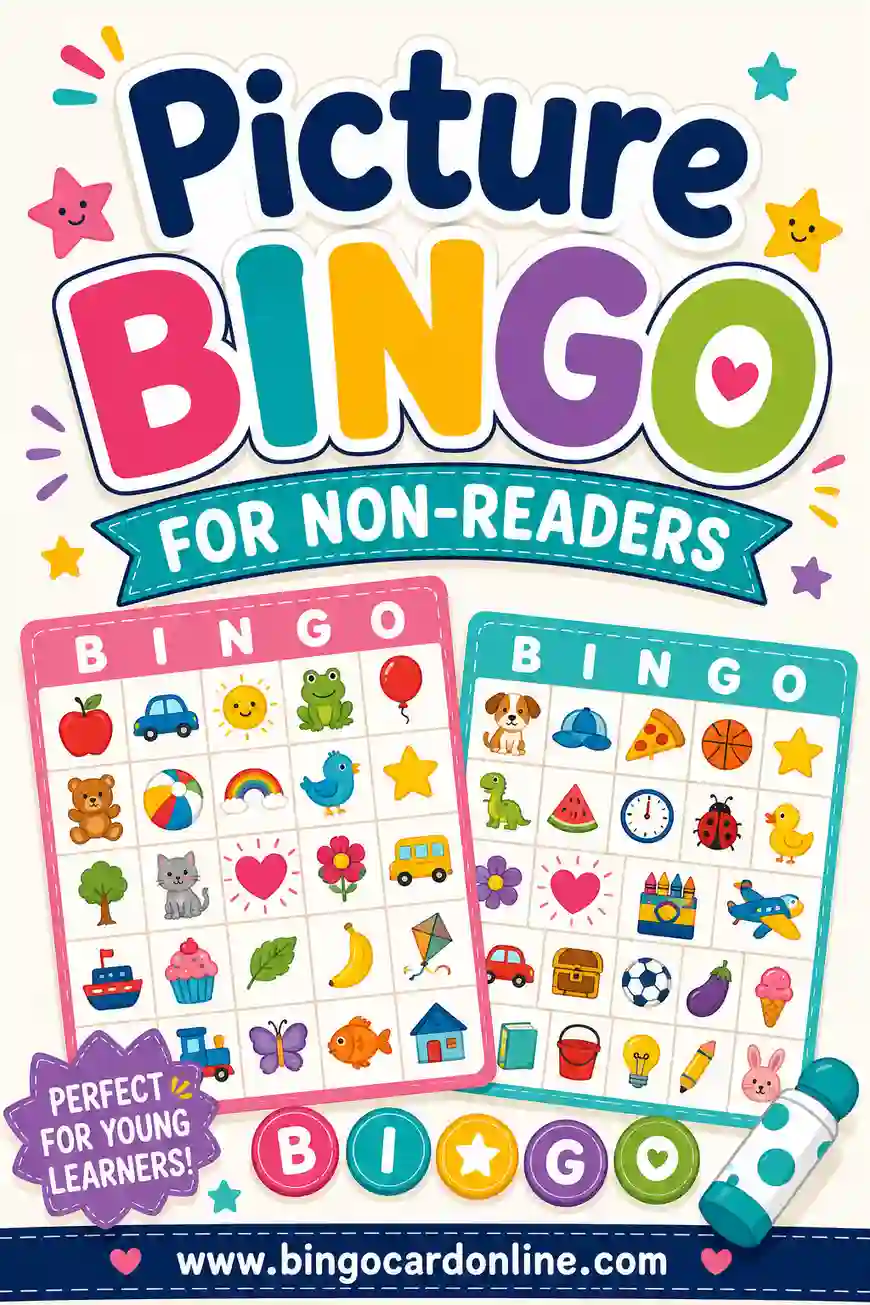
Use picture cards (Emoji mode) or the emoji-plus-word squares described earlier. Seat early readers near the board, and say each word twice. If you have a student teacher or parent helper, ask them to sit with the two or three kids who need the most support. For a deeper walkthrough, see how to make picture bingo for non-readers.
Kids with sensory or attention needs
Party days are hard for some kids. The noise, the change in routine and the excitement can add up fast. Bingo is one of the calmer options, and you can make it calmer still.
- Smaller card: A 3×3 card has only nine squares to scan.
- One card per page: Bigger squares are easier to see and mark.
- Fewer rounds for some kids: Let a child stop after one round and color their card instead.
- Quiet bingo: A raised hand or a thumbs-up replaces shouting.
- Warn about the end: "Two more words, then we stop" helps kids who struggle with transitions.
The special needs classroom bingo guide has more ideas for adapting cards and calling.
Kids with fine motor needs
Stickers can be hard to peel. Big dot markers, a stamp, or a crayon "X" are easier for small or unsteady hands. Paper chips in a cup work well too. For students who use a tablet, you can click Download PNG to save a card image they can mark with a drawing app.
Variations by Grade
The basic game works at every age, but a few tweaks make it fit each grade better.
Pre-K and kindergarten
- 3×3 Emoji cards, one or two per page
- 12 to 14 pictures in the list so cards differ
- Big stickers or dot markers
- Two short rounds, then an "everyone's round"
- You call every picture by name and hold up a matching object if you have one, like a real mitten or bell
Grades 1 and 2
- 4×4 cards with 20 words, or emoji-plus-word squares
- Crayon marks in a new color each round
- Round 1 any line, round 2 four corners, round 3 full card
- Let a winner click Next on the board for the following round
Grades 3 to 5
- 5×5 cards with the free center turned on. You can change the free-space label to something fun like "SNOW DAY" or "❄️" in the Free-space label box
- 30 to 35 words so cards are very different
- Clue calling instead of plain words
- Patterns like an X, a plus sign, or a full card. Click Print winning patterns to show the class what each one looks like
- A student caller using auto-call every 10 seconds
Ideas that work at any grade
- Reverse bingo: Everyone starts standing. When a word on your card is called, you sit. The last few standing win.
- Kindness bingo: Squares like "held the door," "helped clean up," and "said thank you." Kids mark them all day and turn them in before break. Write your own list in the generator.
- Take-home round: Send cards home with a note so kids can play with family over break.
Troubleshooting the Most Common Problems
| Problem | Likely cause | Fix |
|---|---|---|
| Five kids call bingo at the same time | List has only 16 words for a 4×4 card, so every card has the same words | Add 4 to 8 more words and generate again |
| The tool says "You need at least 16 unique items" | Your list is shorter than the number of squares, or has duplicate words | Add words, or drop to a 3×3 grid |
| A round drags on and kids lose focus | Too many words for the grid, or a full-card pattern too early | Switch to "any line," or call a little faster |
| Kids mark words that weren't called | They're guessing, or they misheard | Keep the history on the board and check winners against the master call sheet |
| Squares are too small to read | 4 cards per page for young kids | Print at 2 per page, or 1 per page |
| Colors look washed out on the copier | Color printed on a black and white machine | Turn on ink-saver before you print |
| Voice doesn't read the pictures | Emoji can't be spoken by the voice feature | Say each picture's name yourself |
| A child gets upset after losing | Long rounds and only one winner | Shorter rounds, second-chance stickers, an "everyone's round" |
| The shared link makes repeated cards | Each person generated their own cards | Generate the whole class set yourself in one batch |
A note about shared links
The Copy shareable link button is handy if you want a co-teacher or parent helper to open your exact setup. But cards that people generate separately from a link are each shuffled on their own device, and they aren't checked against each other. For a class party where you want every card to be different, generate the full set yourself in one batch and print it.
Prep Checklist: One Week Out to Party Day
Last-day-before-break parties sneak up fast. Here's a simple timeline so bingo is ready before the chaos starts.
One week before
- Check your school's party rules on food, decorations and holiday content
- Decide on Christmas words or winter-only words
- Ask one or two parent helpers if your school allows it
- Pick your prizes and gather stickers
Three days before
- Make the cards in the free bingo card generator with your class size plus four spares
- Save the PDF to your computer or school drive
- Print the master call sheet
- Print paper chips if you're using them
The day before
- Print the cards and cut them if needed
- Put markers in cups, one per table group
- Test the caller on your board so you know it opens and is easy to read from the back row
- Write the winning patterns on the board, or print them
Party day
- Open the caller before kids arrive
- Keep spare cards and pencils by your desk
- Hand the caller job to a student after the first round
- Send cards home as a souvenir at the end
Supplies list for a class of 26
| Item | How many | Notes |
|---|---|---|
| Bingo cards | 30 | 26 students plus 4 spares |
| Sheets of paper | 15 | At 2 cards per page |
| Crayons, dot markers or stickers | 1 set per child | Or cups of paper chips per table |
| Master call sheet | 1 | Keep it at your desk |
| Prizes | 10 to 15 small ones | Plus stickers for second-chance winners |
| Projector or smart board | 1 | For the caller screen |
Ready to make your class set?
You can have every card printed before your lunch break is over. Open the bingo card maker, type your class list of words or use the button below to start with the 20-word set, choose 4×4, set the count to your class size plus four, and click Generate cards. For more holiday word lists, the Christmas bingo cards page has extra themes to mix in.
▶ Make these exact bingo cards
Frequently Asked Questions
How many bingo cards do I need for a class of 25?
Print one card per student plus three to five spares, so 28 to 30 cards. Spares cover a torn card, a new student or a visiting sibling. At two cards per page, 30 cards fit on 15 sheets of paper.
What size bingo card is best for kindergarten?
A 3×3 card with nine squares is easiest for most kindergartners, especially early in the year. By December, many kindergarten classes can handle 4×4 with pictures. If in doubt, start with 3×3 and move up for the second round.
How do I stop the whole class from winning at once?
Use more words than squares. For a 4×4 card, use 20 to 24 words instead of 16, so each card holds a different mix. Start with "any line" rather than a full card, and check winners against the master call sheet.
Can I play bingo at a classroom party without candy?
Yes. Crayon marks, stickers, dot markers, paper chips or math counters all work as markers. For prizes, try classroom privileges like being the next caller, line leader after break, or choosing the read-aloud book.
How long does a round of classroom bingo take?
With a 4×4 card, 20 words and a call every 15 seconds, the calling takes 5 minutes at most. Add a few minutes to check winners and hand out stickers, and most rounds take 7 to 9 minutes. Three rounds fit comfortably in 40 minutes.
What if some of my students don't celebrate Christmas?
Use winter words instead, like snowflake, mittens, penguin, scarf and cocoa, and call it Winter Party Bingo. The game plays exactly the same. Check your school's guidance on holiday content too.
Can kids who can't read play the same game?
Yes. Use Emoji mode for picture cards, or put an emoji in front of each word so every square has a picture and a word. Project the caller and say each word out loud so nonreaders can match it.
Can I show the bingo caller on my smart board?
Yes. After you generate cards, click Play caller and put that window on your projector or board. It draws words one at a time with no repeats, keeps a history, and has an Undo button. You can also turn on Voice or Auto-call.